
Water Eject iPhone 13 – Safely Remove Water from Speakers & Restore Clear Sound
Water inside your phone speaker is scary — sound becomes muffled, crackly, or completely silent.
The good news? You don’t always need a repair shop.
Using the right Water Eject iPhone 13 sound method, you can push out trapped moisture safely in just 60 seconds.
Our online sound-based tool uses controlled low-frequency vibrations to eject water droplets from the speaker grille — no opening, no risky apps, no hardware damage.
If your iPhone recently got wet from rain, sweat, or splashes, this guide will show you exactly how to remove water the smart way.
Water Eject iPhone 13 Tool
Remove water from your iPhone 13 speaker safely using sound vibration in 60 seconds
How to Use Water Eject iPhone 13 Sound to Remove Water
Follow these simple steps. No technical skills required.
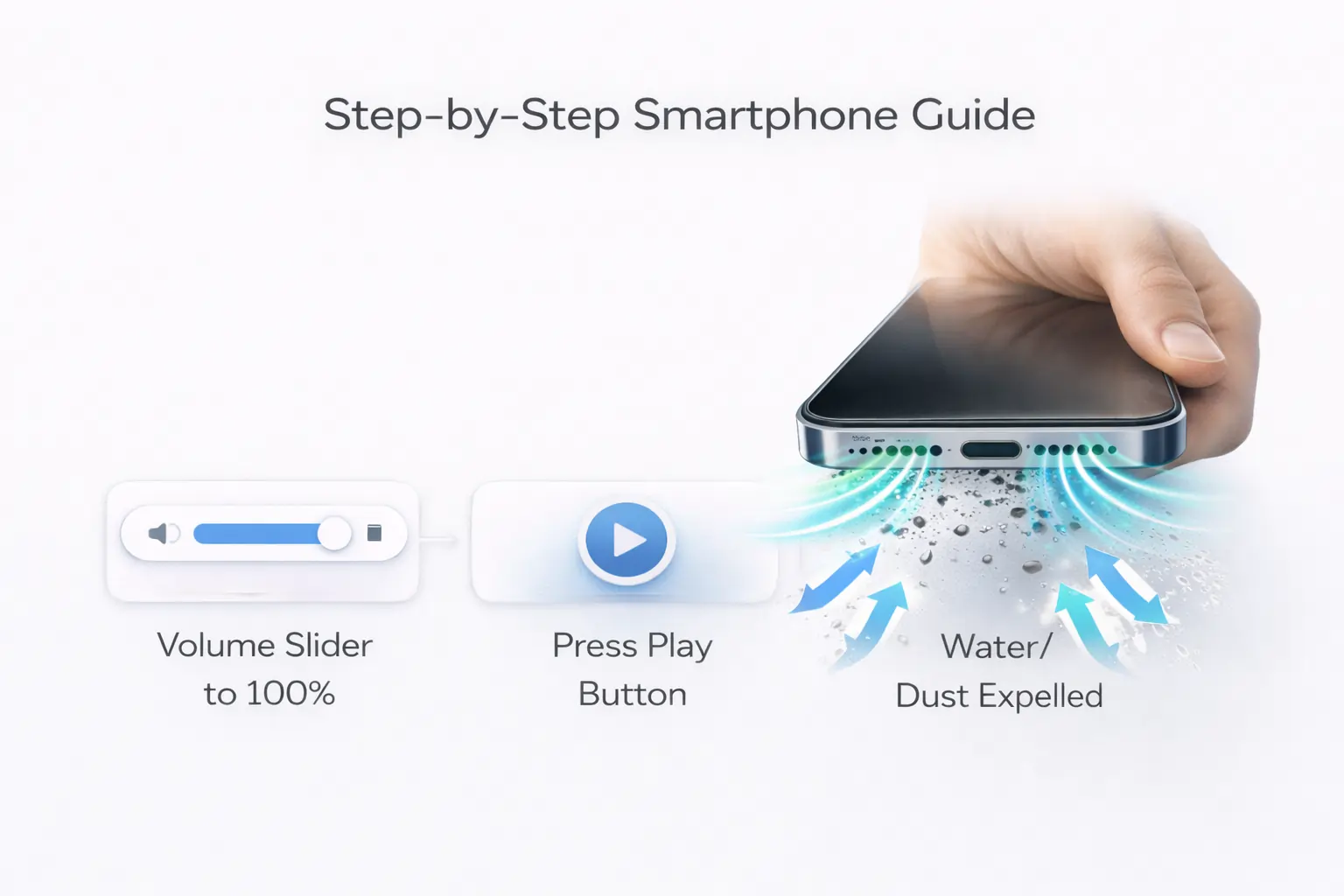
Step 1 – Visit the Water Eject Tool
Open the Water Eject iPhone 13 sound tool on your browser and keep your phone speakers facing downward.
Step 2 – Increase the Volume
Set your volume to 80–100%.
Higher sound pressure helps push out trapped droplets faster.
Step 3 – Activate Sound & Vibration
Start the eject sound cycle.
Low-frequency waves create tiny vibrations that force water out of the speaker mesh.
Step 4 – Let the Cycle Complete
Wait 60–90 seconds.
Do not interrupt.
Step 5 – Check the Speaker
Play music or voice notes to test clarity.
Step 6 – Repeat if Needed
If sound still feels low, repeat 2–3 times safely.
Why Our Water Eject Tool Works Better Than Other Methods
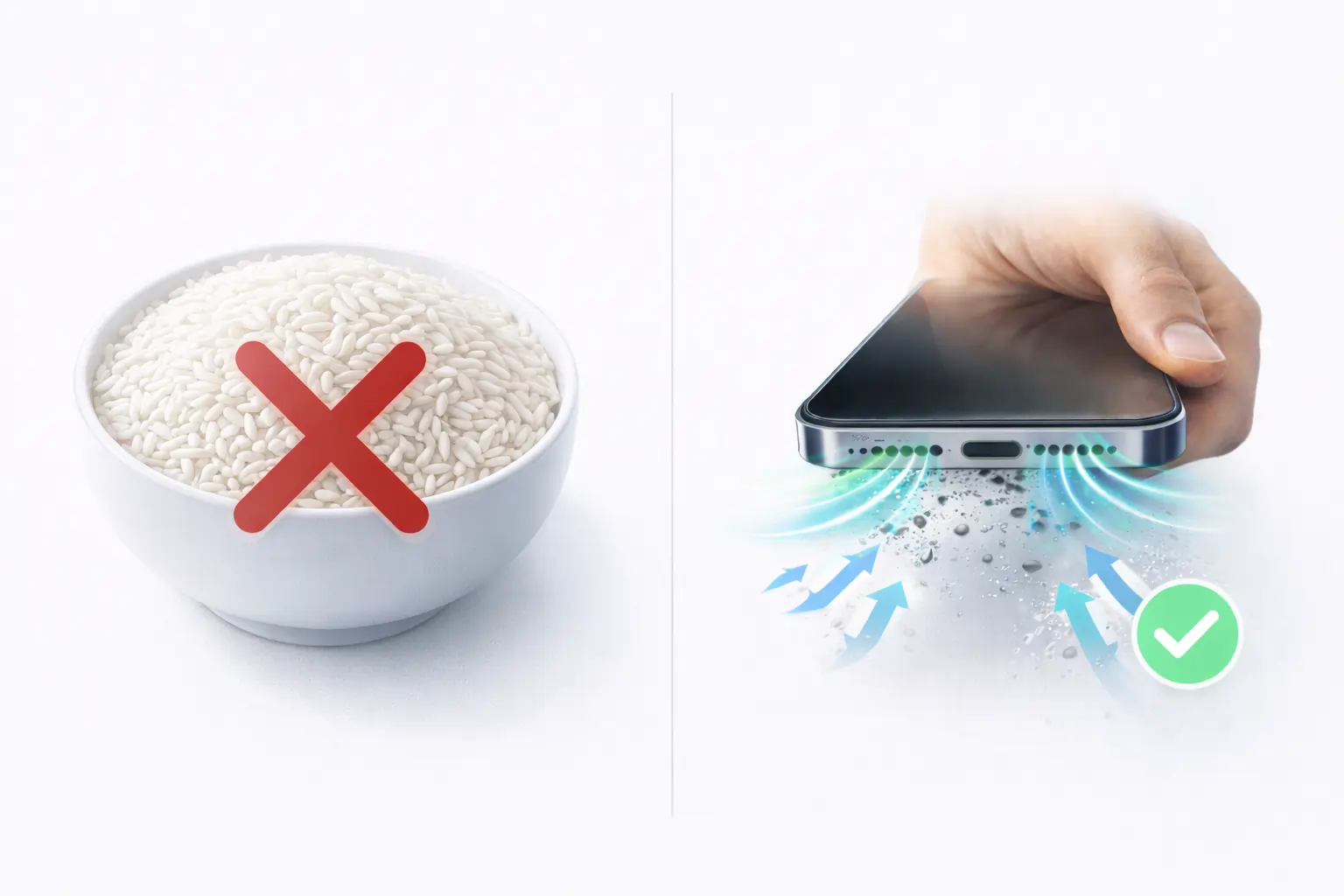
Many people try rice, tissues, or shaking the phone.
Honestly? These methods are outdated and sometimes harmful.
Here’s why sound-based Water Eject iPhone 13 cleaning works better:
✅ Precise sound frequencies
Designed specifically to move water, not damage speakers
✅ 100% safe
No chemicals, no opening the device
✅ Fast results
Most users see improvement in under 1 minute
✅ Works instantly online
No app installation needed
Why You Must Eject Water Quickly
Leaving moisture inside can cause serious issues:
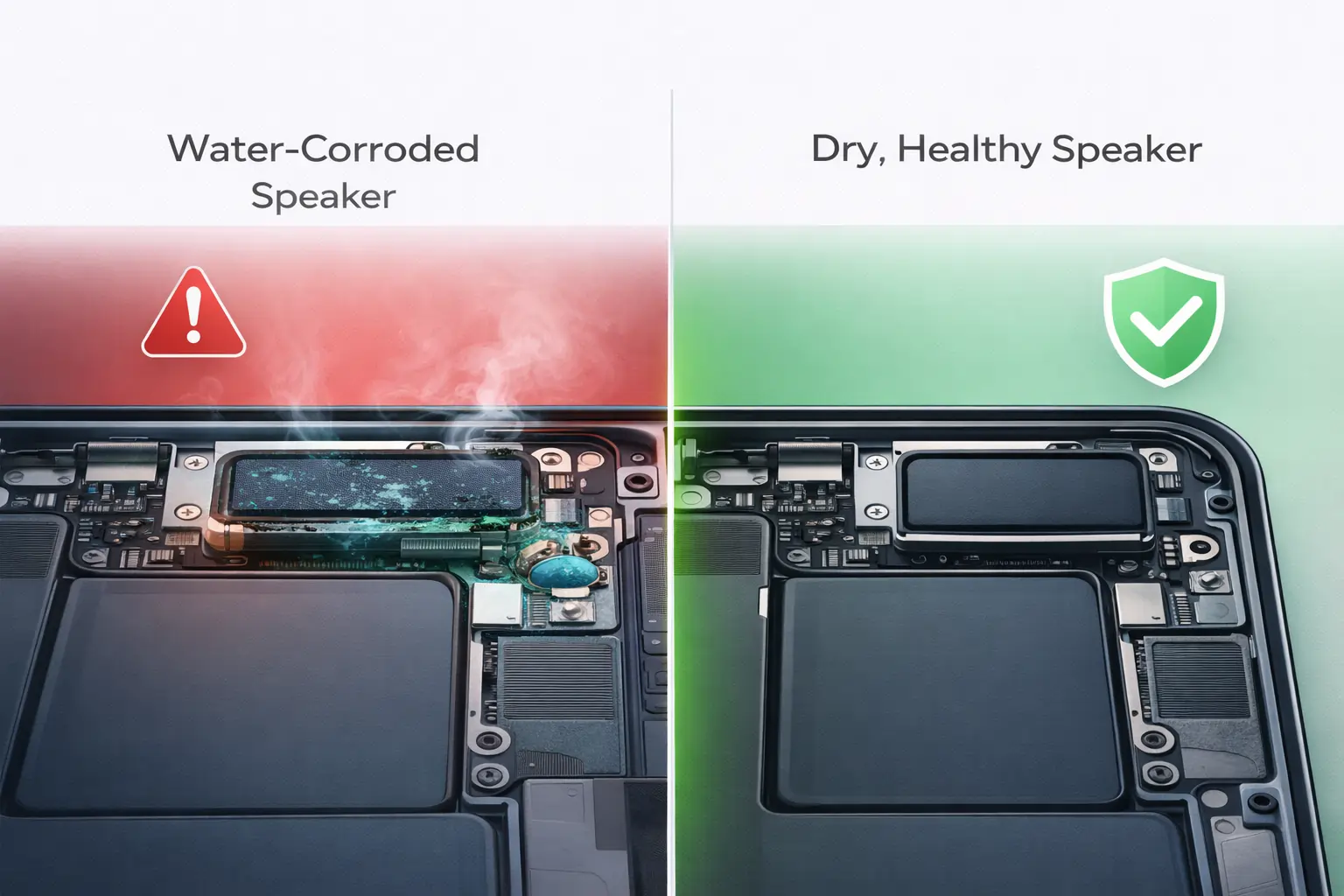
Protect Internal Components
Water corrodes speaker coils and circuits.
Maintain Sound Quality
Wet speakers sound dull and distorted.
Avoid Long-Term Damage
Moisture can lead to permanent hardware failure.
Prevent Expensive Repairs
Early action saves money.
How Water Affects Your iPhone 13
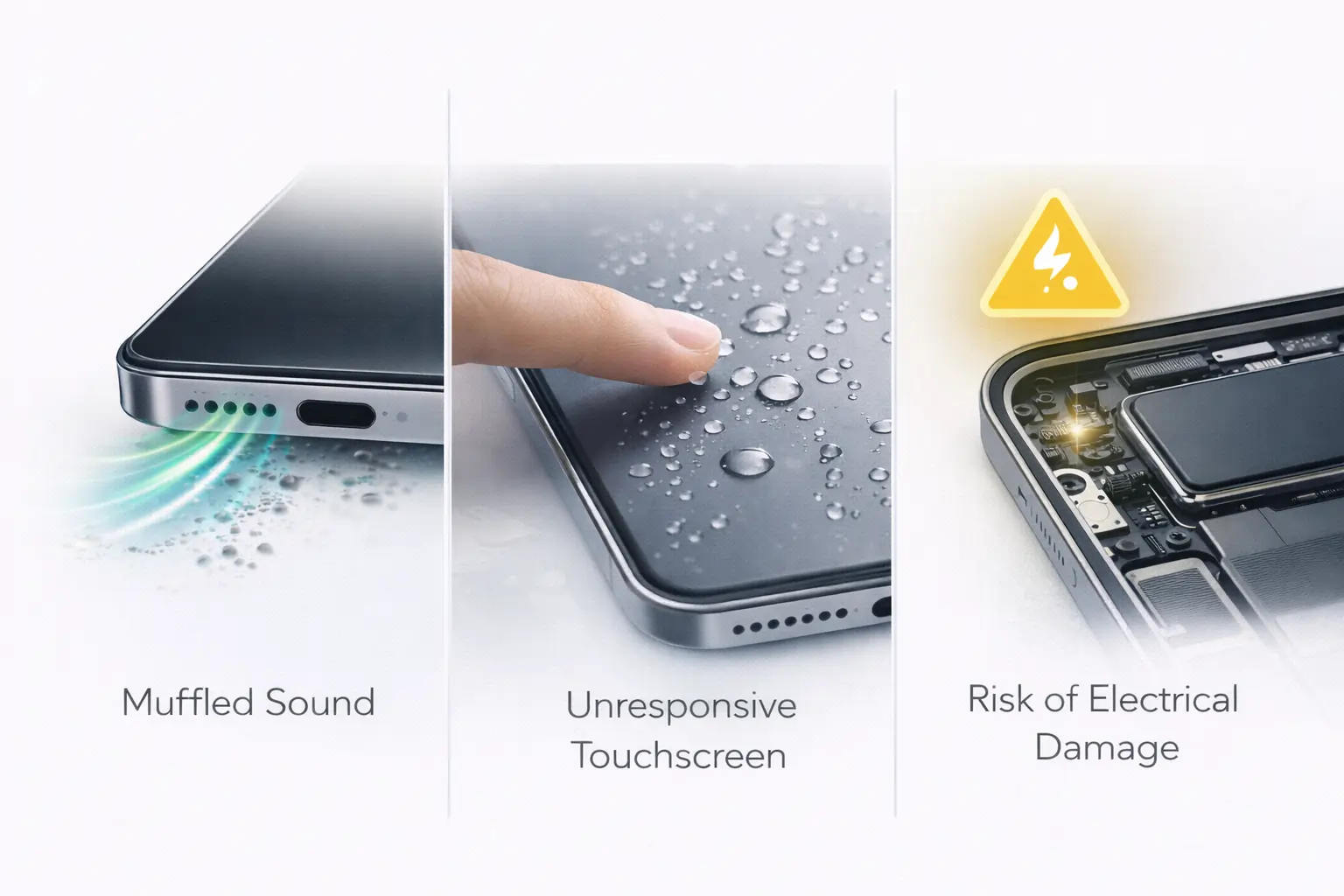
Understanding the damage helps you act faster.
Sound Quality Impact
Muffled or low audio
Crackling or buzzing noise
Touch Problems
Water may affect the screen response
Electrical Damage
Short circuits or sudden shutdowns
When DIY Water Eject Is Enough
Use the tool if:
✔ Light rain exposure
✔ Sweat or humidity
✔ Minor splashes
✔ Water trapped only in speaker
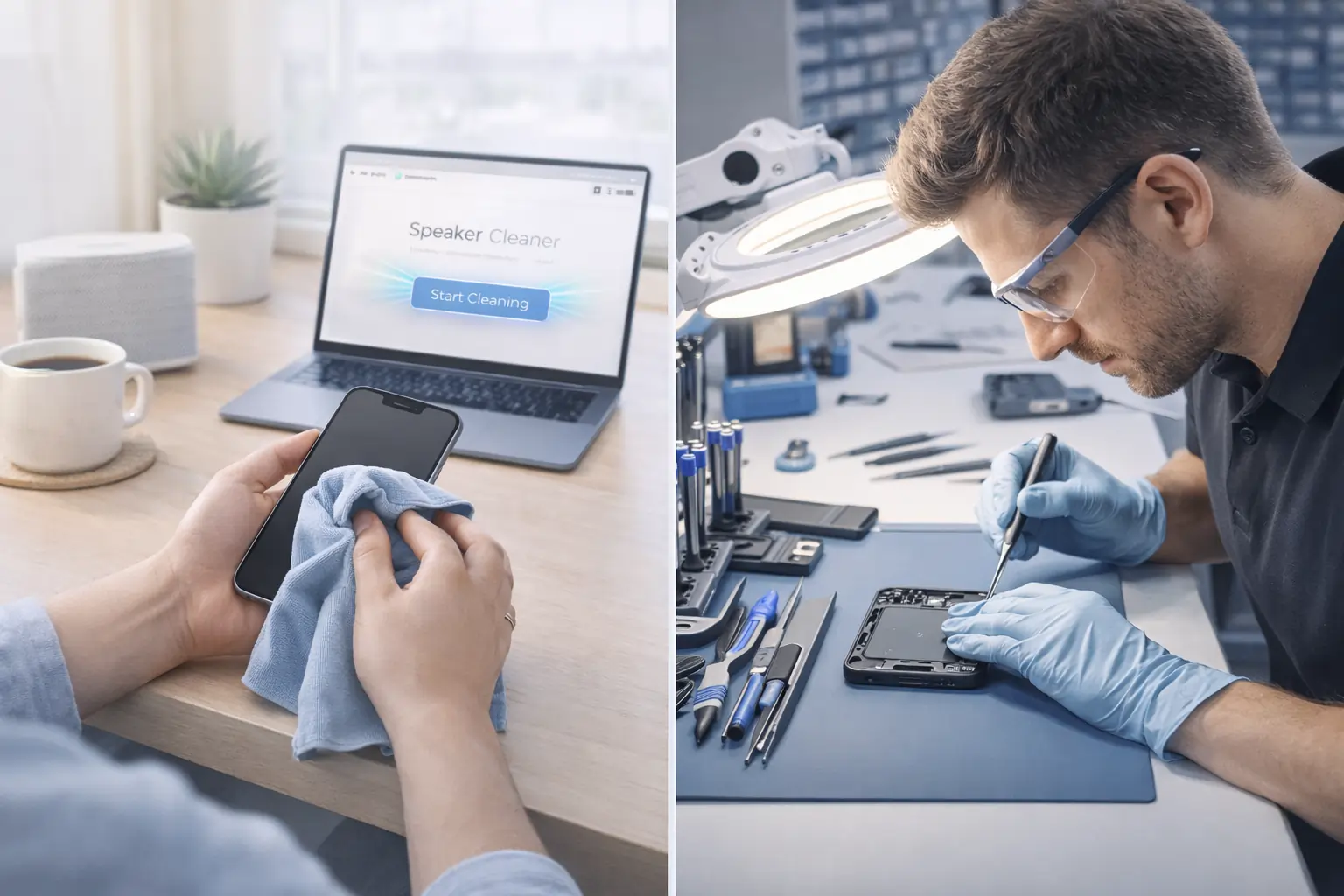
When to Call Professionals
Avoid DIY if:
❌ Phone submerged underwater
❌ Charging port wet
❌ Device overheating
❌ Sound still broken after multiple cycles
❌ Liquid damage warning appears
In these cases, get official help from Apple Support or a certified technician.
Extra Safety Tips for Water Removal
Here are pro tips most people miss:
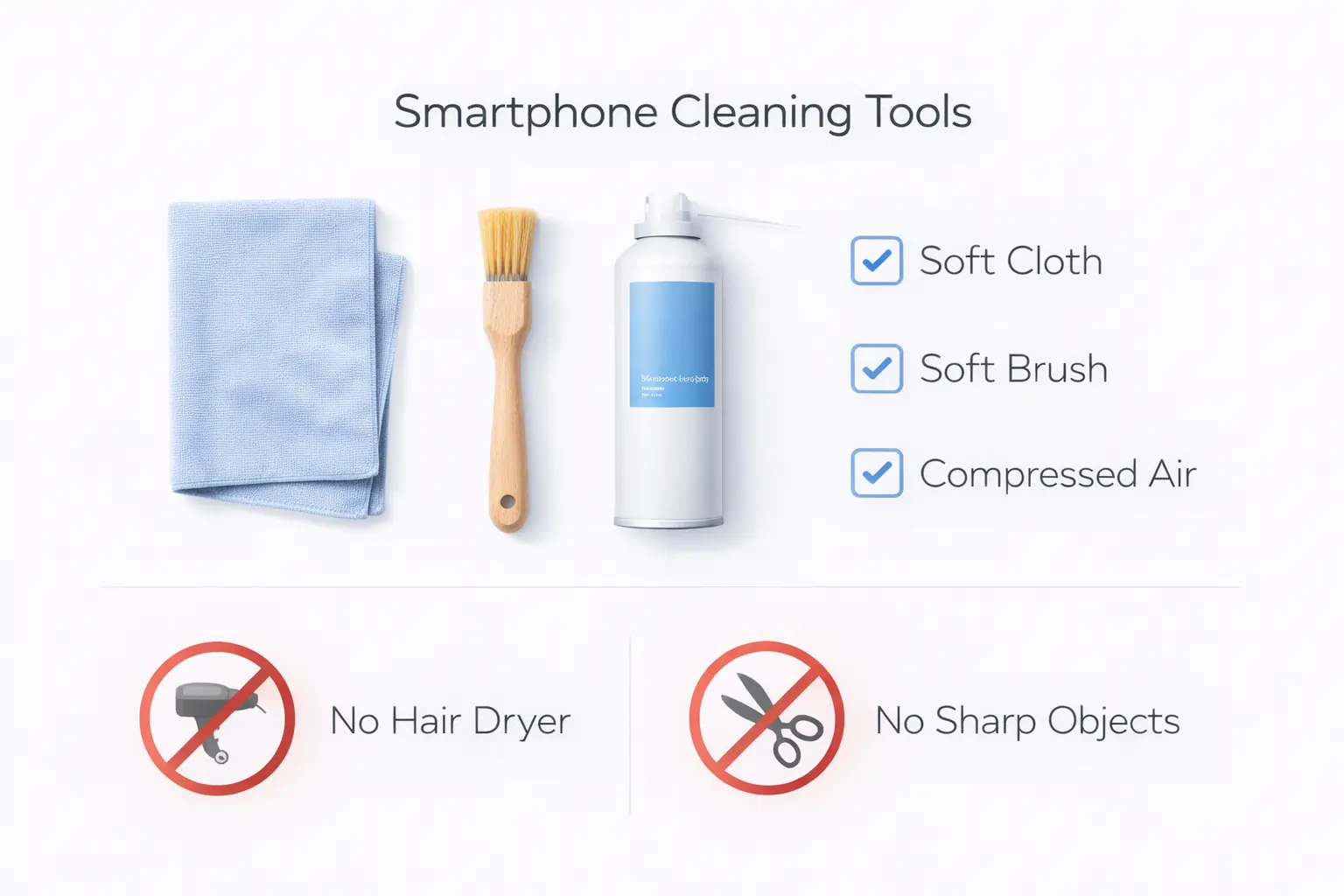
• Keep speakers facing downward while ejecting
• Don’t insert sharp objects
• Avoid hair dryers or heat
• Don’t charge immediately
• Use soft cloth only
Heat or tools can damage mesh permanently.
Internal & Helpful Resources
If you want more cleaning tools, you can also try our Fix My Speaker water eject sound tool, explore online speaker cleaning utilities, or check official Apple troubleshooting guidance and trusted repair guides from iFixit experts for safe maintenance tips.
Using reliable tools + official advice gives the best results.
Conclusion
Getting water inside your phone doesn’t mean panic anymore.
Using the Water Eject iPhone 13 sound method:
✔ safe
✔ fast
✔ free
✔ effective
You can restore clear audio in minutes without opening your device.
Try it immediately after exposure and protect your speaker health long term.
If your device gets wet or the sound feels muffled, you can quickly try our Water Eject iPhone 13 sound tool(https://fixmyspeakersin.com/) to push moisture out of the speaker using safe frequencies. For additional options, explore the online speaker cleaning utilities and sound tools collection(https://fixmyspeakersin.com/quick-tools/) to test audio, boost volume, and remove trapped water. If problems continue, it’s always smart to follow official troubleshooting from Apple Support(https://support.apple.com/) or check detailed step-by-step repair advice from iFixit experts(https://www.ifixit.com/Guide). Combining trusted tools with manufacturer guidance gives you the safest and most effective way to restore clear, powerful sound.