Free Online Speaker Sound Test | Left & Right Stereo Channel Tester
If your audio sounds uneven, low, or unclear, running a Speaker Sound Test is the quickest way to identify the problem. Whether you’re using a phone, laptop, or desktop, testing your left and right stereo channels helps you understand if your speakers are working properly or need fixing.
How to Use This Speaker Test
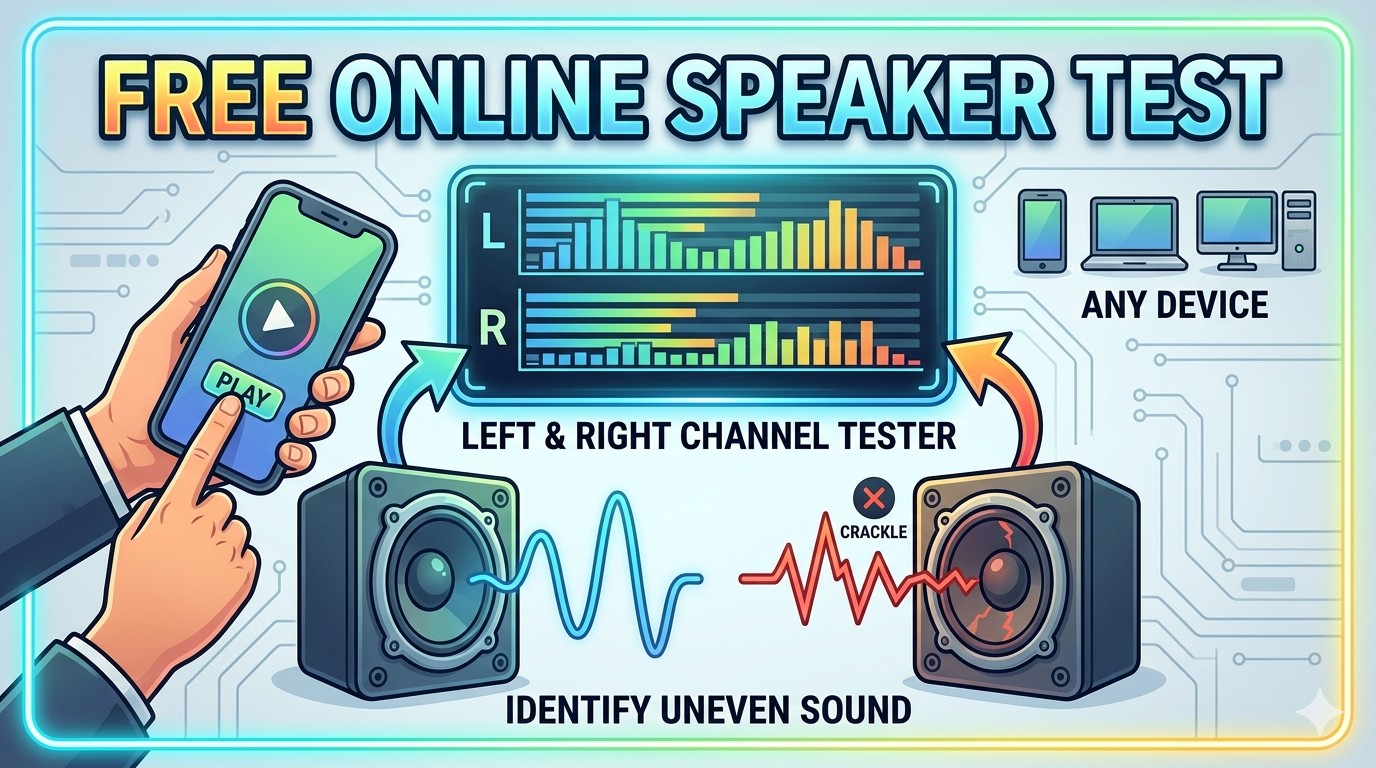
Using an free online Speaker Sound Test tool is simple. Increase your device volume, press play, and listen carefully. You’ll hear separate sounds from the left and right channels. Make sure both sides are equally loud and clear. If one side is silent or distorted, there may be a hardware or balance issue.
Speaker Sound Test Tool
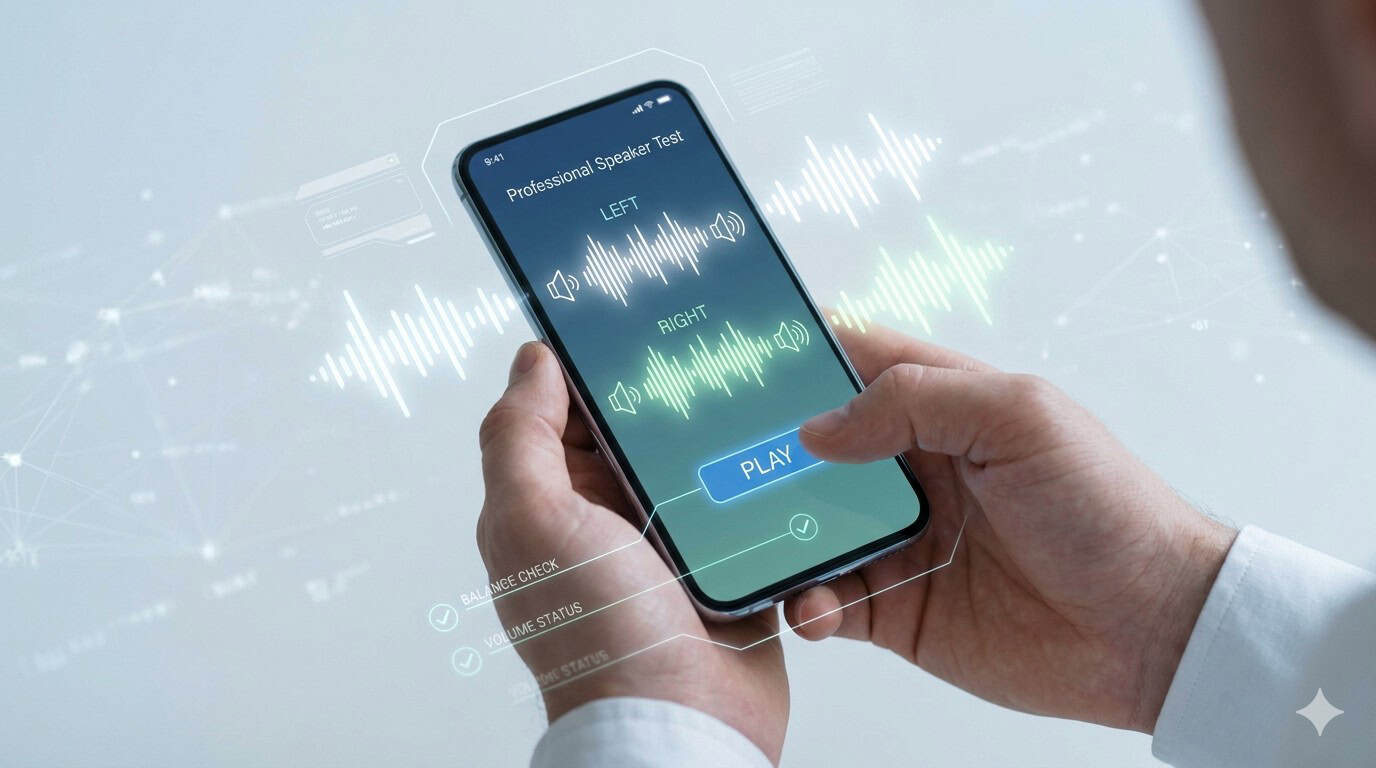
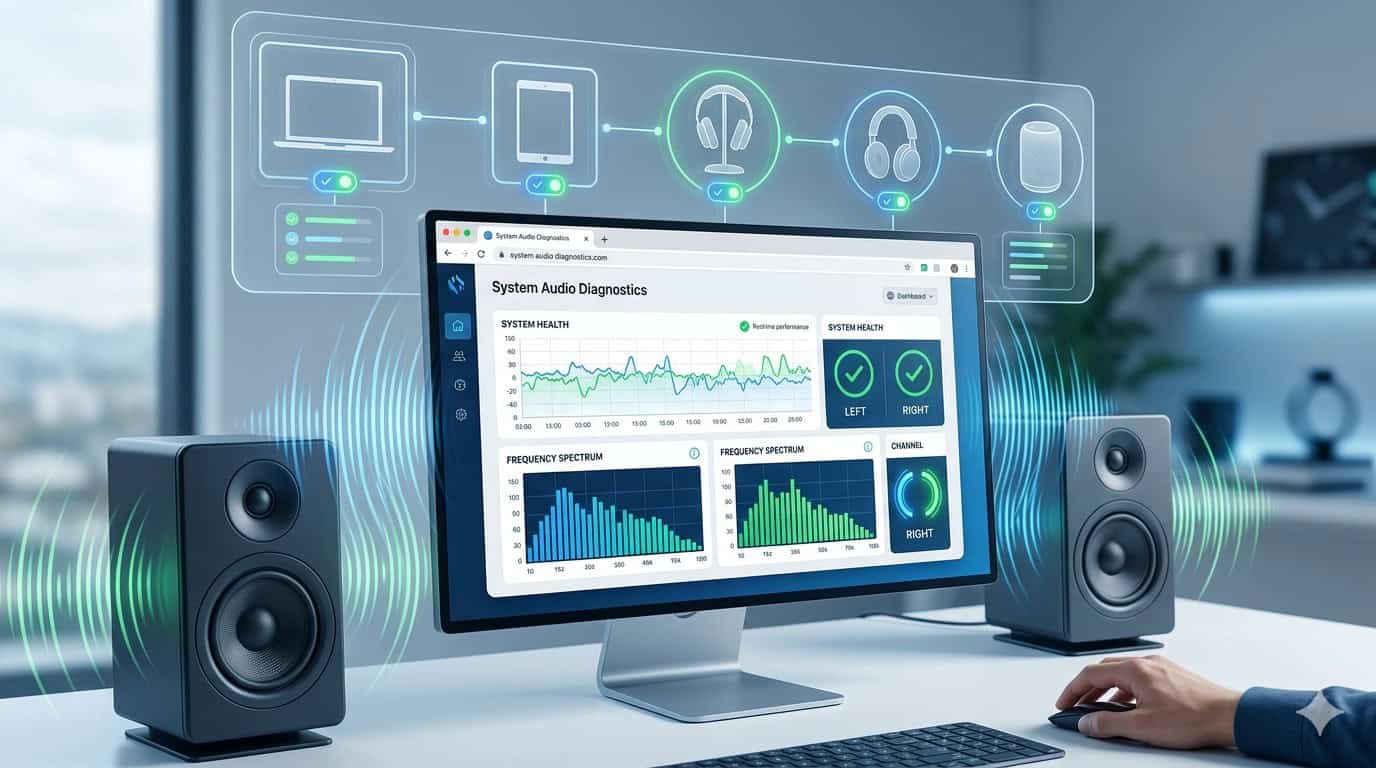
Our built-in tool allows you to instantly check speaker performance without downloading any apps. It’s fast, safe, and works directly in your browser. This Free Online Speaker Sound Test helps detect channel imbalance, distortion, or muted output in seconds.
What’s a Speaker Sound Test?
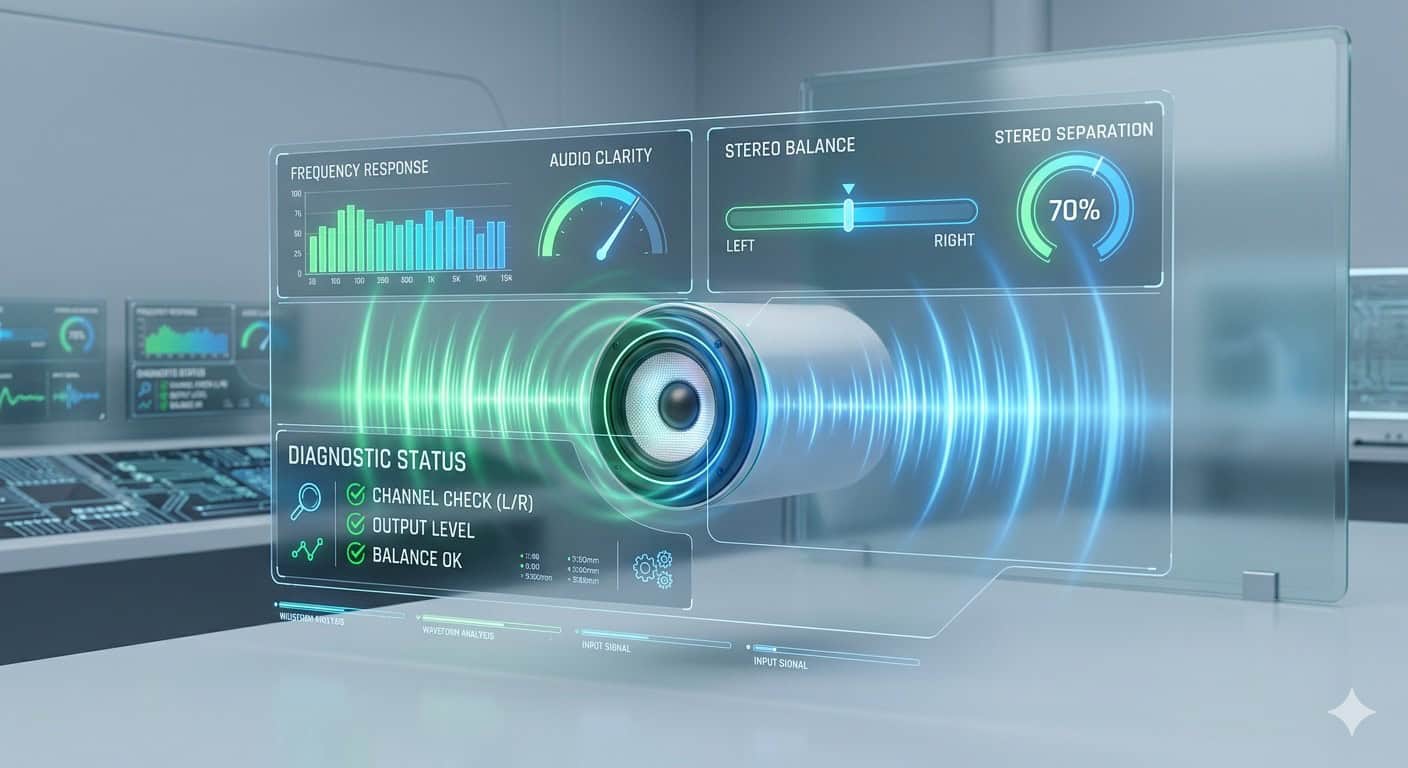
A Speaker Sound Test is a diagnostic method used to check whether your audio output is functioning correctly. It focuses on clarity, balance, and stereo separation. This is especially useful if your device sounds muffled, one-sided, or inconsistent during calls or media playback.
What Are Stereo Speakers?
Stereo speakers consist of two channels: left and right. These channels create a wider and more immersive sound experience. A proper Free Online Speaker Sound Test ensures both channels are working in sync and delivering balanced audio.
Why Test Left and Right Speakers?
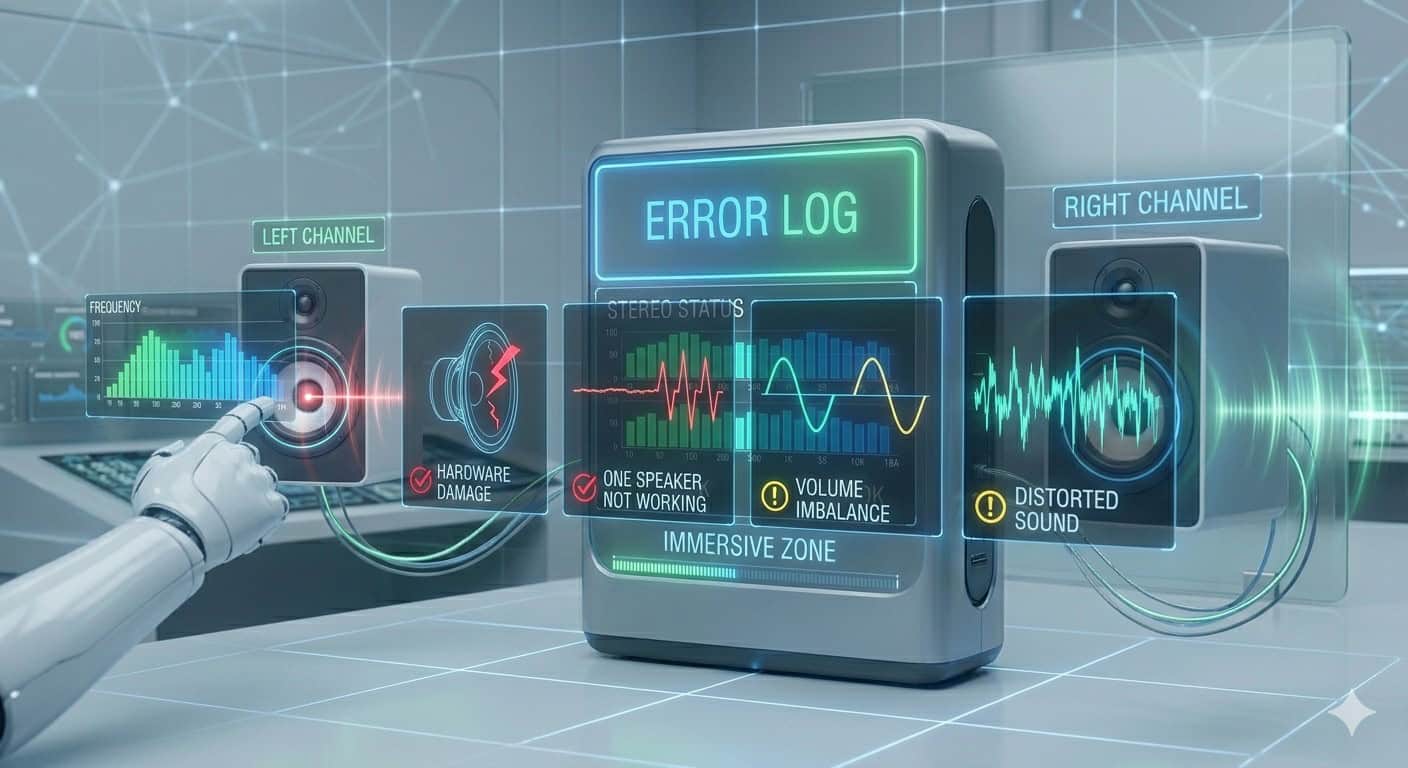
Testing both channels helps detect issues like:
- One speaker not working
- Volume imbalance
- Distorted sound
- Hardware damage
Running a Speaker Sound Test regularly helps maintain sound quality and avoid long-term problems.
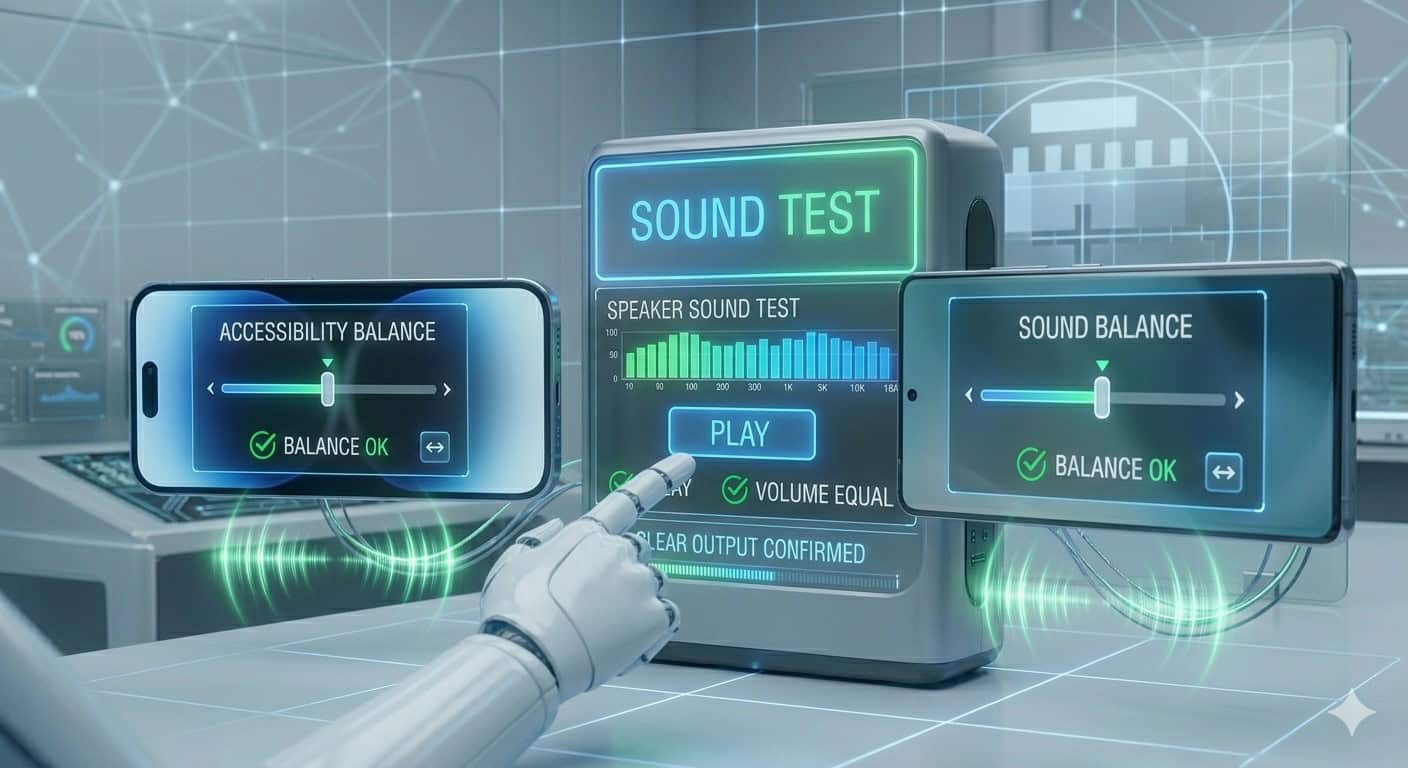
How to Test Phone Speakers Online
iPhone Speaker Balance Fix
Go to Settings → Accessibility → Audio/Visual → Balance slider. Make sure it’s centered. Then run a Speaker Sound Test to confirm both speakers are working equally.
Android Speaker Balance Fix
Navigate to Settings → Sound → Balance (varies by device). Adjust if needed and recheck using the test tool.
How to Test Laptop and Desktop Speakers
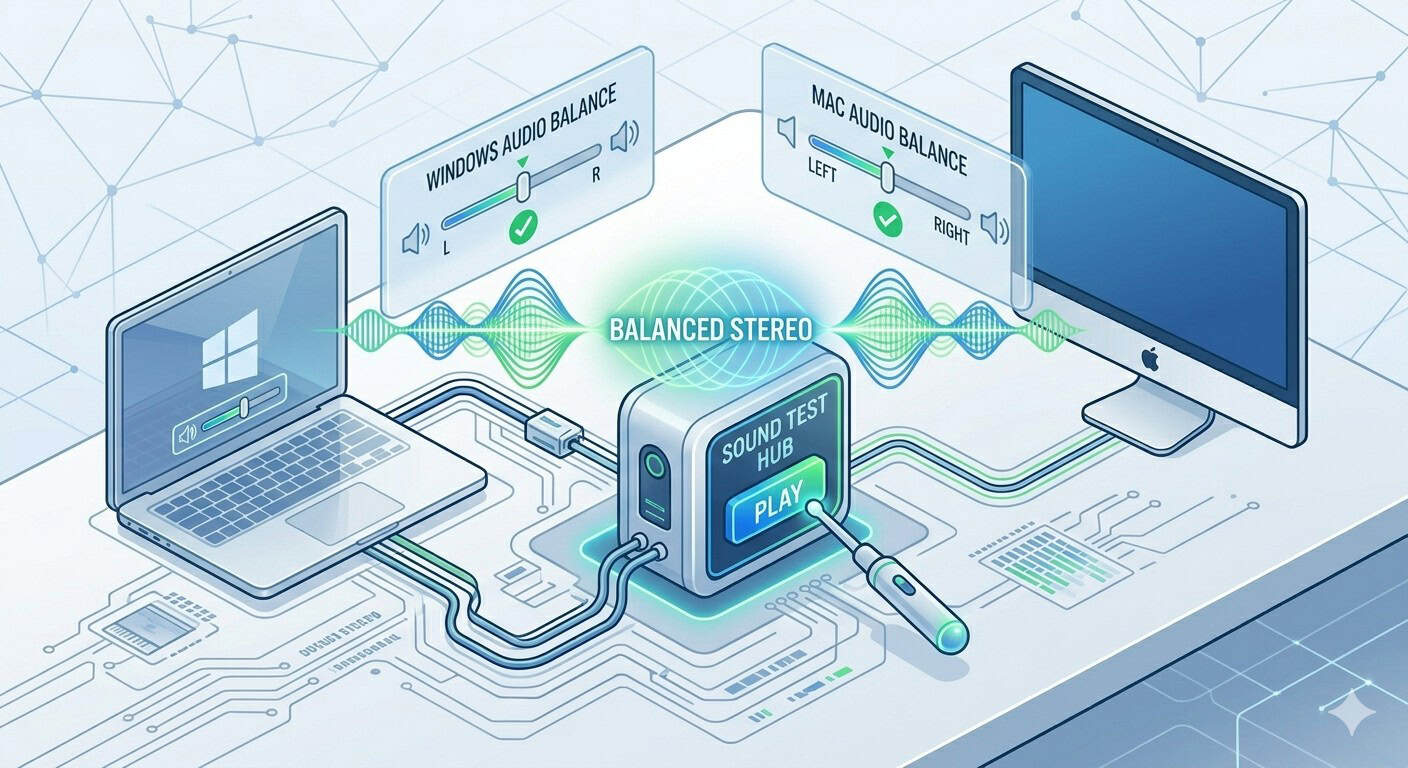
Windows — Fix Audio Balance
Open Sound Settings → Device Properties → Balance. Ensure both left and right channels are equal before running the test.
Mac — Fix Audio Balance
Go to System Settings → Sound → Output → Balance slider. Center it, then perform a Speaker Sound Test.
Devices Compatible With Speaker Testing
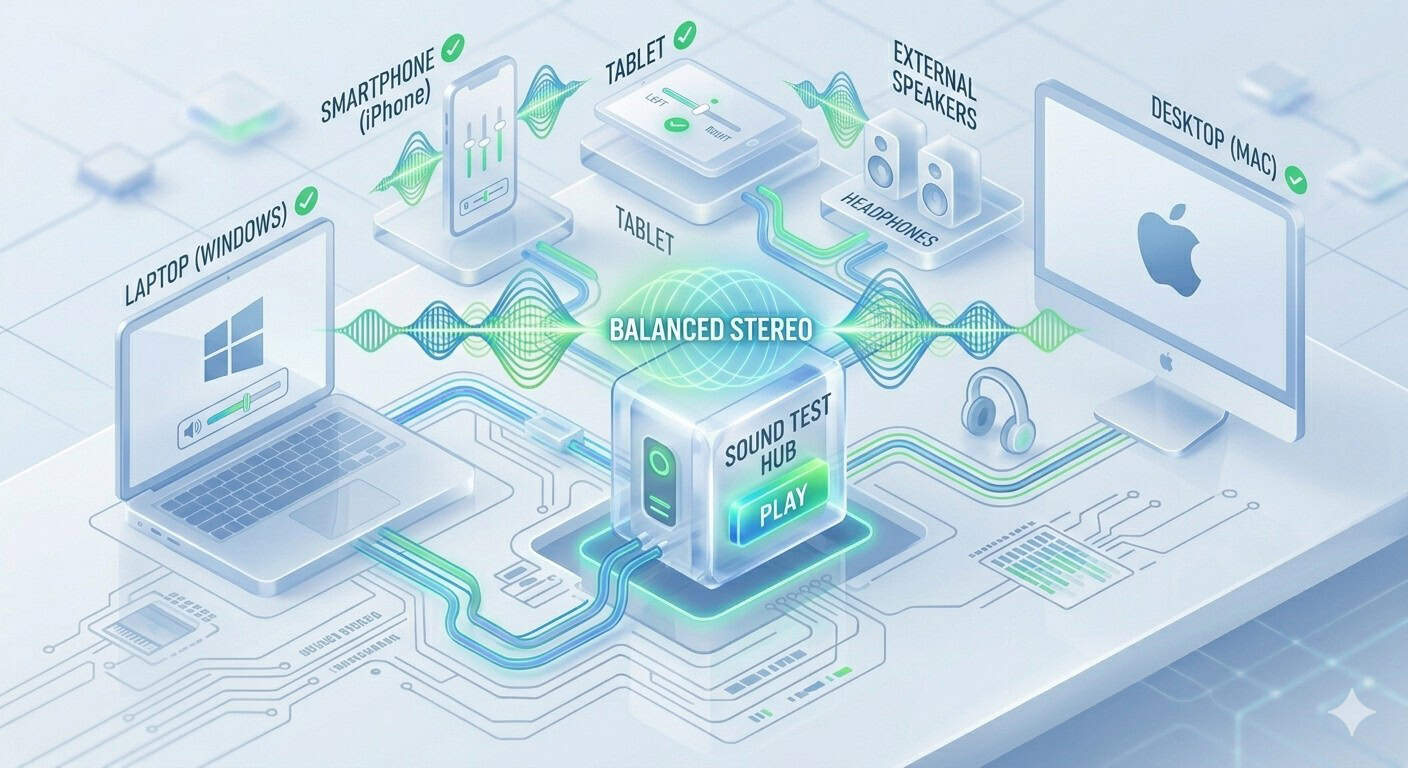
This tool works with:
- Smartphones (iPhone & Android)
- Tablets
- Laptops (Windows & Mac)
- Desktop PCs
- External speakers & headphones
No installation is required—just run the Speaker Sound Test online.
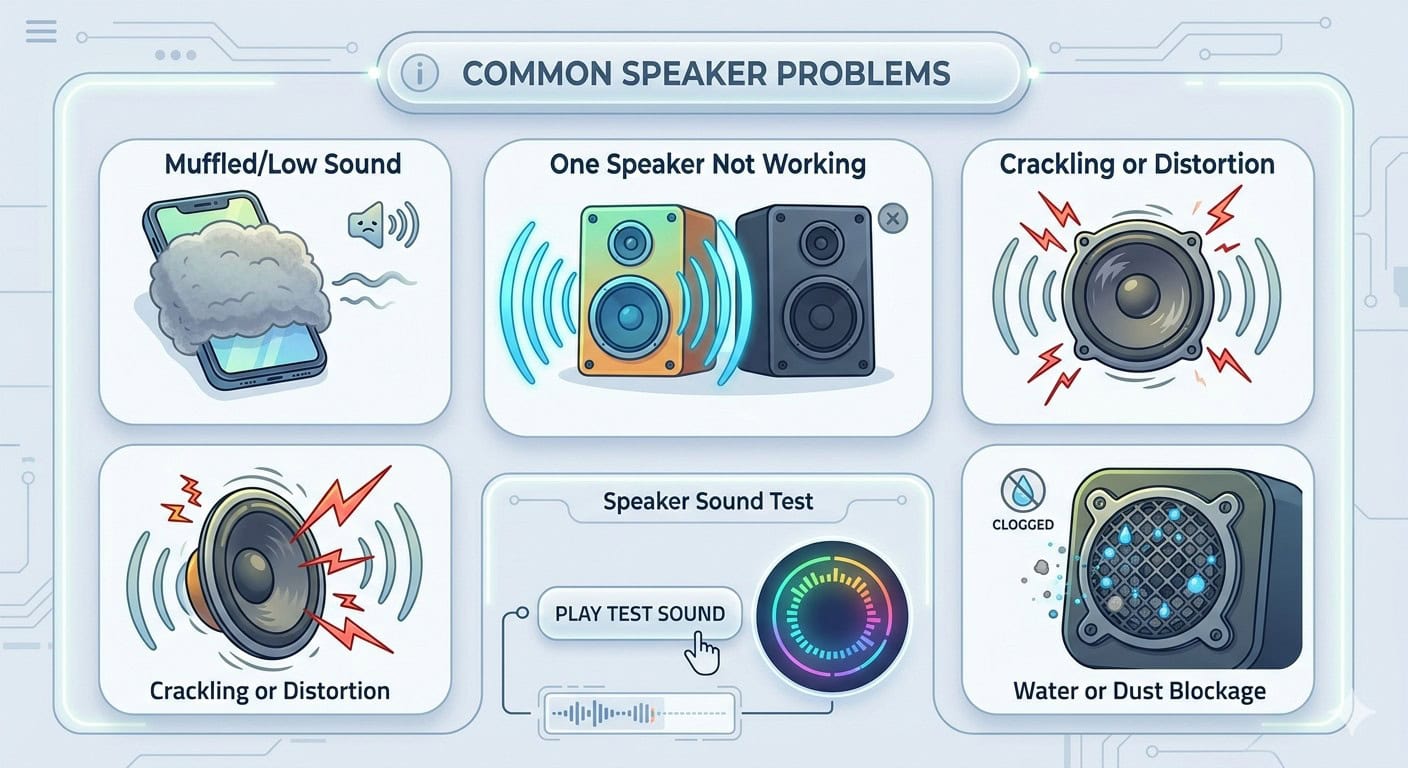
Common Speaker Problems
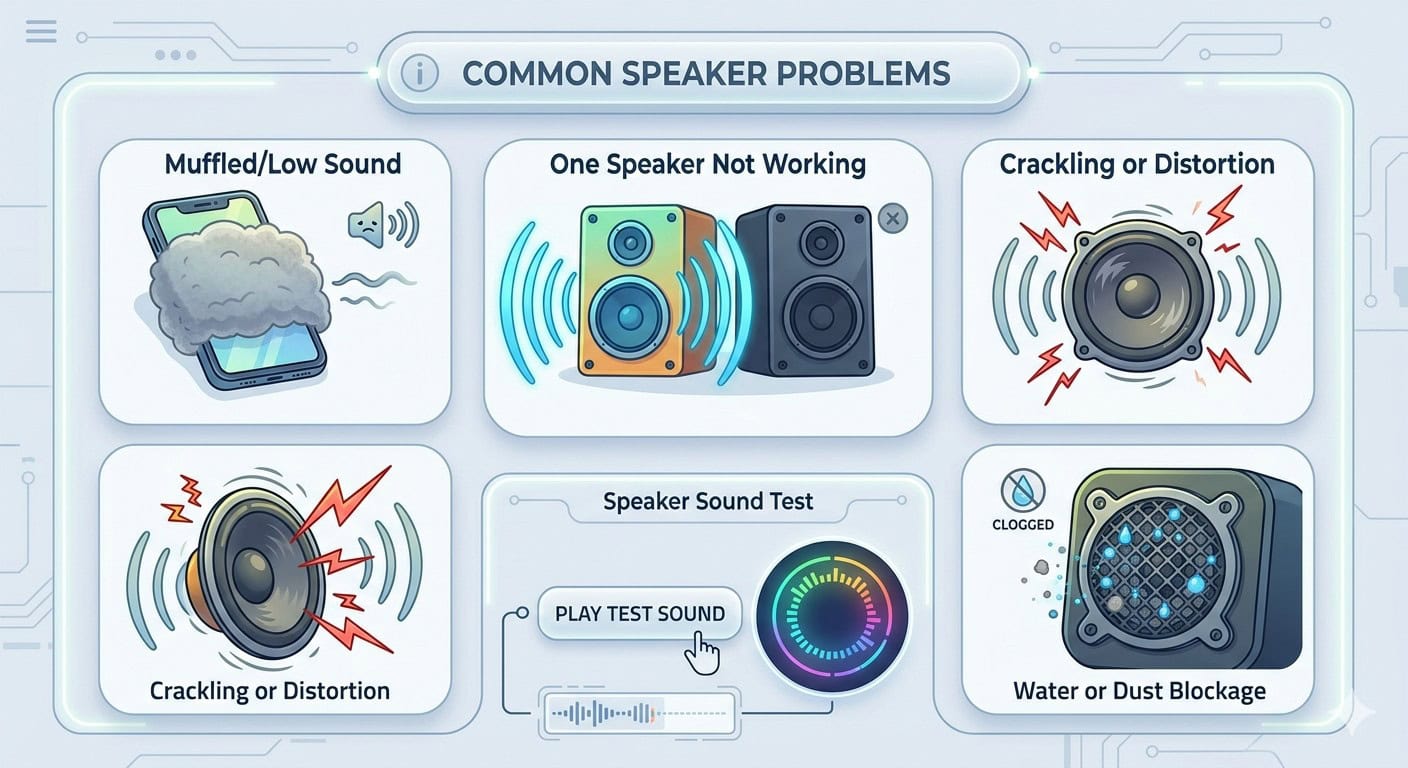
Some common issues include:
- Muffled or low sound
- One speaker not working
- Crackling or distortion
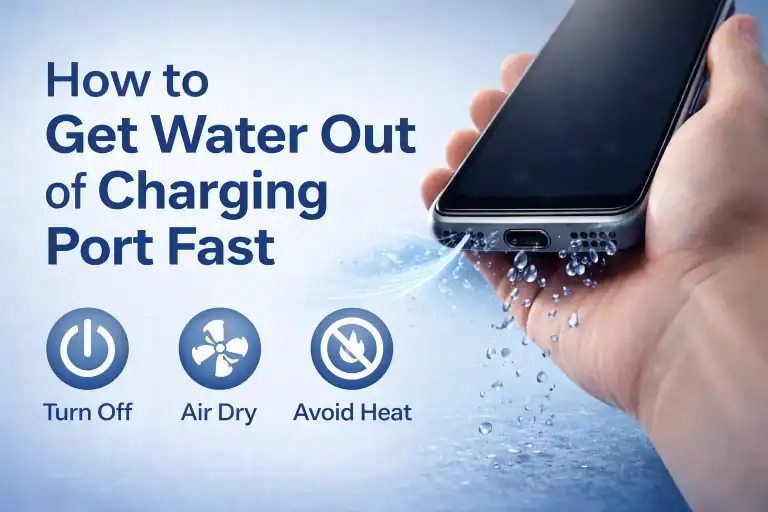
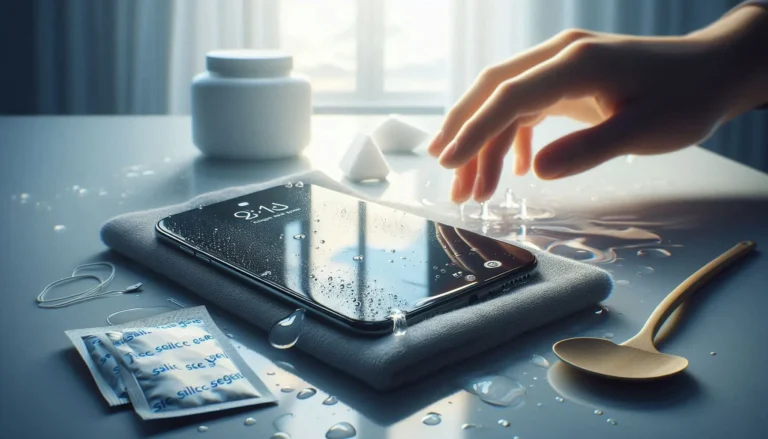
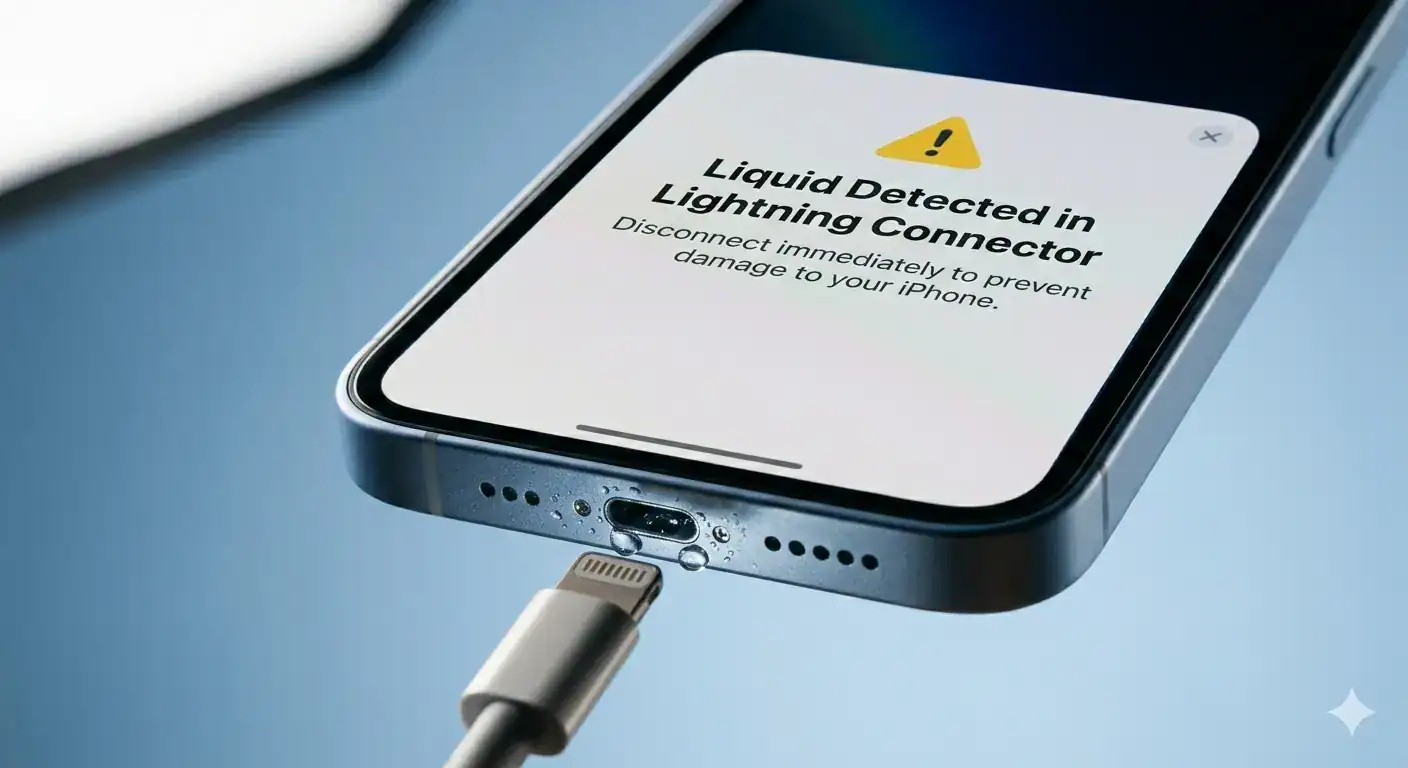
- Water or dust blockage
A quick Speaker Sound Test helps identify these problems instantly.
What to Do If the Test Fails
If your Speaker Sound Test shows issues:
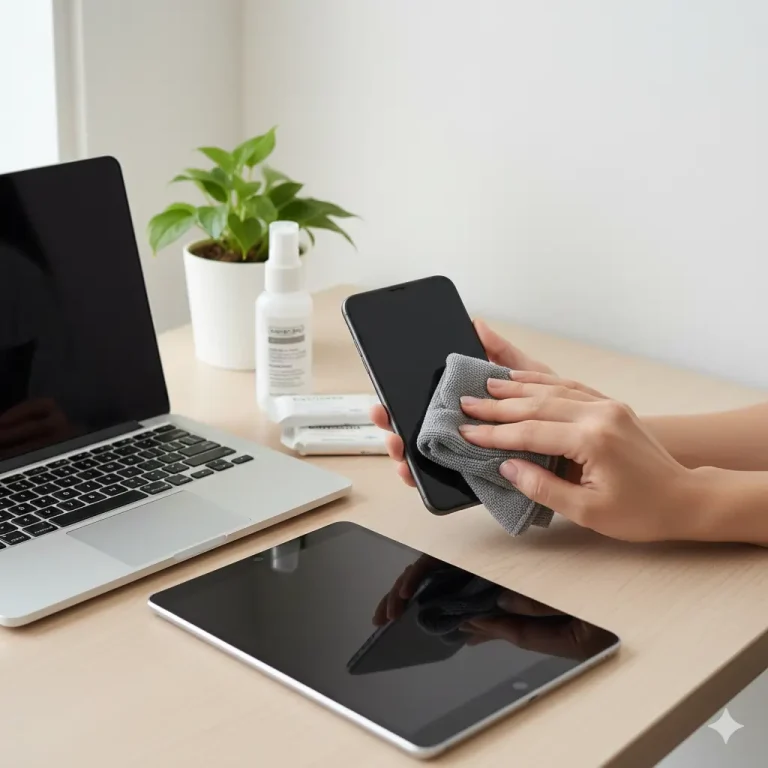
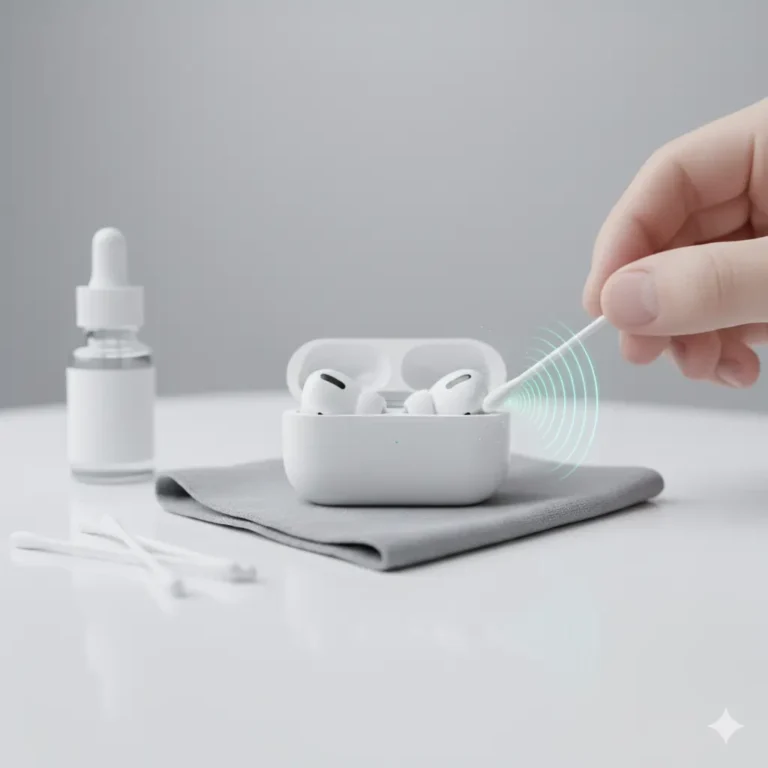
- Clean speaker grills gently
- Restart your device
- Check audio balance settings
- Remove connected Bluetooth devices
If the issue persists, it may require professional repair.
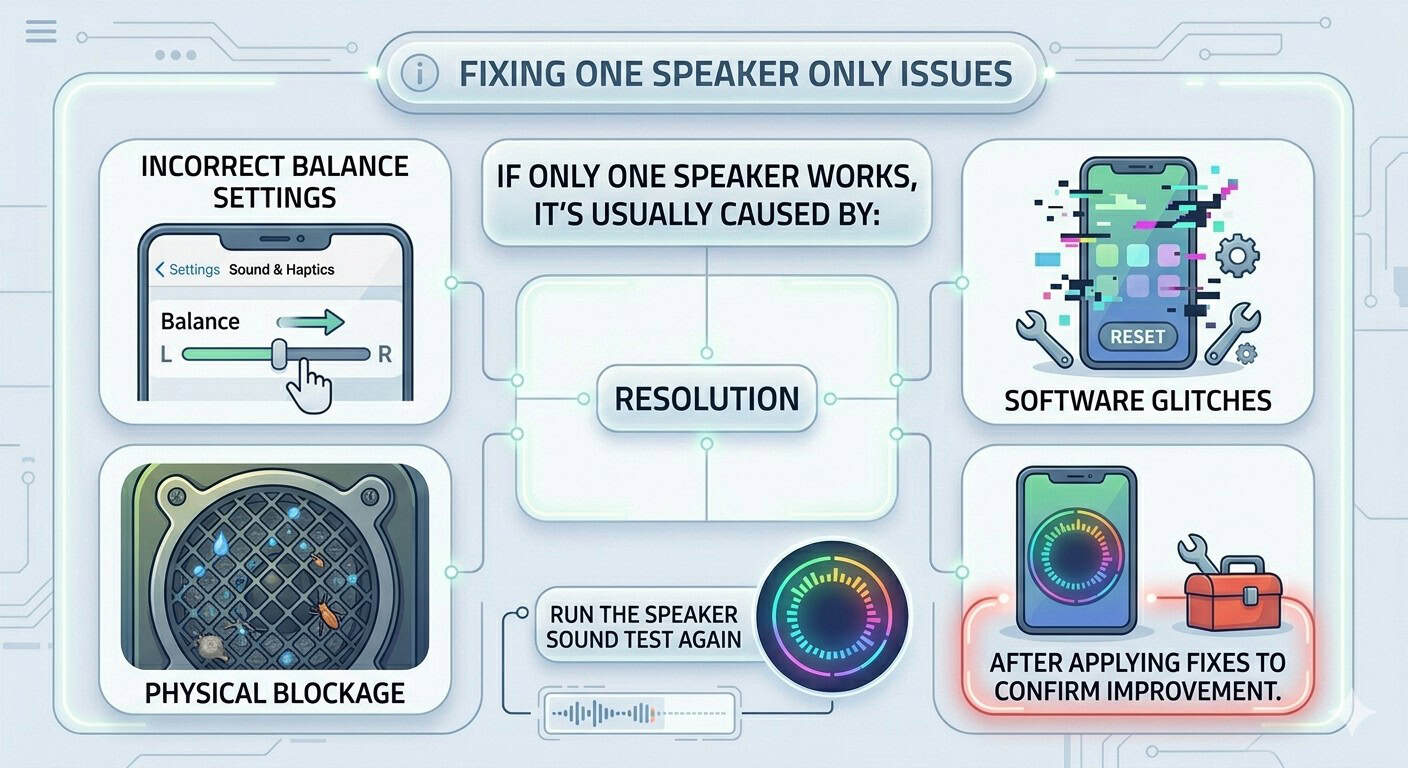
Fixing One Speaker Only Issues
If only one speaker works, it’s usually caused by:
- Incorrect balance settings
- Software glitches
- Physical blockage
Run the Speaker Sound Test again after applying fixes to confirm improvement.
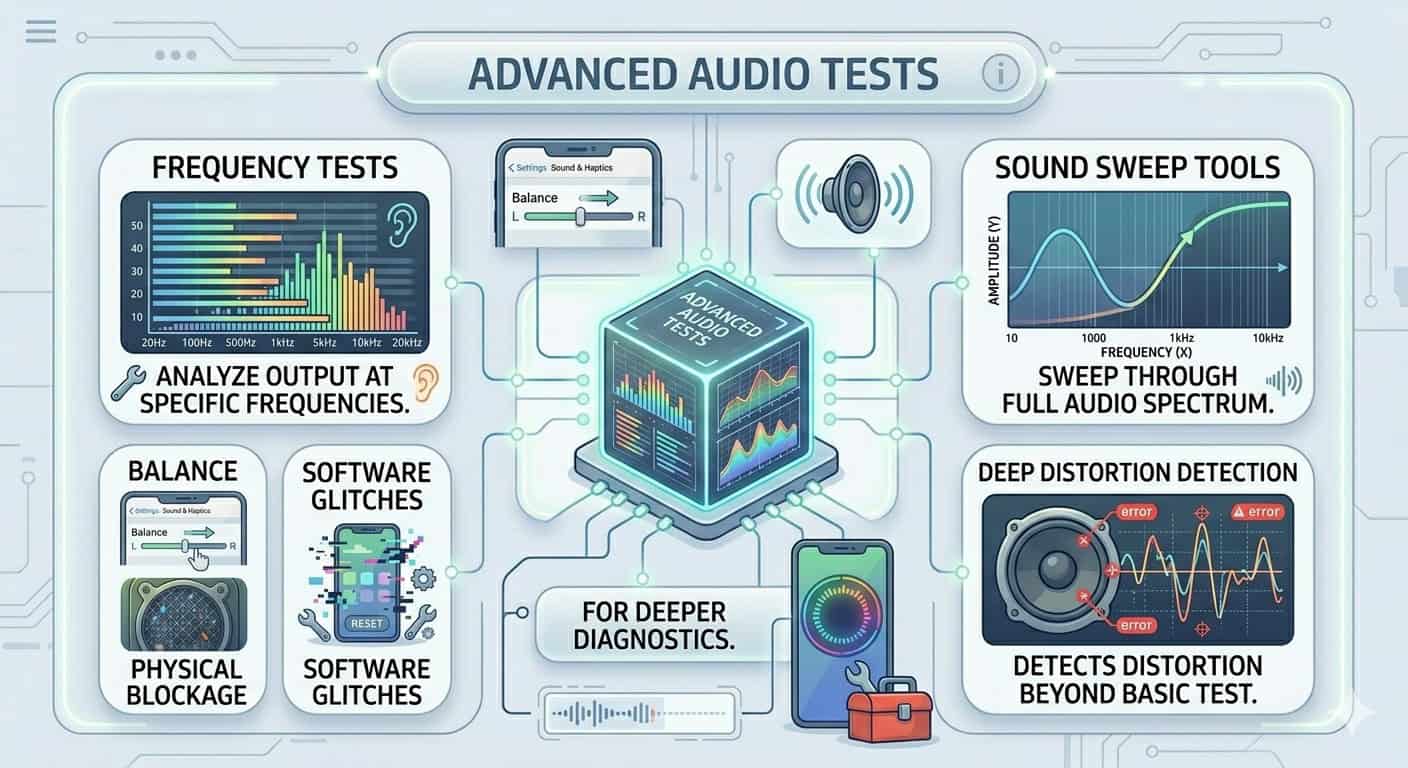
Advanced Audio Tests
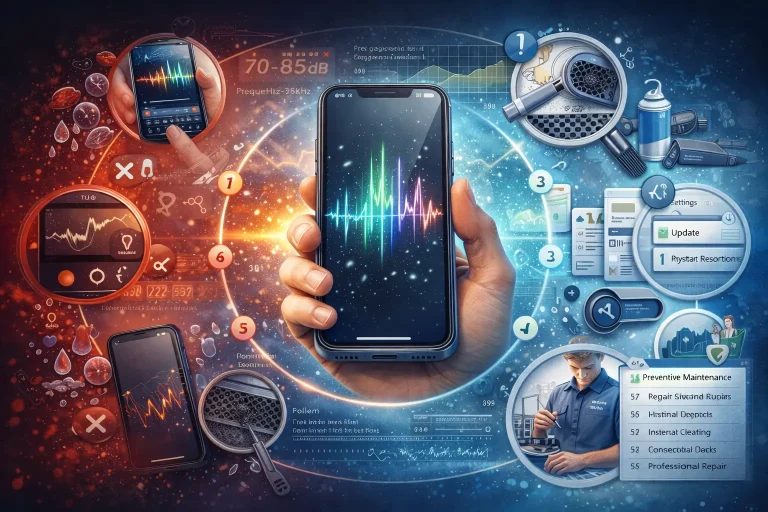
For deeper diagnostics, you can use frequency tests or sound sweep tools. These help detect distortion at different sound levels and frequencies beyond a basic Speaker Sound Test.
Frequently Asked Questions
Conclusion
A Speaker Sound Test is one of the easiest ways to check and maintain your device’s audio quality. With just a few clicks, you can identify issues, fix balance problems, and restore clear stereo sound. Regular testing ensures your speakers stay in top condition without unnecessary repairs.
If your speaker still isn’t working properly after testing, it’s a smart move to follow trusted guides from industry experts. You can explore detailed troubleshooting steps on Apple support for iPhone audio issues.
To quickly fix common speaker issues, you can use our Speaker homepage where all tools are available in one place. For advanced features like water ejection, dust cleaning, and sound testing, visit the https://fixmyspeakersin.com/ and run a complete Speaker Sound Test to restore clear and balanced audio within seconds.