
Eject Water from Speaker: Reliable Methods to Keep Audio Clear
Accidentally dropped your phone in water? Or maybe your speaker suddenly sounds muffled or crackly after a quick wash or rain? Don’t worry — it happens to everyone.
Good news is, you don’t need to visit a repair shop to fix it. With our Eject Water from Speaker Tool, you can instantly clear trapped water using sound frequencies designed to vibrate moisture right out of your speaker grills.
Let’s explore safe, effective ways to eject water and restore your speaker’s crisp, clear audio.
Once your phone is dry, use our Fix My Speaker Tool to restore clear sound instantly.
Water Eject Tool
Eject water from speaker in 60 seconds
3 Safe Methods to Eject Water from Speakers
1. Using Gravity and Towels
The easiest way to start is by using good old gravity.
Gently pat your device with a soft, dry towel, making sure you don’t press too hard. Hold it speaker-side down and let gravity help push water out. Avoid blowing air directly into the grills — it can force moisture deeper into the device.
2. The Rice Method
This traditional method still helps if you don’t have access to any tools. Place your phone in uncooked rice or silica gel packs for several hours. These materials absorb humidity and moisture from your device.
However, while it’s safe, it’s slow — and may not completely clear water from the speaker mesh.
3. Sound-Based Eject Tools (Fastest & Safest)
Modern smartphones like iPhones and smartwatches use acoustic sound waves to eject water. The principle is simple — a low-frequency vibration sound creates pressure inside your speaker, pushing out trapped droplets.
Our Fix My Speaker Eject Tool does exactly that — just one click and a few seconds of sound vibration, and your speaker will start sounding normal again.
How Do You Eject Water from a Speaker Using Sound?
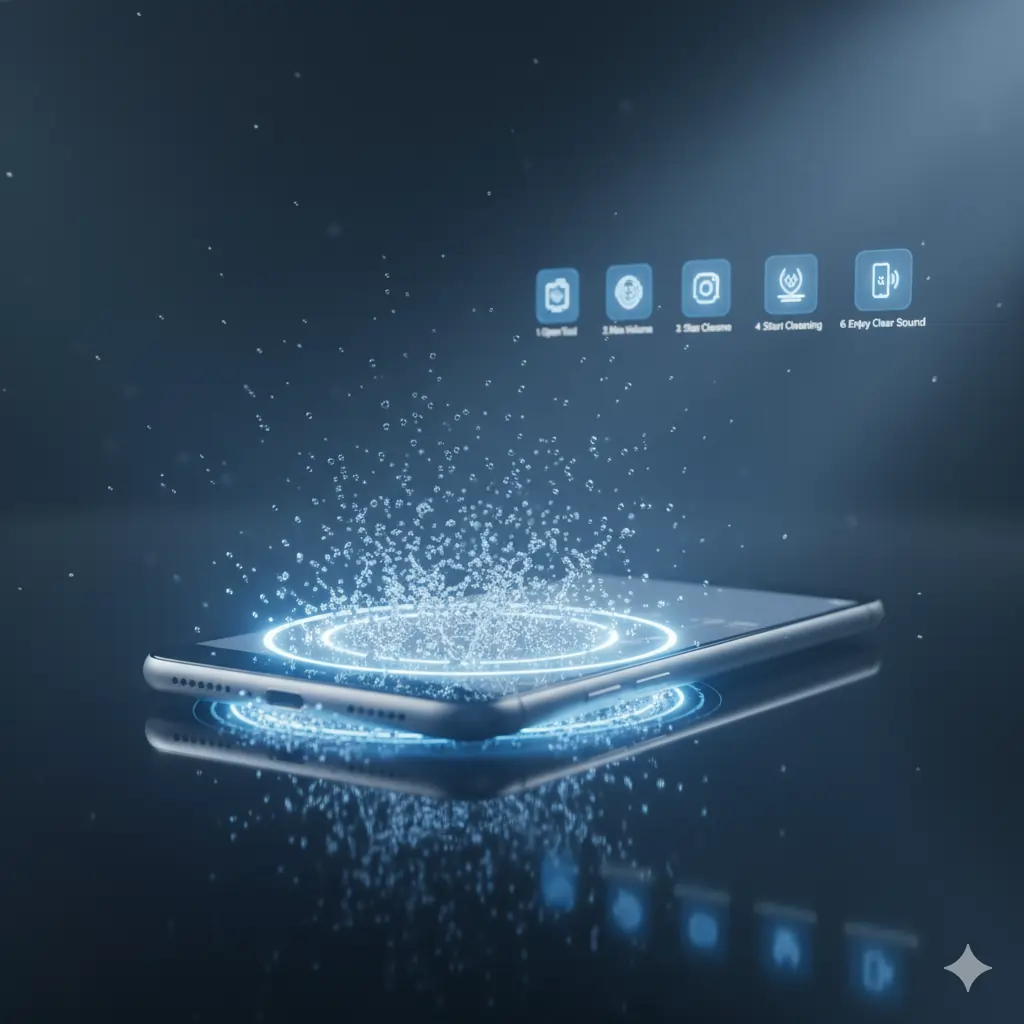
Here’s a step-by-step guide to safely remove water using our online sound-based cleaner.
Step 1: Open Fix My Speaker
Visit our Eject Water from Speaker page — no download required.
Step 2: Set Volume to Maximum
The higher the volume, the stronger the vibration frequency for ejecting water.
Step 3: Activate Sound and Vibrate Mode
Tap the “Start Cleaning” button and keep your phone’s speaker facing downward. The sound frequency will begin pushing moisture out.
Step 4: Wait for Completion
Let it run for 20–30 seconds. You might even notice tiny droplets or a light mist escaping — that’s your speaker getting cleaned.
Step 5: Inspect and Repeat if Needed
If you still hear muffled or crackling sounds, repeat the process one or two more times.
Step 6: Assess the Cleaning
Play your favorite song or ringtone to confirm your audio clarity is back. If it still sounds off, you may need to clean dust particles using the Speaker Dust Cleaning Tool next. If your speaker is full of dust or dirt, try our Speaker Dust Cleaning Sound to remove debris using special sound waves.
What Happens When Speakers Get Wet?
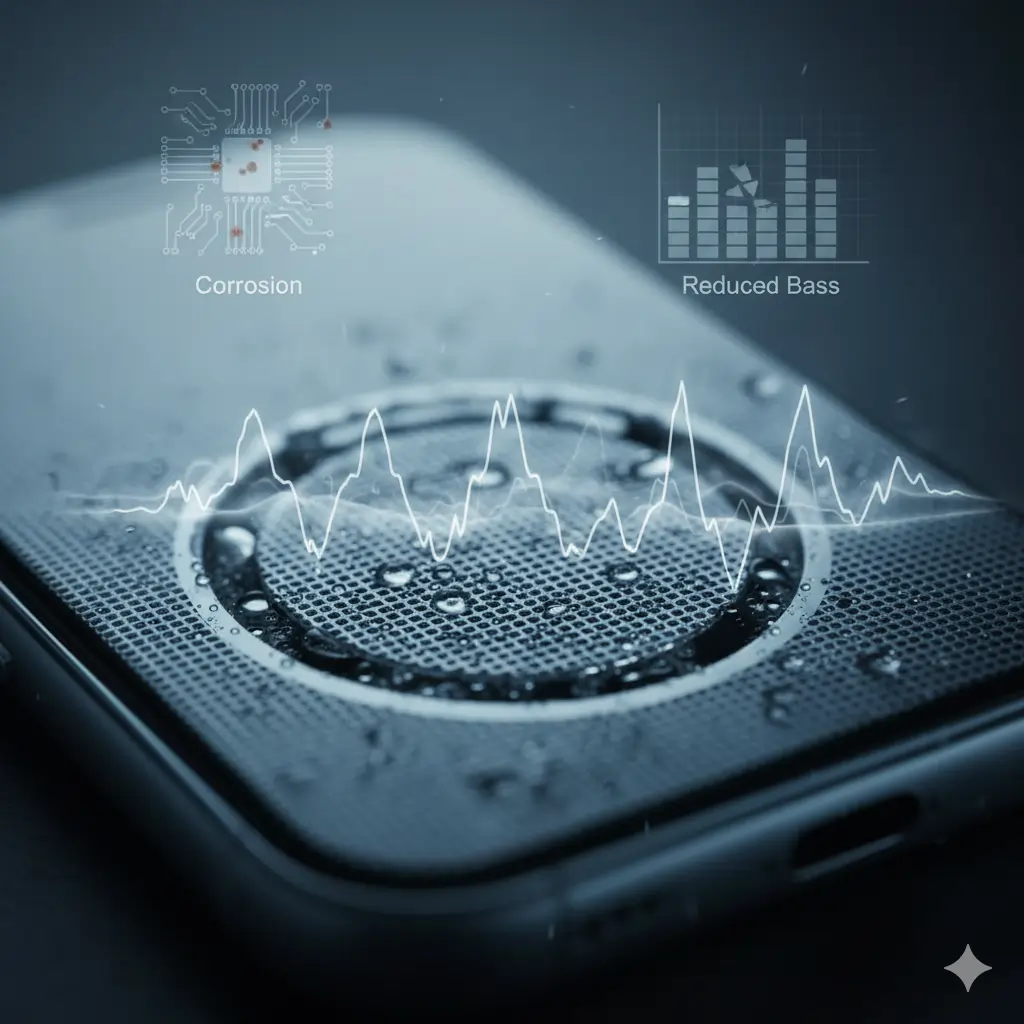
When water seeps into your speaker vents, it affects how sound waves travel through the tiny mesh. This causes:
- Muffled audio
- Distorted or crackling sound
- Reduced bass and clarity
If left untreated, moisture can even lead to corrosion inside your phone’s speaker chamber, especially on devices like iPhones and waterproof Android models.
4 Reasons You Should Clean Your Phone Speakers from Water
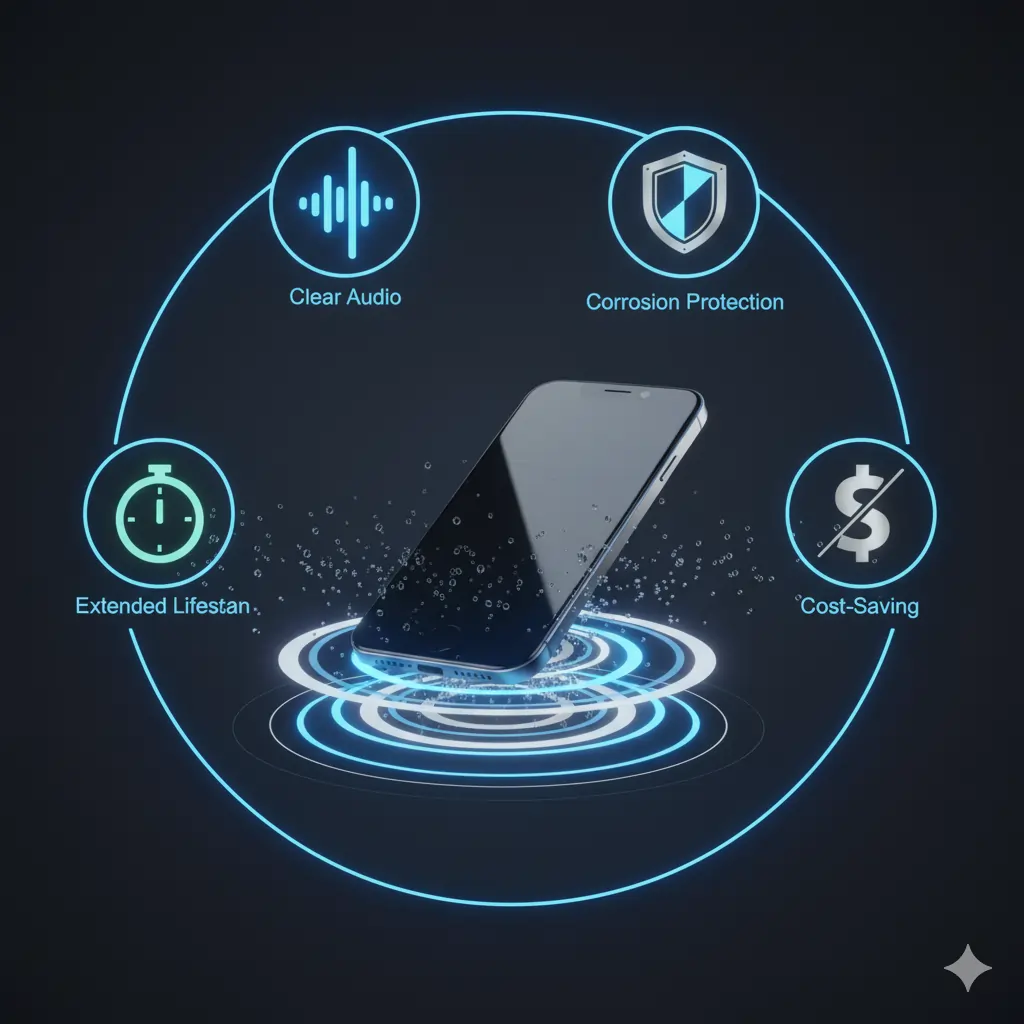
- Restores Clear Audio – Removes muffled and fuzzy tones.
- Prevents Corrosion – Stops rust and moisture damage to internal circuits.
- Extends Speaker Life – Keeps your hardware functioning at its best.
- Avoids Costly Repairs – A free tool saves you from expensive speaker replacements.
Troubleshooting Common Issues After Water Exposure
Fix Distorted Audio Quality
If your speaker still sounds distorted, play the sound ejector again for another 30 seconds. Sometimes, multiple cleaning cycles are needed.
Troubleshoot Reduced Speaker Volume
Low volume often indicates water or dust is still trapped. Try combining water eject and dust cleaning sounds for best results.
Fix No Sound Output
If your phone stays silent, restart it after cleaning. Some iPhones may remain in “ear speaker” or “headphone mode” until they fully dry.
Frequently Asked Questions
Conclusion
A little water shouldn’t ruin your phone’s audio experience.
With Fix My Speaker’s Water Eject Tool, you can clear out trapped moisture in seconds — no app downloads, no complicated steps, just pure sound-based cleaning.
For deeper cleaning insights, Apple’s official support page also recommends avoiding liquid contact during speaker maintenance —
Keep your phone’s sound loud, sharp, and distortion-free — anytime, anywhere.
After drying your phone, use the Fix My Speaker Dust Tool to clear any remaining dust particles for crystal-clear sound.
Want to explore all tools in one place? Visit our Quick Tools hub.
Back to the Home Page to discover more cleaning tools.