Apple Speaker Cleaner: How to Safely Clean Your iPhone Speakers
Your iPhone speakers go through a lot every day — dust, lint, pocket fibers, moisture, and even tiny skin particles slowly build up inside the speaker grills. Over time, this buildup blocks sound output and leads to low volume, muffled calls, or distorted audio.
Using a safe Apple Speaker Cleaner helps restore clarity without opening your device or risking hardware damage. Instead of inserting sharp tools or blowing compressed air, a modern speaker cleaner uses controlled sound waves and vibration to gently push out trapped dust and moisture.
It’s fast, safe, and works directly from your browser — no app installation required.
Apple Speaker Cleaner
Clear dust & moisture to restore iPhone / iPad / Mac speaker sound in 60 seconds
Apple Speaker Cleaner
If your iPhone speaker sounds muffled, music feels quieter, or calls aren’t clear, cleaning should be your first step — not repair or replacement. A reliable Apple Speaker Cleaner can often fix sound issues in under a minute.
This method is especially useful for:
- iPhone speaker cleaning
- Speaker cleaner iPhone tools
- Pembersih speaker iPhone users
- MacBook speaker cleaning sound
- General Apple device maintenance
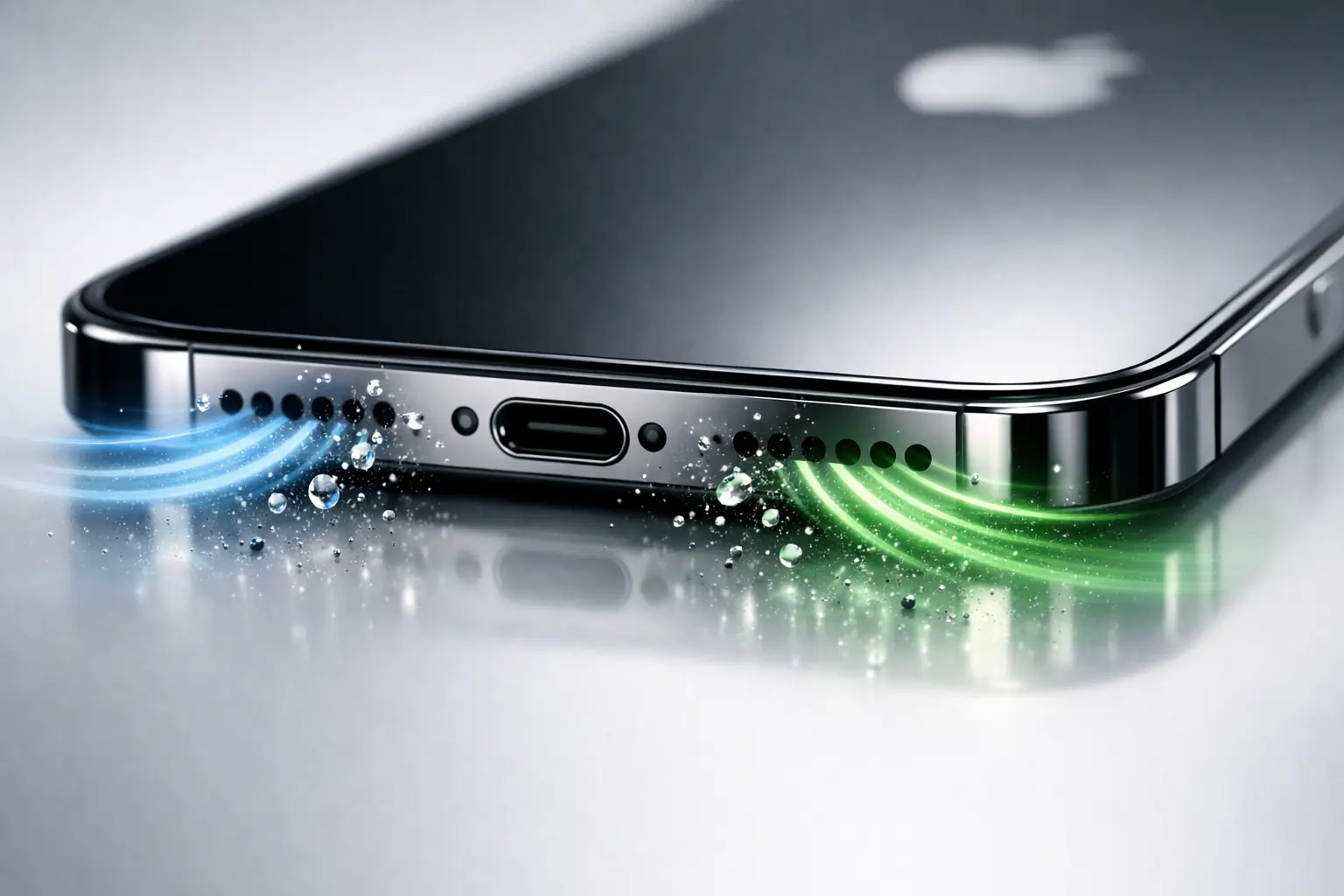
Why Do You Need to Clean Your Apple Speaker?
Most users clean their screens and cases but ignore the speaker mesh — which directly affects audio performance.
Sound Quality
Blocked grills prevent sound waves from traveling freely. Cleaning restores volume and clarity instantly.
Longevity
Dust and moisture can slowly damage internal components. Regular cleaning helps extend speaker life.
Aesthetic Maintenance
A clean speaker grill keeps your iPhone looking fresh and well maintained.
Hygiene
Speakers sit close to your ear and face. Removing dirt and bacteria improves everyday hygiene.
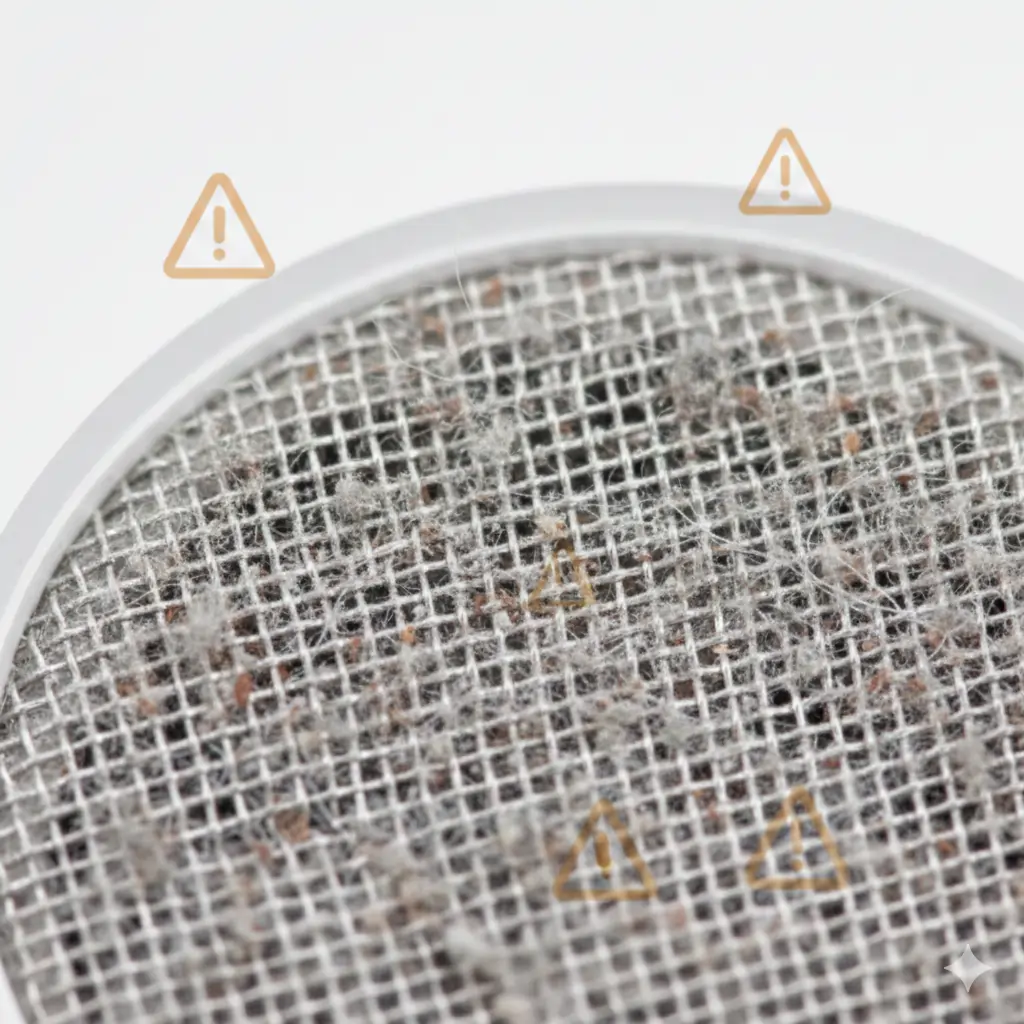
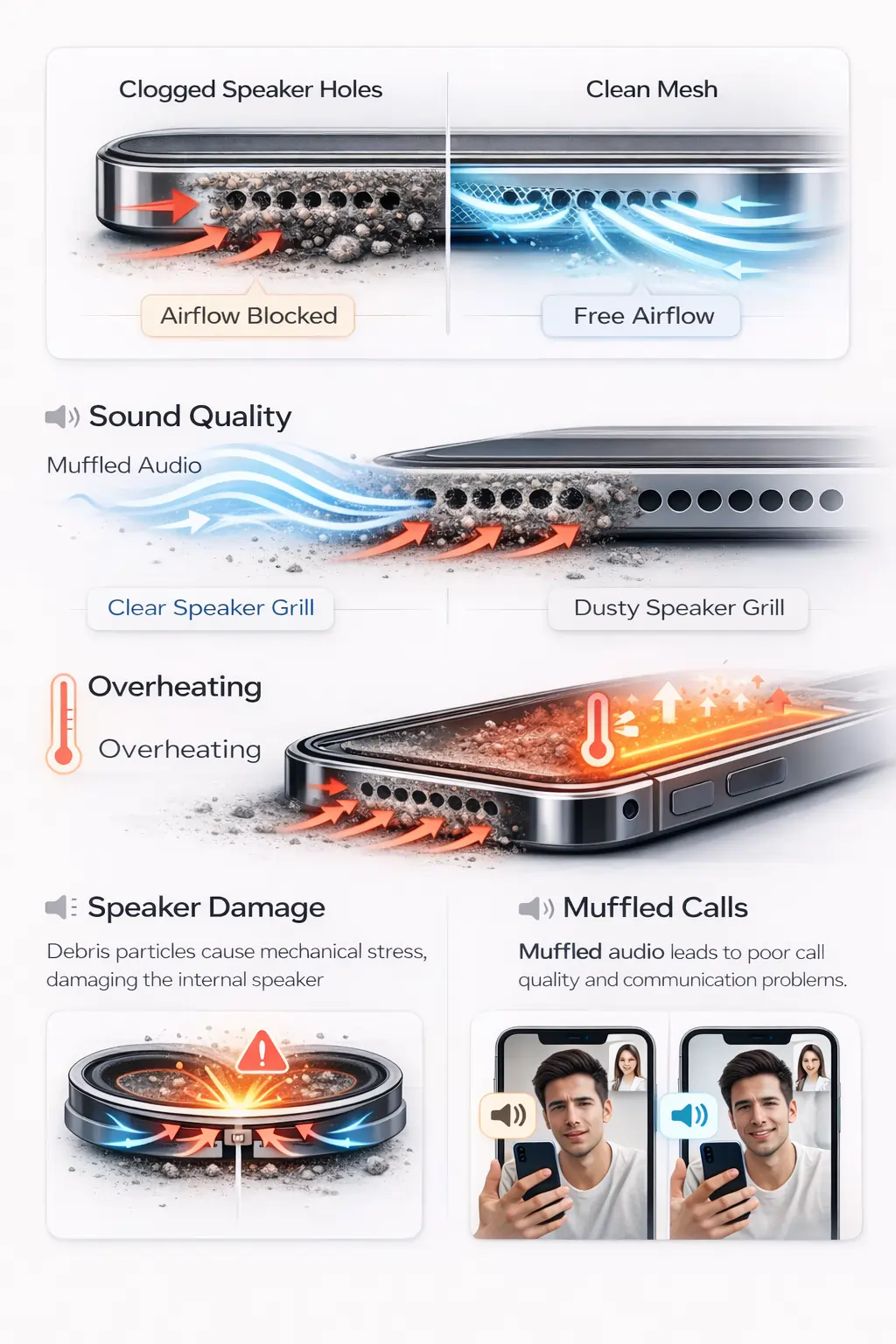
How Does Dust Affect Your Apple Speaker’s Performance?
Even tiny particles can create noticeable problems.
Sound Quality Takes a Hit
Debris absorbs vibrations, making audio feel weak or dull.
Thermal Management Issues
Dust traps heat inside the speaker cavity, which may reduce long-term performance.
Physical Wear and Tear Accelerates
Blocked airflow forces the speaker to work harder, causing unnecessary strain.
Connectivity Issues Arise
Muffled microphones and speakers can affect calls, FaceTime, and voice recordings.
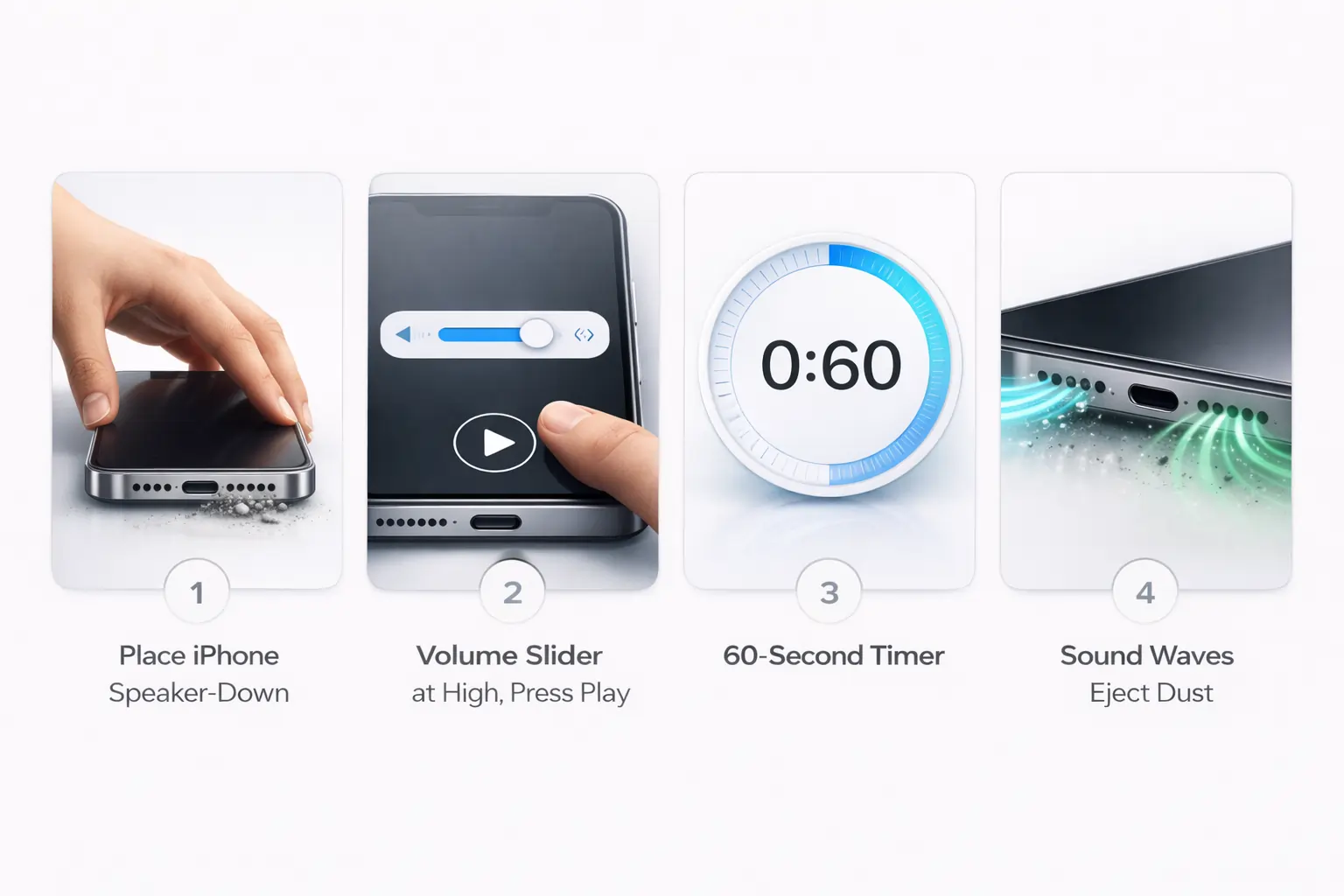
How to Use Speaker Cleaner to Clean Apple Speaker
Using an online Apple Speaker Cleaner is simple:
- Set your iPhone volume to 70–90%
- Place the phone with speakers facing downward
- Press play on the cleaning sound
- Let it run for 30–60 seconds
- Repeat once if needed
The sound waves create micro-vibrations that help loosen trapped dust and moisture naturally.
No tools.
No chemicals.
No opening the device.
What Sets Us Apart from Other Apple Speaker Cleaner Tools?
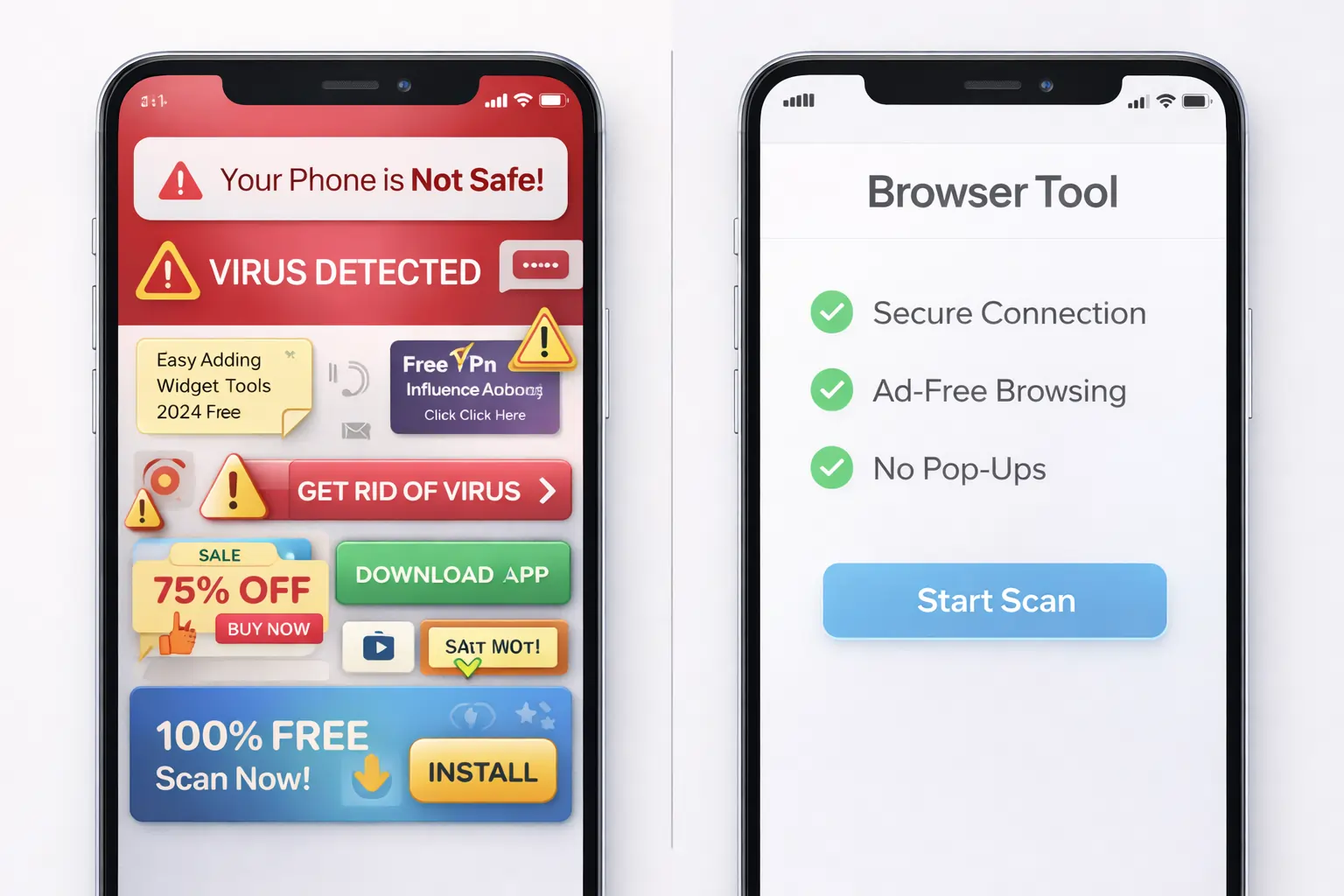
Many “speaker cleaner” apps:
❌ Require installation
❌ Show ads
❌ Use unsafe frequencies
❌ Don’t actually explain anything
Our Apple Speaker Cleaner is different:
✅ Browser-based (no download)
✅ Safe tested frequencies
✅ Works on iPhone, iPad & MacBook
✅ One-click usage
✅ Backed by practical guides and real troubleshooting
We focus on safety + effectiveness, not gimmicks.
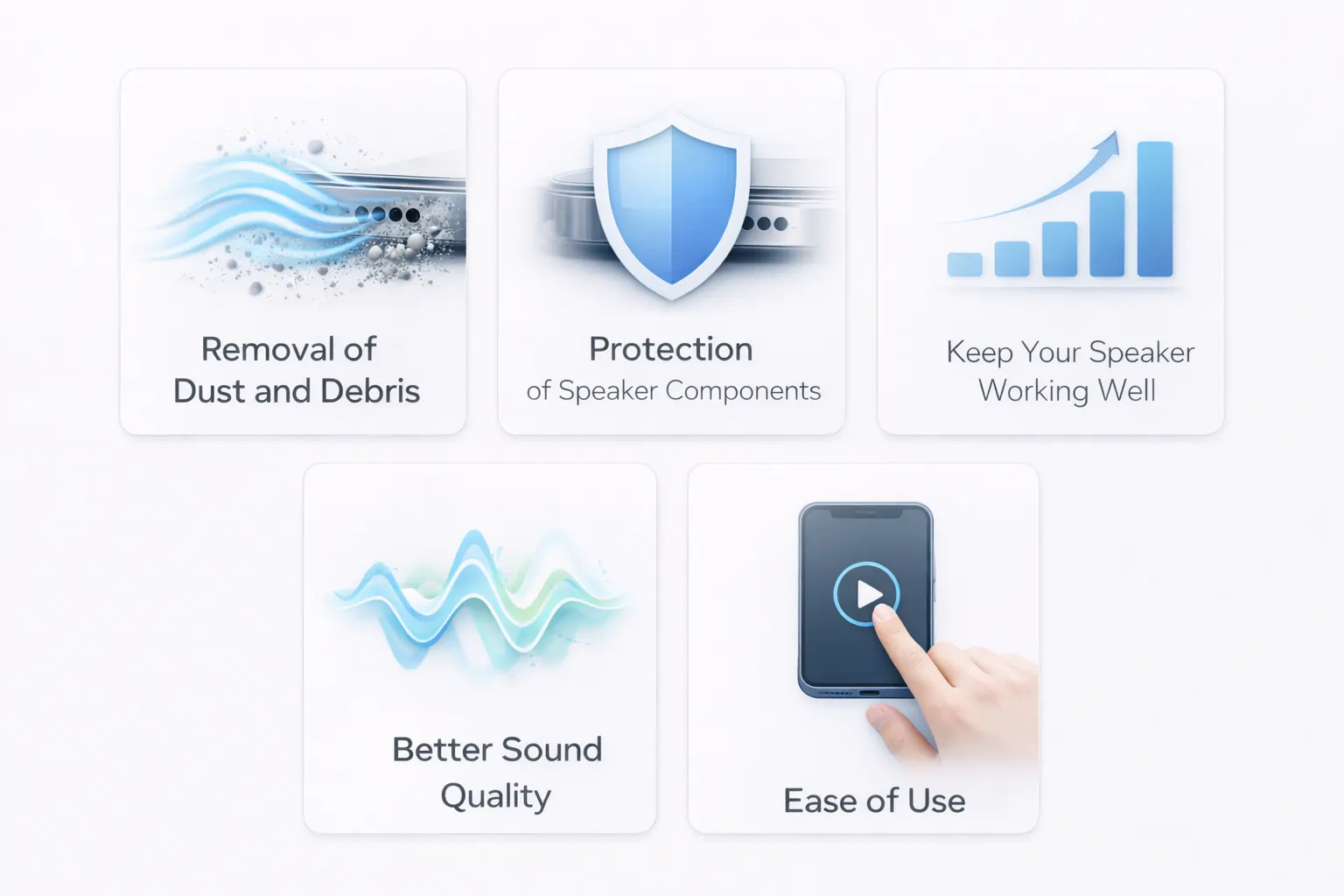
Why Should You Choose Speaker Cleaner to Improve Your Apple Speaker’s Sound Quality?
Removal of Dust and Debris
Sound vibration loosens tiny particles stuck inside grills.
Protection of Speaker Components
No sharp tools or pressure means zero hardware risk.
Keep Your Speaker Working Well
Regular maintenance prevents bigger problems later.
Better Sound Quality
Clearer calls, louder media, and smoother audio.
Ease of Use
Open → tap → clean. That’s it.
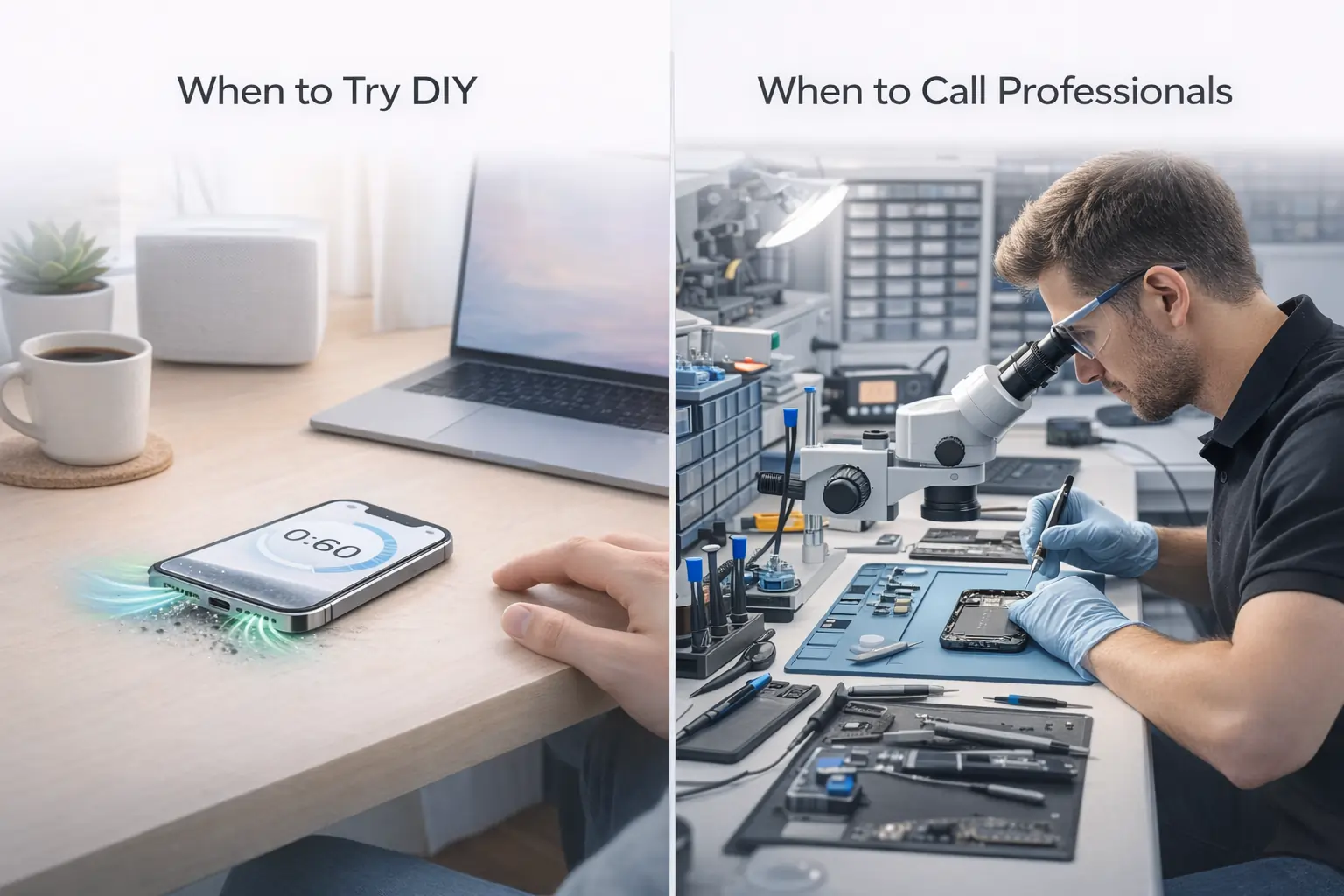
DIY Apple Speaker Cleaner Repair: When to Try It and When to Call Professionals
When to Try DIY Apple Speaker Cleaner Repair
Use a speaker cleaner iPhone tool if:
- Sound is slightly muffled
- Volume is lower than usual
- Dust is visible
- Device hasn’t been dropped or soaked
When to Call Professionals
Seek help if:
- Speaker crackles or buzzes
- No sound at all
- Water damage occurred
- Hardware feels loose
Sound cleaning fixes blockage, not broken hardware.
FAQs
Final Thoughts
A safe Apple Speaker Cleaner is one of the easiest ways to maintain your iPhone’s sound performance. Instead of expensive repairs or risky tools, regular cleaning keeps your device loud, clear, and working like new.
Small maintenance today saves big repairs tomorrow.
If your iPhone audio sounds low, distorted, or blocked, using a reliable speaker cleaner tool can quickly restore clarity. Our online Apple Speaker Cleaner(https://fixmyspeakersin.com/) helps eject dust, lint, and trapped water using safe sound frequencies without opening your device. For deeper maintenance, you can also explore the free speaker cleaning tools collection(https://fixmyspeakersin.com/quick-tools/) to test sound, boost volume, or remove moisture. If you suspect hardware damage or need official repair steps, it’s smart to follow guidance from Apple Support(https://support.apple.com/iphone/repair) or check safe repair practices shared by iFixit repair experts(https://www.ifixit.com/Guide). Combining these trusted resources with regular cleaning keeps your speakers loud, clear, and long-lasting.