Fix My Speaker Water – Quick Solutions for Your Speakers
Accidentally dropped your phone in water? Or noticed muffled sound after rain, a splash, or washing your device? You’re not alone. Speaker water issues are one of the most common mobile problems today. The good news? Fix My Speaker Water is a fast, safe, and effective way to remove trapped water and restore clear sound without opening your device.
Whether water entered your phone speaker, ear speaker, or mic area, this guide will help you understand the problem and fix it correctly.
Water Eject Tool
Eject water from speaker in 60 seconds
What Is Fix My Speaker Water?
Fix My Speaker Water is an online sound-based tool designed to eject water from phone speakers using sound waves and vibration. Instead of using risky methods like blowing air or heat, it plays specific audio frequencies that push water droplets out from inside the speaker grill.
This method is widely used for:
- Water in mobile speaker
- iPhone and Android speaker water issues
- Low volume due to water blockage
- Speaker water cleaning after rain or washing
No app installation, no chemicals, and no physical damage.
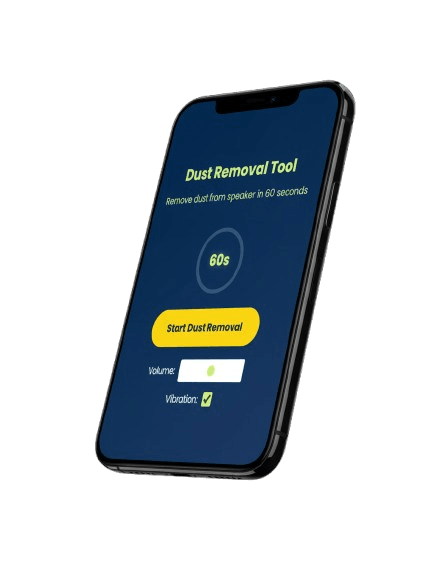

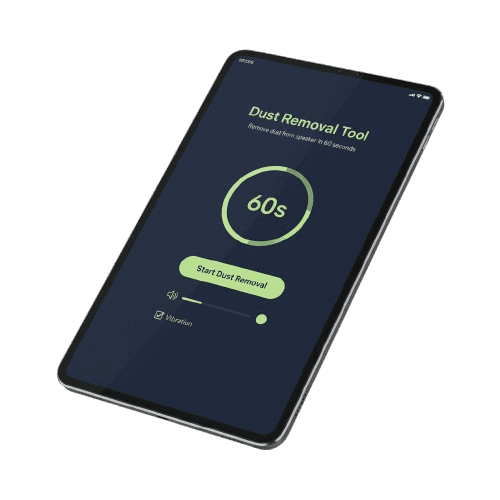
How to Clean the Speaker’s Water Using Fix My Speaker Water
Follow these simple steps to remove water from your speaker safely:
Step 1: Visit the Fix My Speaker Tool
Open the Fix My Speakers Water tool in your browser on any device — Android, iPhone, tablet, or laptop.
Step 2: Increase the Volume
Turn your phone volume to maximum. Higher sound pressure helps eject water more effectively.
Step 3: Activate Sound and Vibration Features
Start the water removal sound. The tool uses acoustic vibration technology to push water out from the speaker chamber.
Step 4: Allow the Cycle to Complete
Let the full cycle run for about 60 seconds. Interrupting it early may reduce effectiveness.
Step 5: Check and Repeat if Necessary
If sound is still muffled, repeat the process once or twice.
Step 6: Review the Outcome
Most users notice clearer, louder sound immediately after water removal.
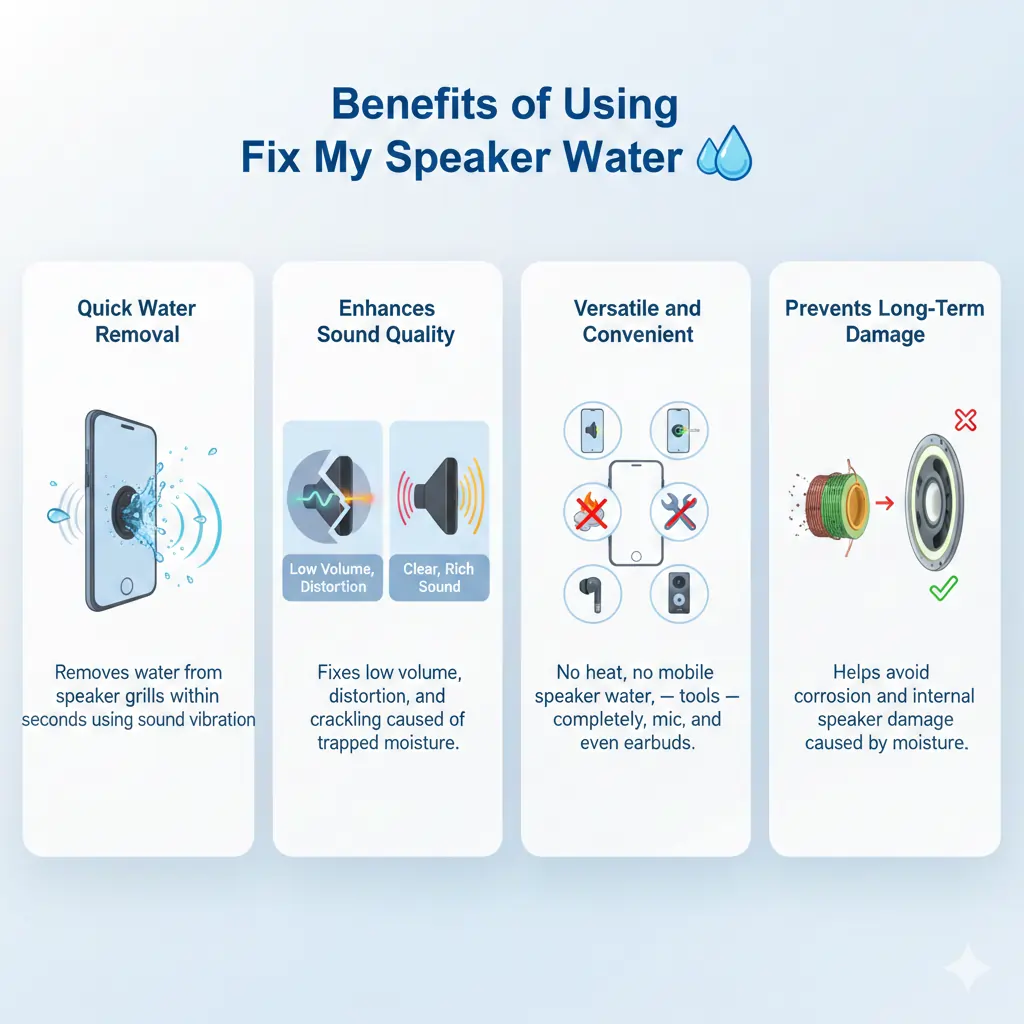
Benefits of Using Fix My Speaker Water
Quick Water Removal
Removes water from speaker grills within seconds using sound vibration.
Enhances Sound Quality
Fixes low volume, distortion, and crackling caused by trapped moisture.
Safe for Your Phone
No heat, no air pressure, no tools — completely non-invasive.
Versatile and Convenient
Works for mobile speaker water, ear speaker, mic, and even earbuds.
Prevents Long-Term Damage
Helps avoid corrosion and internal speaker damage caused by moisture.
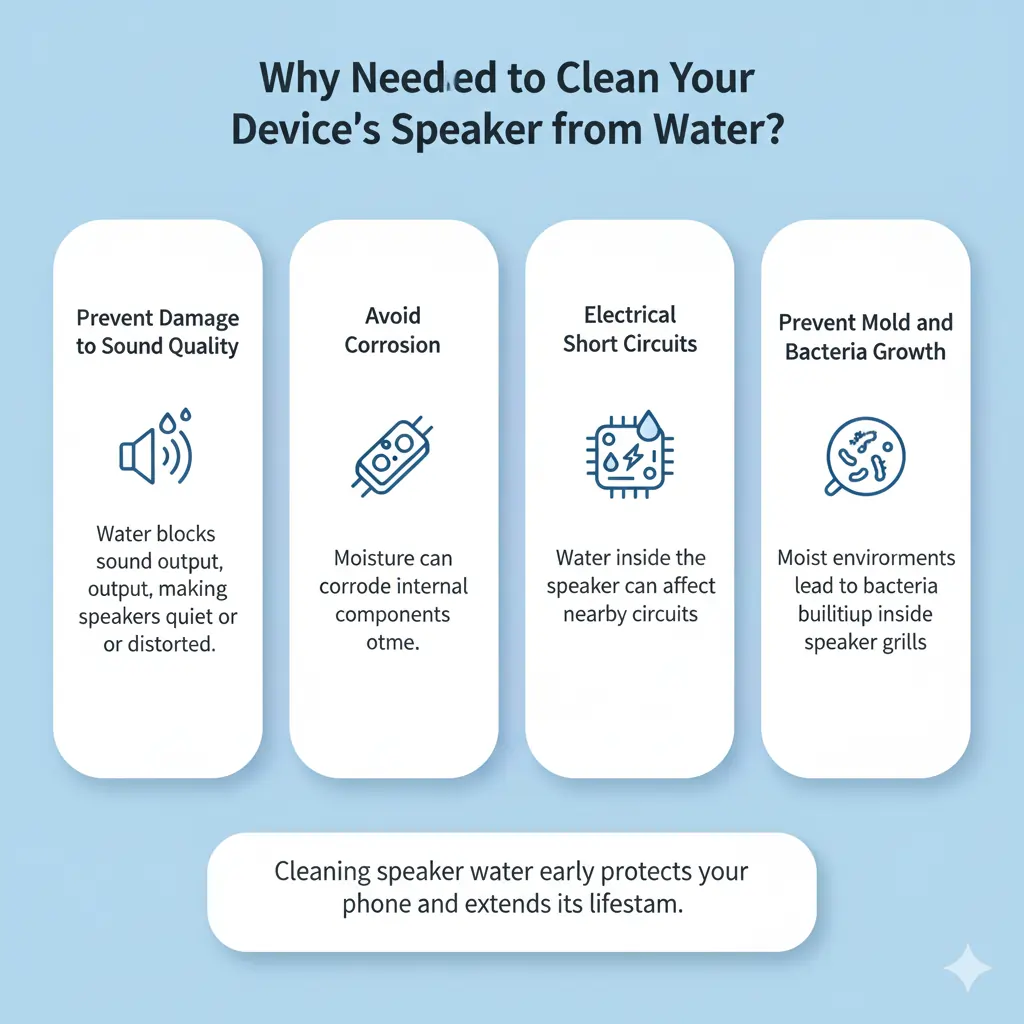
Why You Need to Clean Your Device’s Speaker from Water?
Prevent Damage to Sound Quality
Water blocks sound output, making speakers quiet or distorted.
Avoid Corrosion
Moisture can corrode internal components over time.
Electrical Short Circuits
Water inside the speaker can affect nearby circuits.
Prevent Mold and Bacteria Growth
Moist environments can lead to bacteria buildup inside speaker grills.
Cleaning speaker water early protects your phone and extends its lifespan.
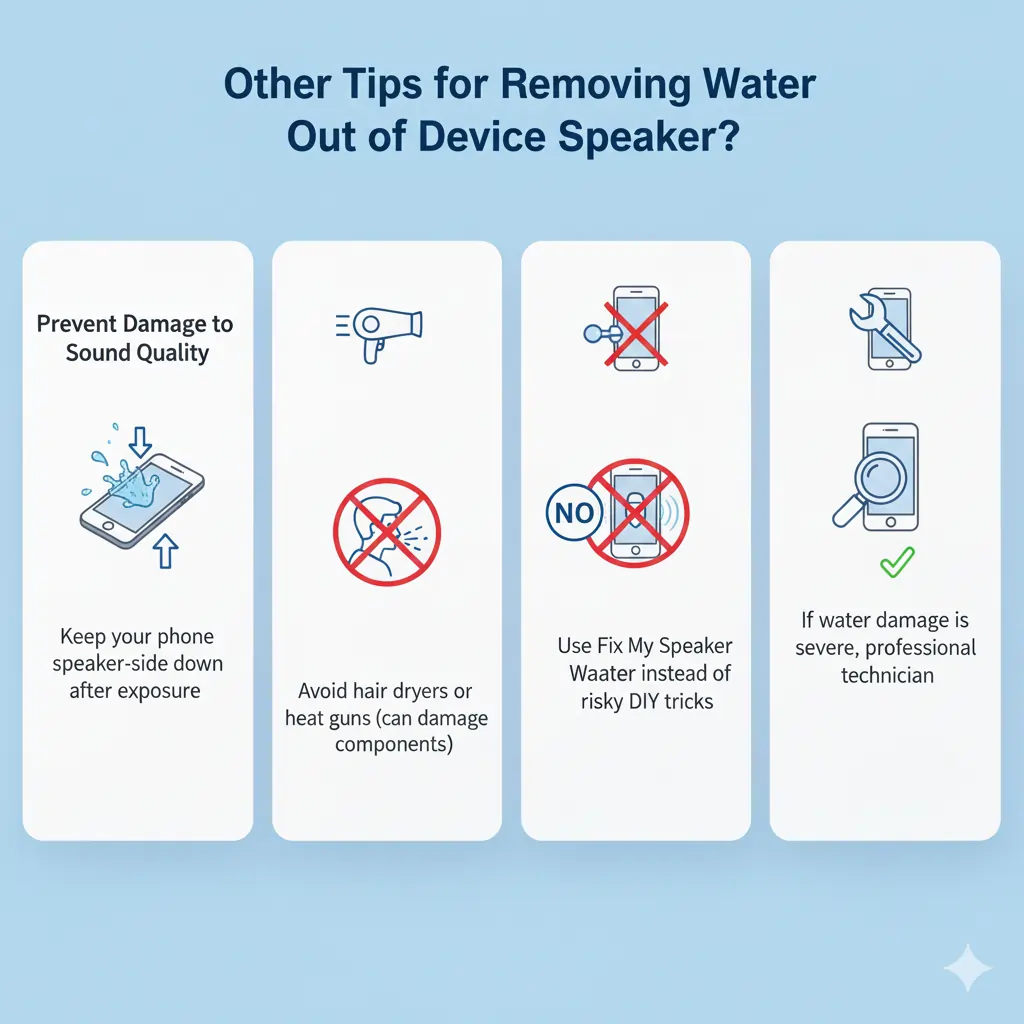
Other Tips for Removing Water Out of Device Speaker
- Keep your phone speaker-side down after exposure
- Avoid hair dryers or heat guns (can damage components)
- Do not blow air into the speaker
- Use Fix My Speakers Water instead of risky DIY tricks
- If water damage is severe, consult a professional technician
Conclusion
Water in your phone speaker doesn’t mean permanent damage. With Fix My Speakers Water, you can safely remove moisture, restore sound clarity, and protect your device — all within a minute. It’s fast, browser-based, and trusted by users worldwide dealing with speaker water issues.
If your speaker sounds low, muffled, or distorted after water exposure, this tool is the smartest first step before considering repairs.
To explore more sound-cleaning solutions, you can also check our other free tools:
- 👉 Fix My Speaker – Home Page
Learn how Fix My Speaker uses sound vibration to remove water, dust, and moisture from device speakers.
🔗 https://fixmyspeakersin.com/ - 👉 Quick Speaker Cleaning Tools
Access all available tools, including dust removal, vibration tests, and speaker checks, designed for mobile and desktop users.
🔗 https://fixmyspeakersin.com/quick-tools/
These internal tools work together to help users fix my speaker volume, remove water from speaker, and restore clear sound safely without opening the device.
For additional technical and safety guidance, the following trusted resources explain how water impacts mobile speakers and electronics:
- Apple Support – If your iPhone gets wet
Official guidance on what to do (and what to avoid) after water exposure.
🔗 https://support.apple.com/en-us/HT207043 - Samsung Support – Liquid Damage Care
Explains moisture detection and safe drying methods for mobile devices.
🔗 https://www.samsung.com/support/mobile-devices/water-damage-to-your-device/ - Wikipedia – Water Damage in Electronics
A technical overview of corrosion, short circuits, and moisture risks.
🔗 https://en.wikipedia.org/wiki/Water_damage