How to Clean Air Pods: Bring Back That Crisp, Clear Sound
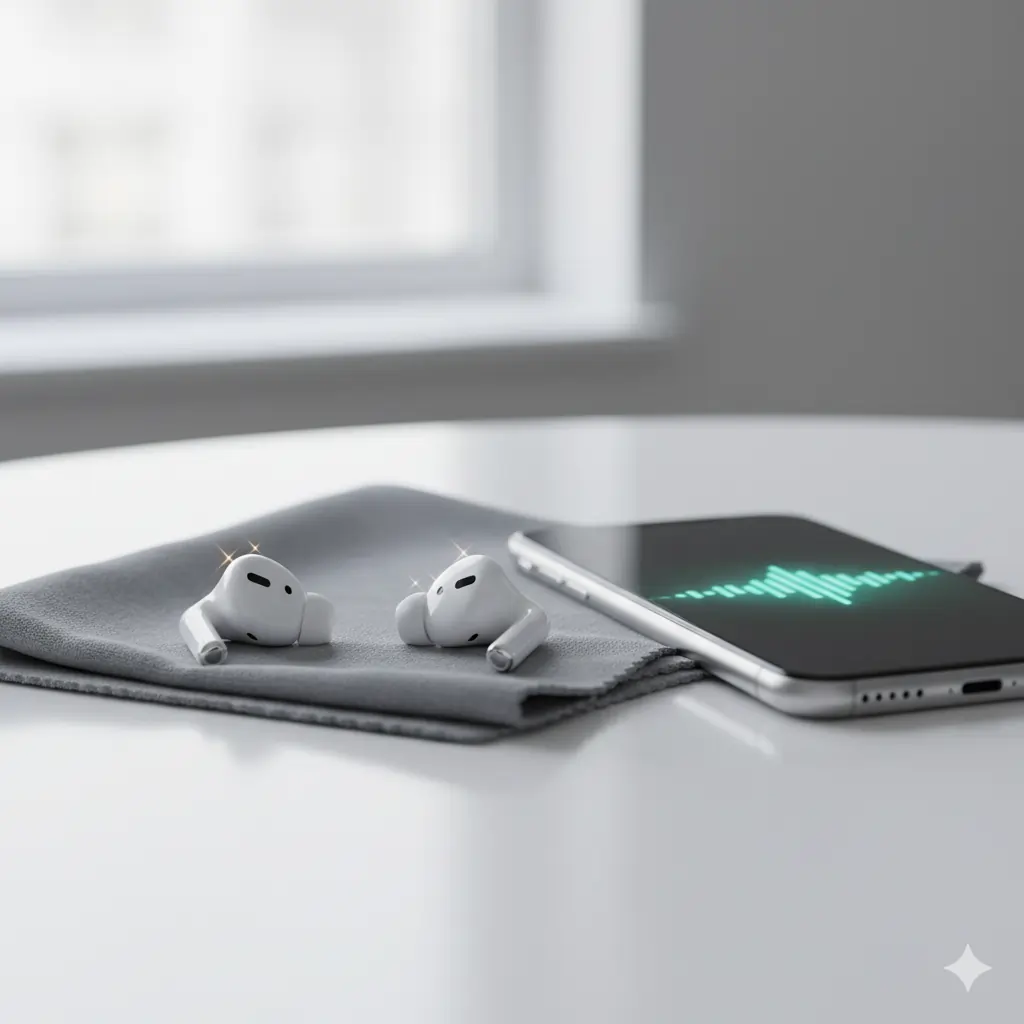
Let’s be honest — your AirPods go everywhere with you. From workouts and walks to calls and commutes, they’re your daily sound partners. But over time, dust, earwax, and sweat start to build up, making your AirPods sound muffled or quiet.
The good news? You don’t need to buy anything fancy — just a few simple tools and a little care can make them sound brand new again.
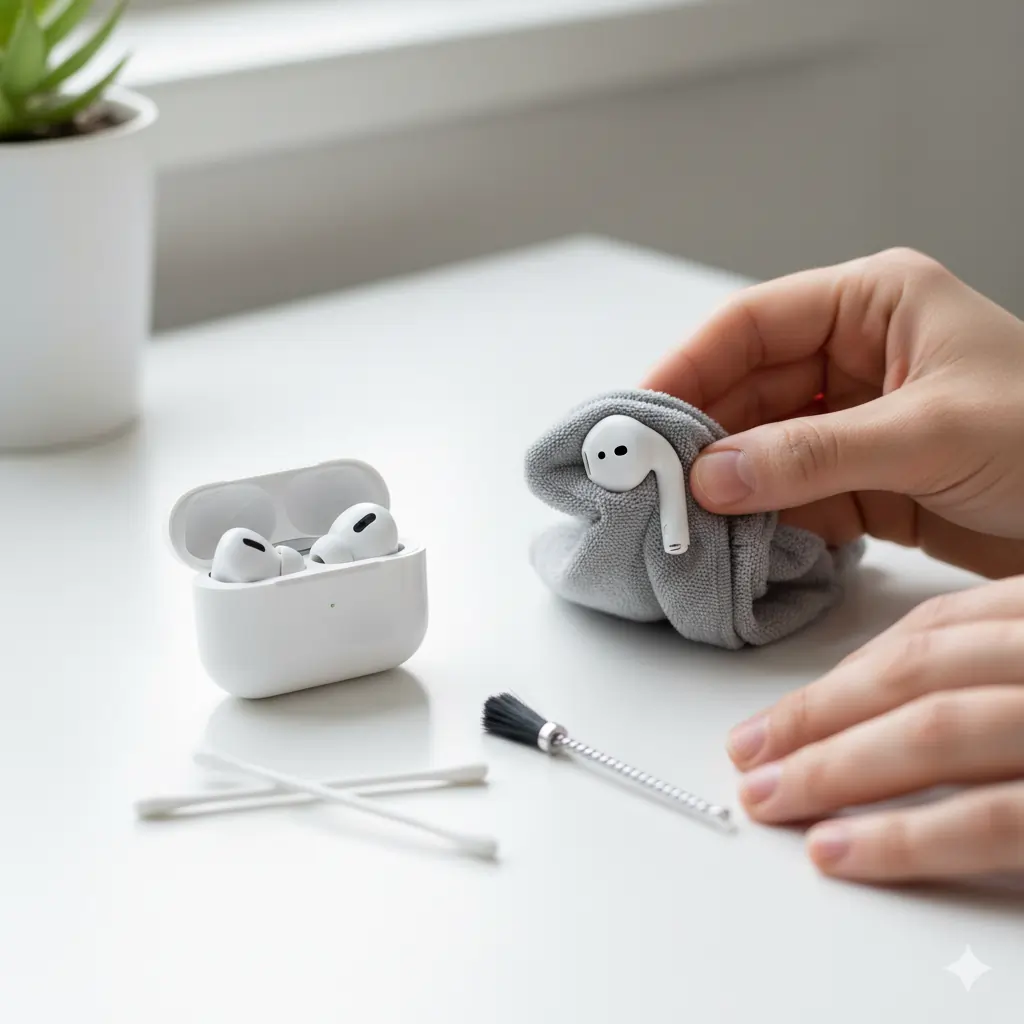
What You’ll Need-How to Clean Air Pods
Before jumping into cleaning, make sure you have the right tools:
- A soft microfiber cloth
- A few cotton swabs (Q-tips)
- A soft-bristled toothbrush (dry)
- 70% isopropyl alcohol (avoid stronger concentrations)
- Optional: toothpick or speaker cleaning brush
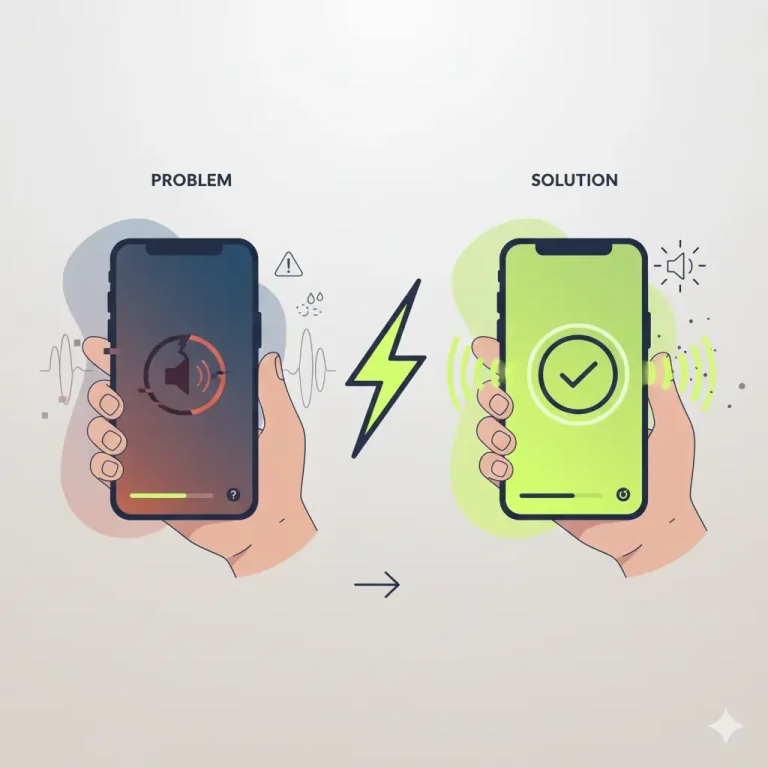
- Optional: a sound-based cleaner like Fix My Speaker to eject dust or moisture using sound waves.
These simple household items are all you need to safely deep-clean your Air Pods.
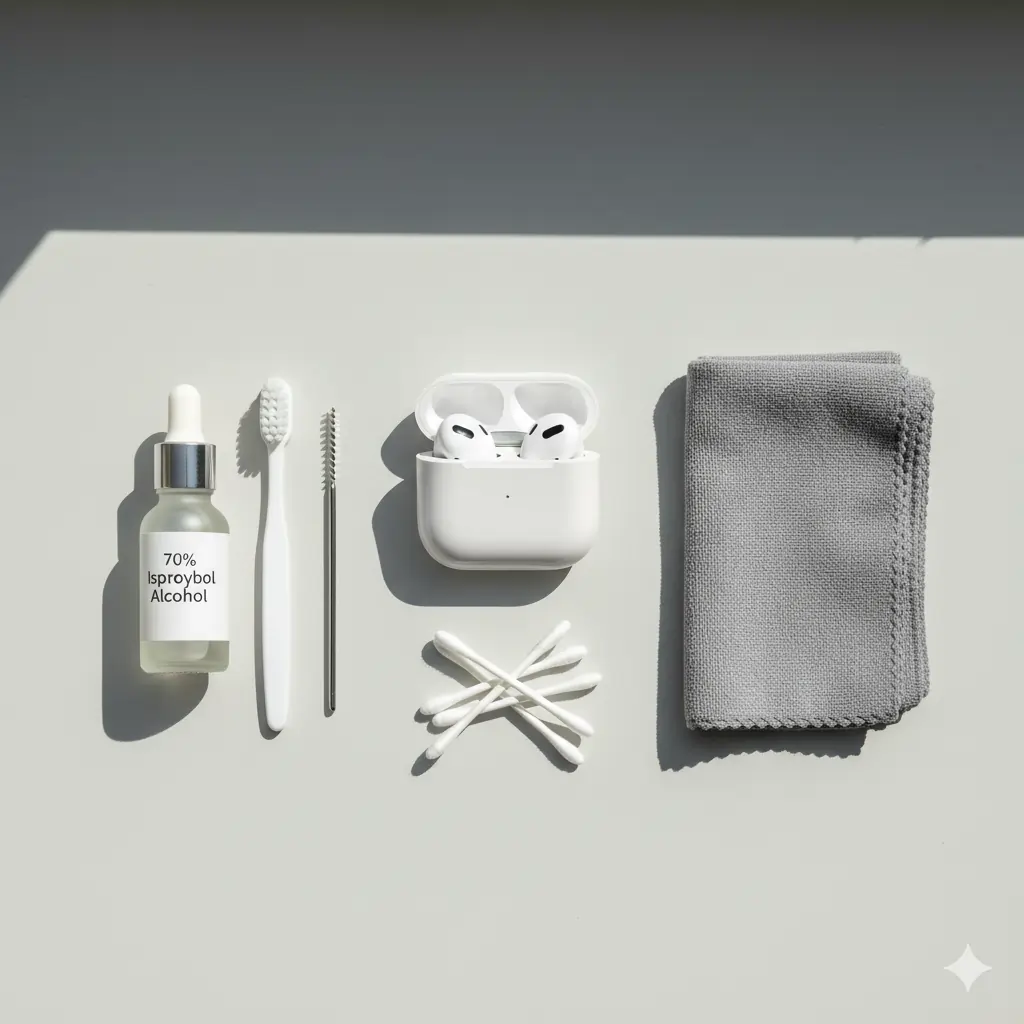
Step 1: Wipe with a Microfiber Cloth & Alcohol-How to Clean Air Pods
Start by turning off your AirPods and removing them from the case.
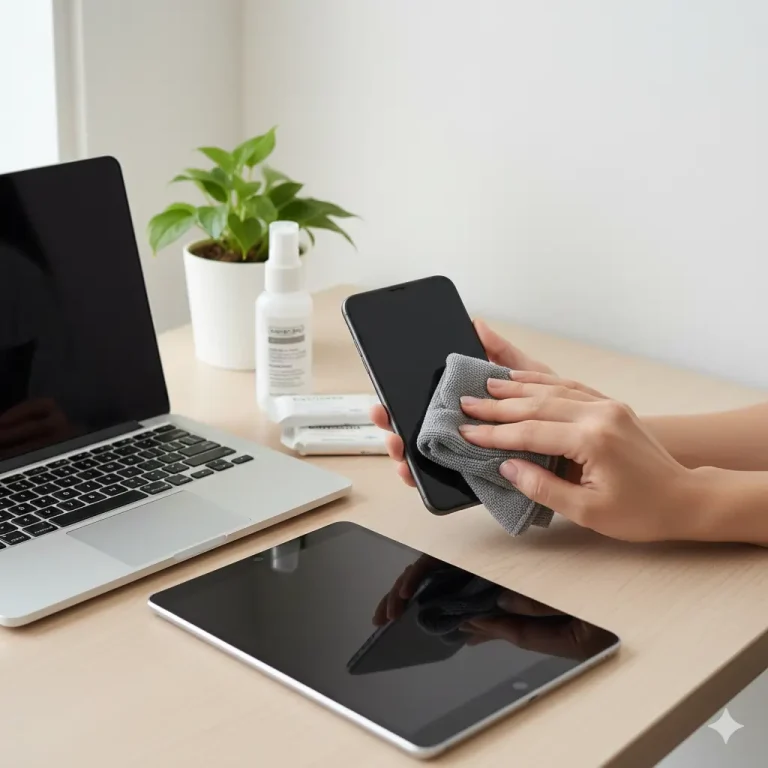
Lightly dampen a microfiber cloth with 70% isopropyl alcohol — not dripping wet — and gently wipe the exterior of each AirPod.
This removes oils, dirt, and bacteria buildup without damaging the finish. Avoid letting any liquid enter the speaker mesh or openings.
💡 Pro Tip: Always use circular motions and minimal pressure — it keeps the glossy finish intact and avoids pushing dust deeper inside.

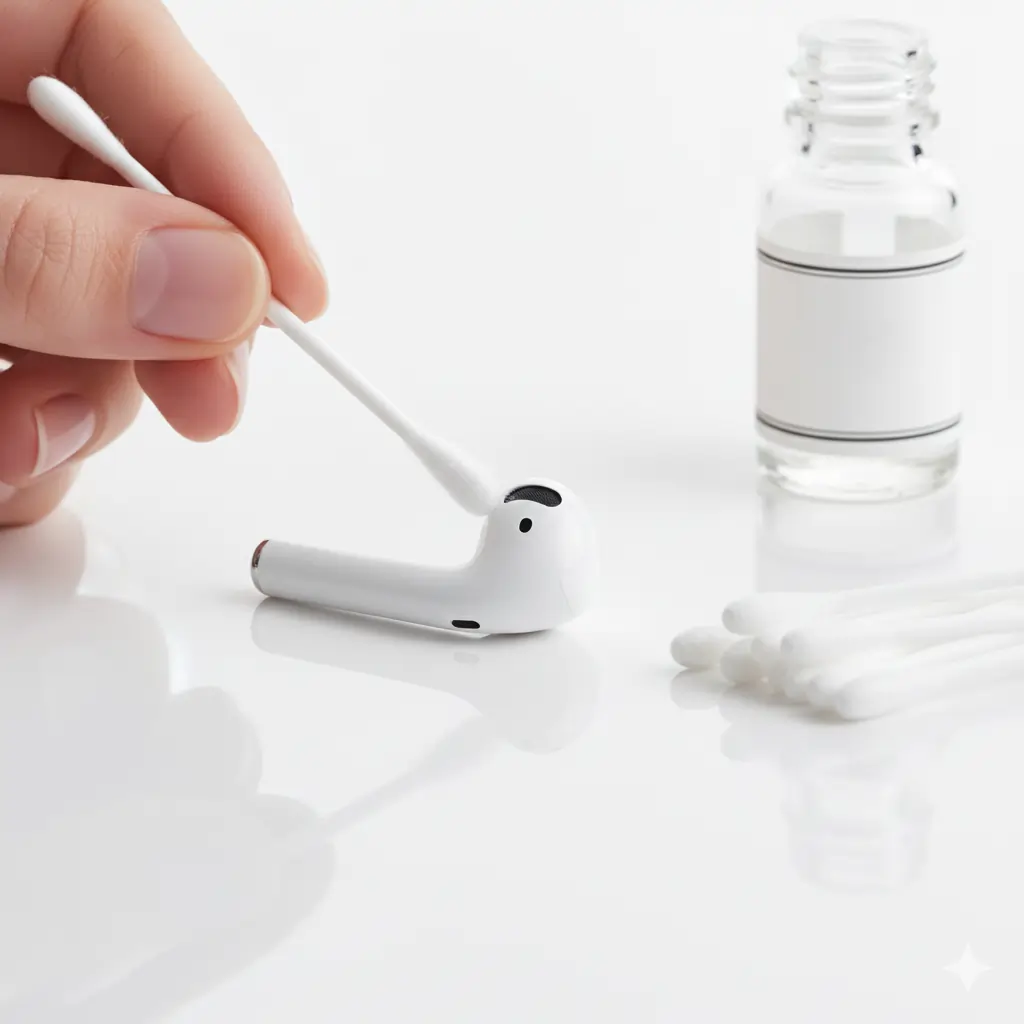
Step 2: Clean with Cotton Swabs (Q-Tips)
Next, grab a Q-tip and gently clean around the speaker grilles and microphone holes.
Use dry swabs for the first round to pick up loose dirt, then slightly dampen one in alcohol for stubborn spots.
You’ll be amazed at how much unseen grime comes off — and your sound clarity will instantly improve.
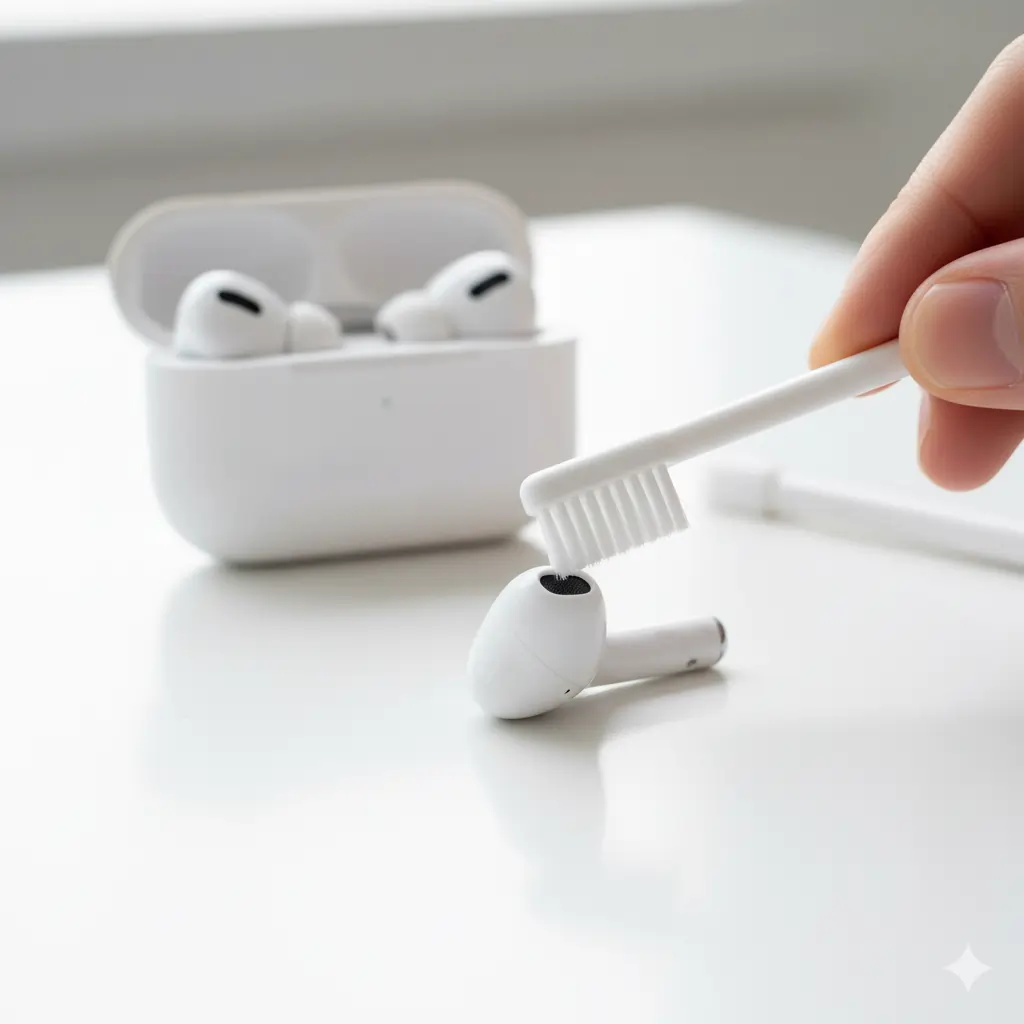
Step 3: Use a Toothbrush for the Speaker Mesh
The speaker mesh is where most of the clogging happens.
Use a dry, soft-bristled toothbrush and lightly brush across the mesh to remove trapped debris or earwax.
Keep the AirPods tilted downward so loosened dust falls away instead of going in.
If your speaker still sounds muffled after cleaning, try running a speaker dust removal sound using Fix My Speaker’s Dust Cleaning Mode — it vibrates trapped particles out with safe sound frequencies.
Step 4: Clean and Soak Silicone Ear Tips (for Air Pods Pro)
If you’re using AirPods Pro, gently pull off the silicone ear tips.
Soak them in a small bowl of warm water mixed with a few drops of rubbing alcohol for 2–3 minutes.
Then rinse them under clean water and pat dry with a microfiber cloth.
Make sure they’re completely dry before re-attaching them to avoid moisture damage.

Step 5: Dry Your AirPods Safely
Never use heat to dry your AirPods — it can damage the battery or internal circuits.
Instead, use the cool air setting on your hairdryer or leave them to air-dry for 10–15 minutes in a ventilated space.
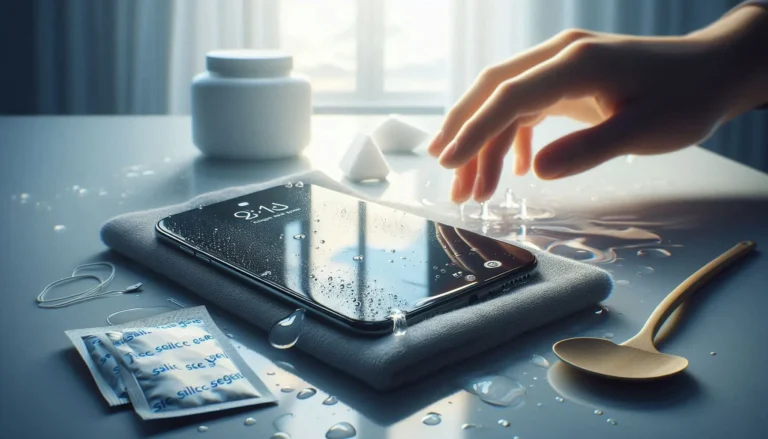
If your AirPods ever get wet accidentally, you can also play a water-eject sound from Fix My Speaker to push moisture out safely.

Bonus Tip! Use Sound-Based Cleaning for Deep Maintenance
Did you know your Air Pods can actually clean themselves using sound?
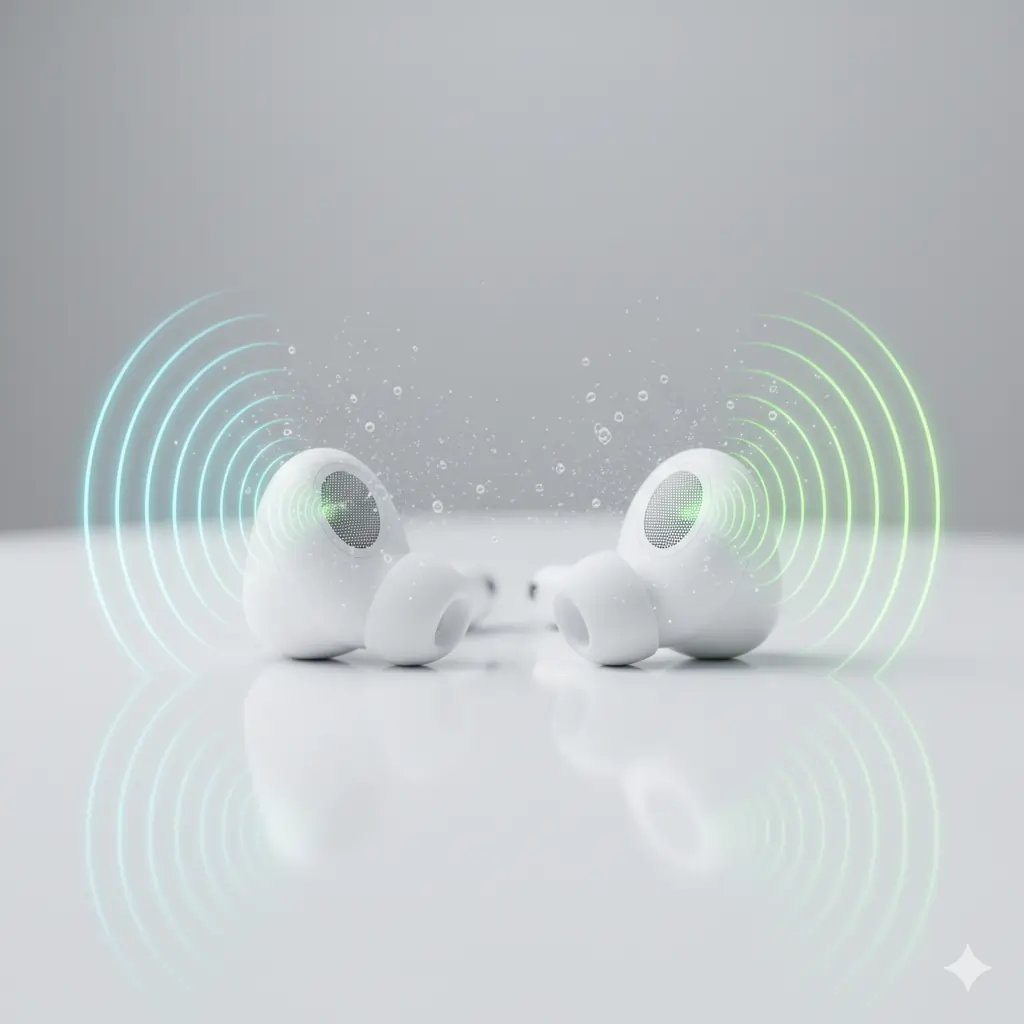
Sound-based tools like Fix My Speaker emit precise audio frequencies that help vibrate out dust, water, or debris from tiny speaker holes.
This technique is quick, safe, and completely free — no disassembly required!-How to Clean Air Pods.
👉 Try it now: Run Dust Cleaning Sound
Conclusion
Keeping your AirPods clean isn’t just about looks — it’s about sound quality and hygiene.
Regular cleaning prevents muffled audio, extends the lifespan of your AirPods, and ensures every beat sounds as good as the first time.
Make it a habit to wipe, brush, and eject every few weeks.
And whenever they sound dull or quiet, just fire up Fix My Speaker — your free, instant online sound cleaner.
“For official cleaning instructions, see Apple’s AirPods cleaning guide.”
“You can also check iFixit’s step-by-step AirPods cleaning tips.”