How to Clean Your Phone and Other Devices (Safely & Effectively)
Our phones touch everything — hands, pockets, dusty tables, kitchen counters, even gym equipment. Over time, oils, bacteria, dust, and tiny debris collect inside charging ports, speakers, cases, and buttons.
If your phone feels greasy, looks dull, or the speakers sound fuzzy, it’s time for a proper cleaning routine that won’t damage your device.
Below is a practical, science-backed, step-by-step guide to clean your phone, speaker grills, charging port, and other gadgets safely using methods recommended by technicians and electronics specialists.
Start with a Clean Case-How to Clean Your Phone and Other Devices
Most phones get dirty because the case traps dust, moisture, and oils. Cleaning your case first prevents transferring grime back onto your phone.
Steps to Clean Your Case:
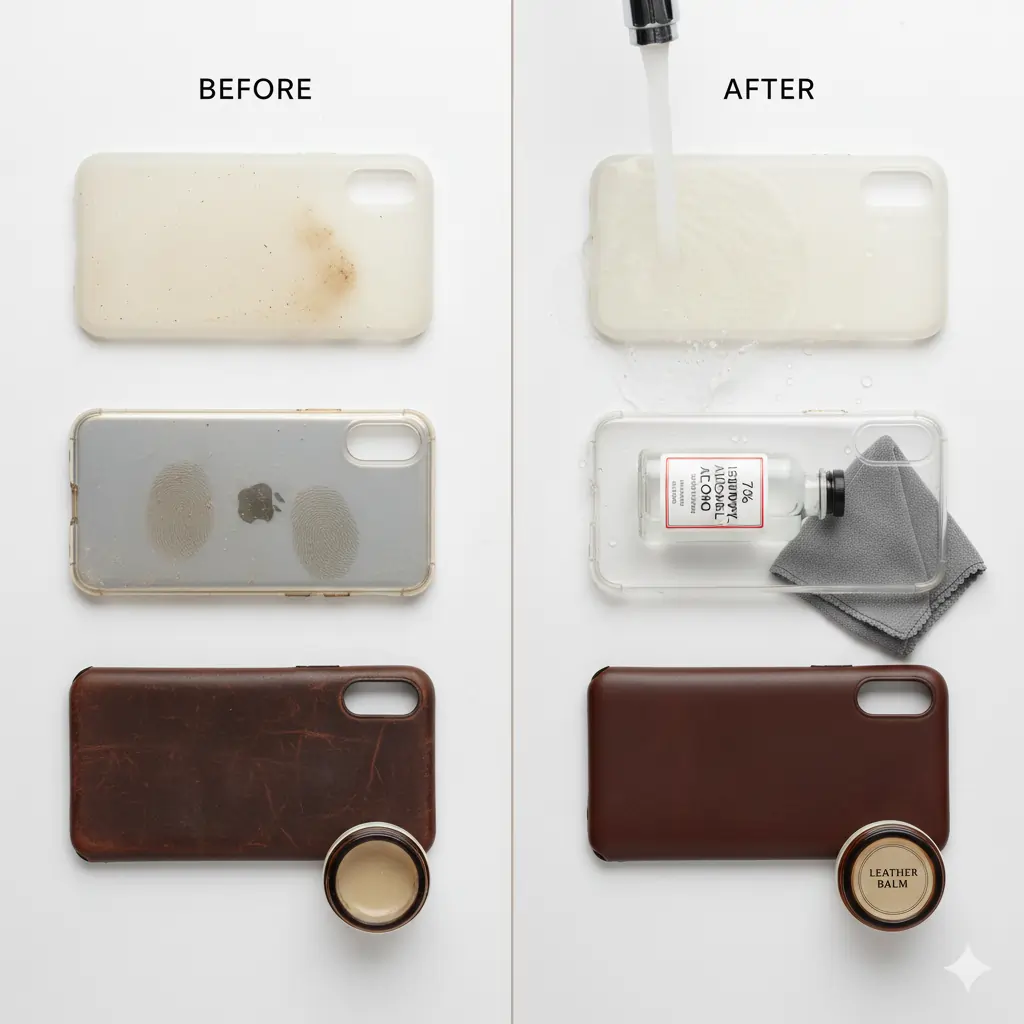
• Silicone & Rubber Cases
- Remove the case and rinse under warm water.
- Use mild soap to remove oils and fingerprints.
- Dry thoroughly to avoid trapping moisture.
• Plastic Cases
- Wipe with 70% isopropyl alcohol (safe for electronics surfaces).
- Avoid soaking — plastics can warp with excessive alcohol exposure.
• Leather Cases
- DO NOT use alcohol; it causes discoloration and dryness.
- Use a leather-safe sanitizing wipe or a dedicated leather balm.
- Buff gently with a microfiber cloth.
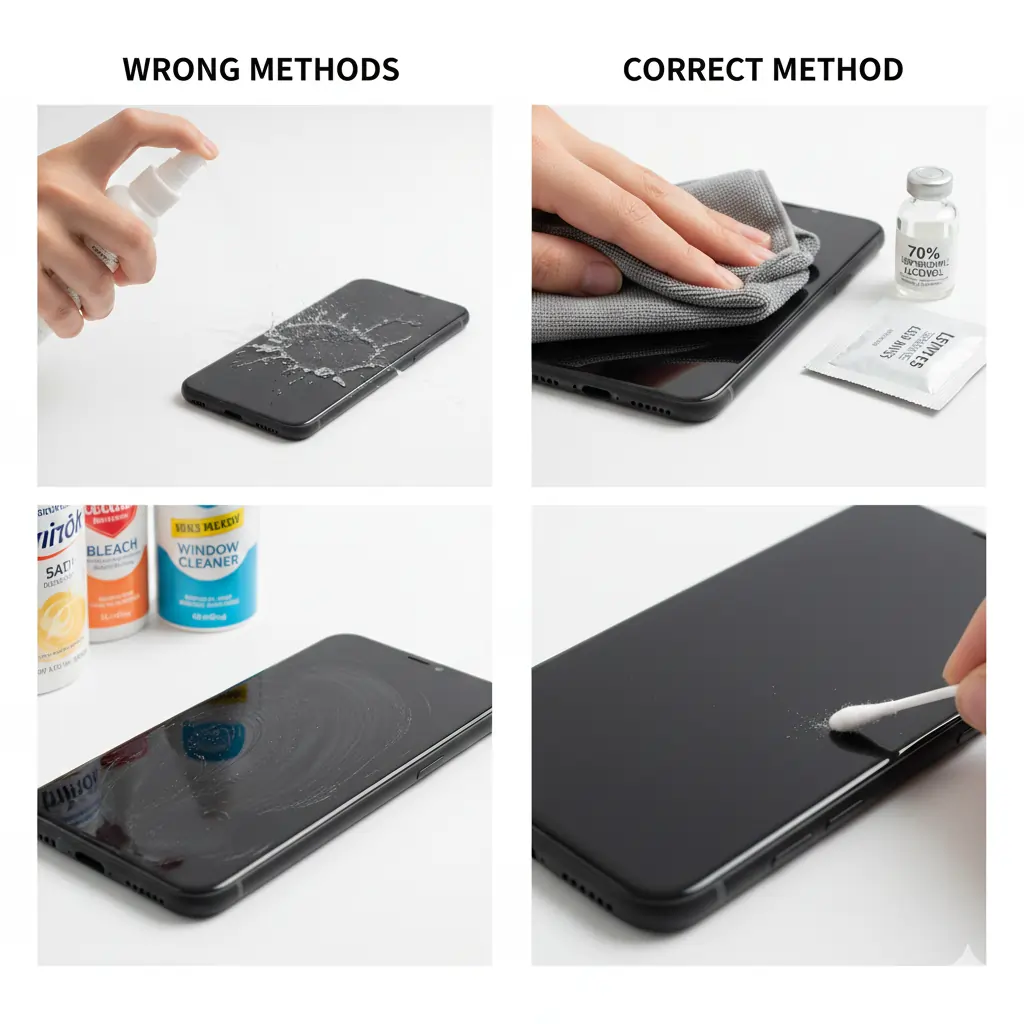
Use the Right Cleaner for Your Phone
Steps to Clean Your Phone:
- Turn off your phone.
- Remove the case and disconnect accessories.
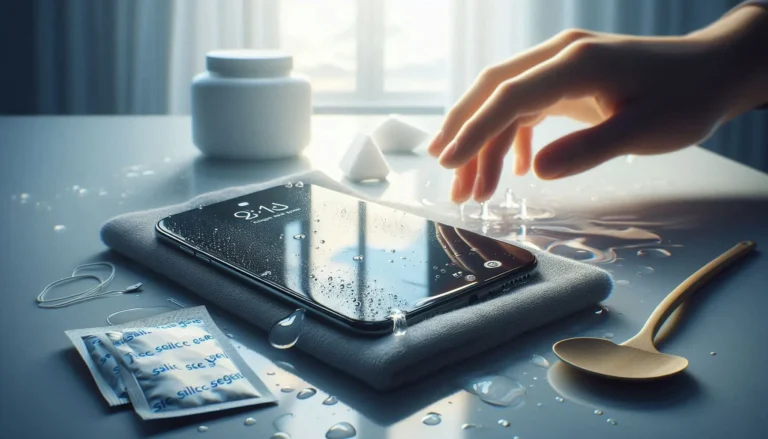
- Lightly dampen a microfiber cloth with alcohol — never pour directly.
- Clean the back, edges, and screen using circular motions.
- Use pre-moistened lens wipes for a streak-free finish.
- Clean buttons and seams with a slightly damp Q-tip.
Don’t Forget the Charging Port
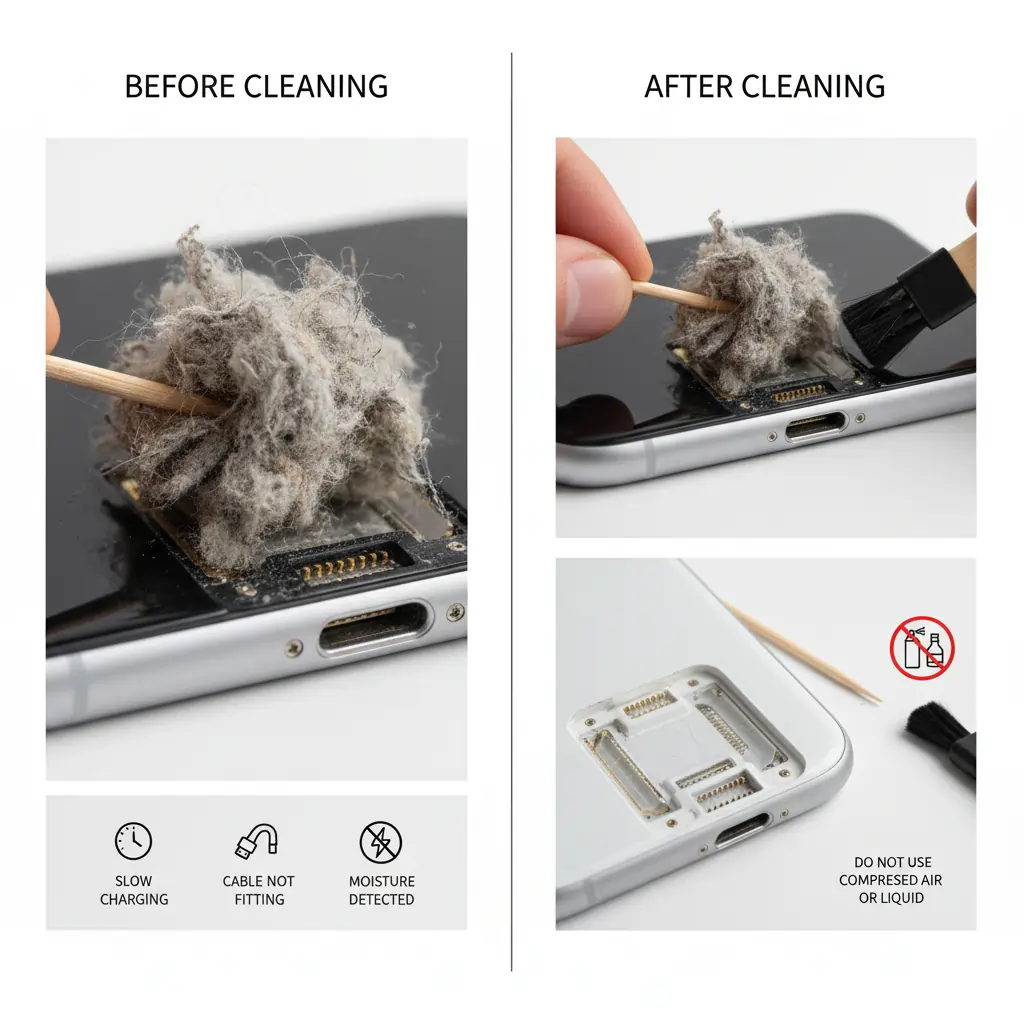
A dirty charging port is one of the most common reasons for:
- slow charging
- cable not fitting properly
- “Moisture detected in charging port” alerts
- phone not charging at all
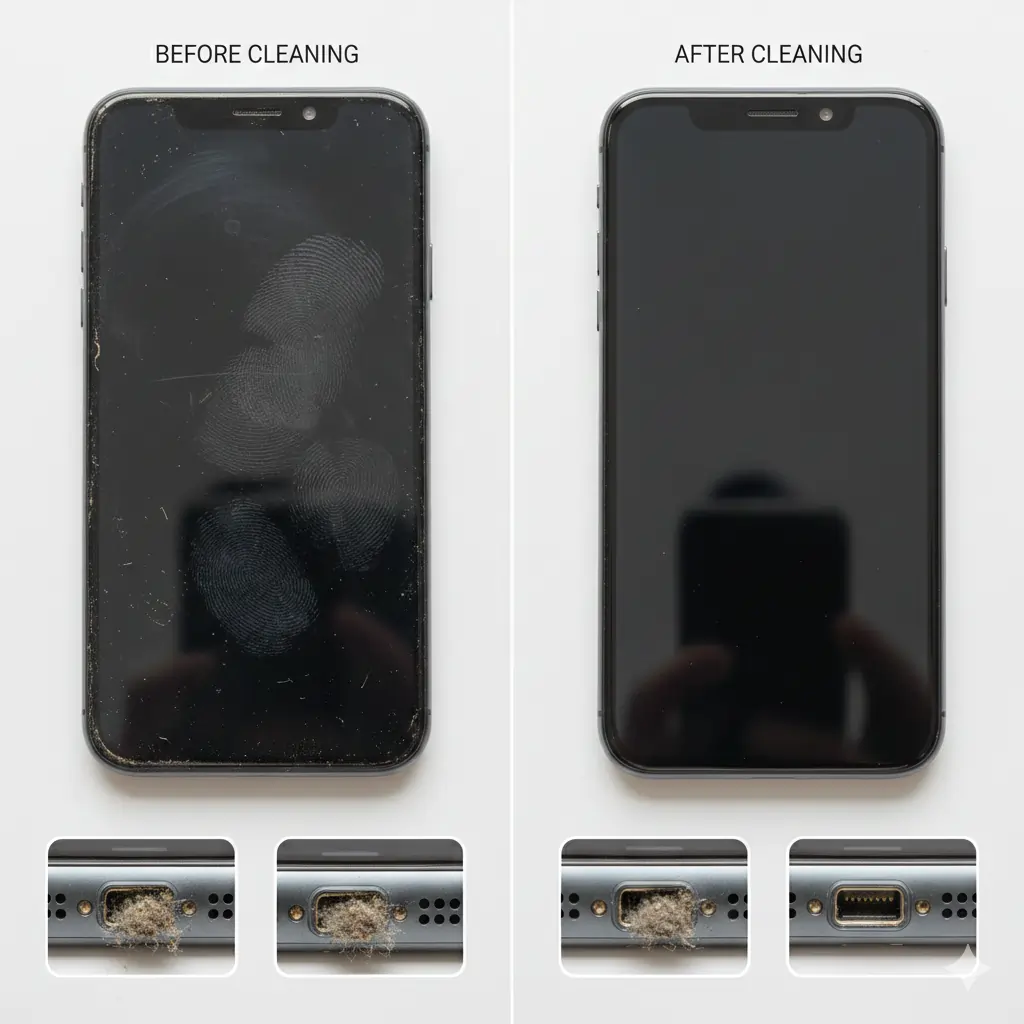
Lint, dust, and pocket fibers get stuck inside the port and block the connection or How to Clean Your Phone and Other Devices .
Steps to Clean Your Phone’s Charging Port:
Use a wooden toothpick
- Gently scrape lint from the inner walls.
- Be slow — ports are delicate.
✔ Use a soft brush
A dry, anti-static brush removes loose dust effectively.
✔ Avoid compressed air
It pushes dust deeper and can damage internal contacts.
✔ Do NOT use alcohol inside the port
Liquid can short-circuit components.
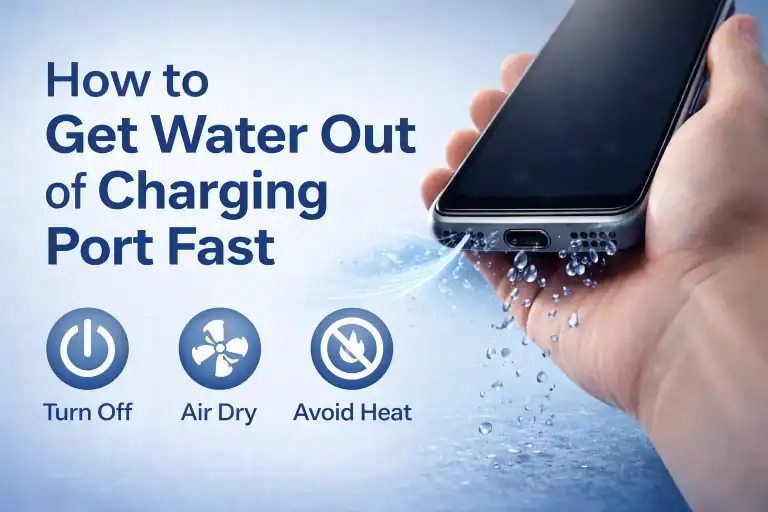
If your charging port shows moisture warnings, use controlled sound waves instead of blowing hot air. (You can safely remove moisture using tools like Eject Water from Speaker on our site.)
Clean Hard-to-Reach Areas with a Toothbrush
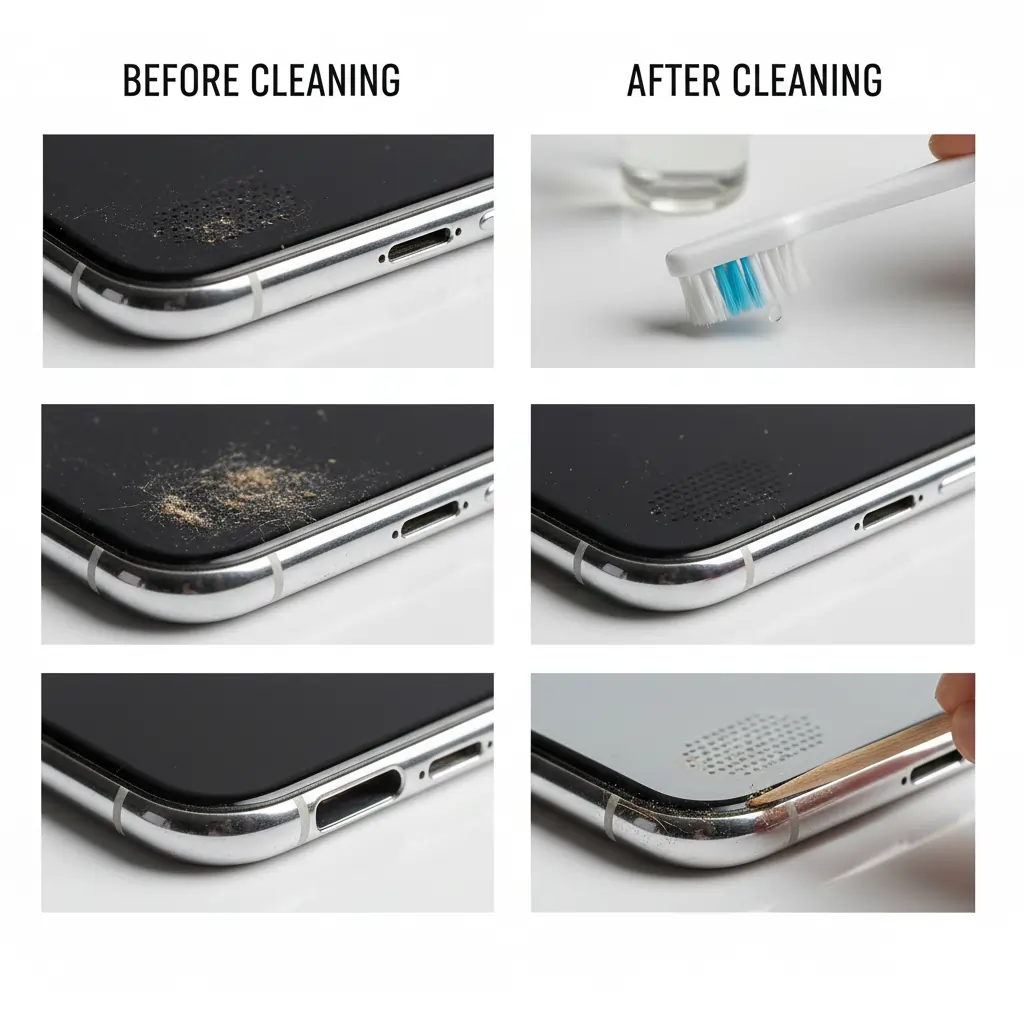
Dust builds up in microphone holes, speaker grills, and the tiny bezels around the screen. A soft-bristled toothbrush works perfectly.
How to Clean Hard-to-Reach Areas:
- Dip the brush lightly into 70% alcohol (optional).
- Make gentle sweeping strokes.
- Avoid scrubbing aggressively — it can push dust deeper.
- Use a toothpick for corners or SIM tray edges.
Cleaning Speaker Grills Thoroughly-How to Clean Your Phone and Other Devices
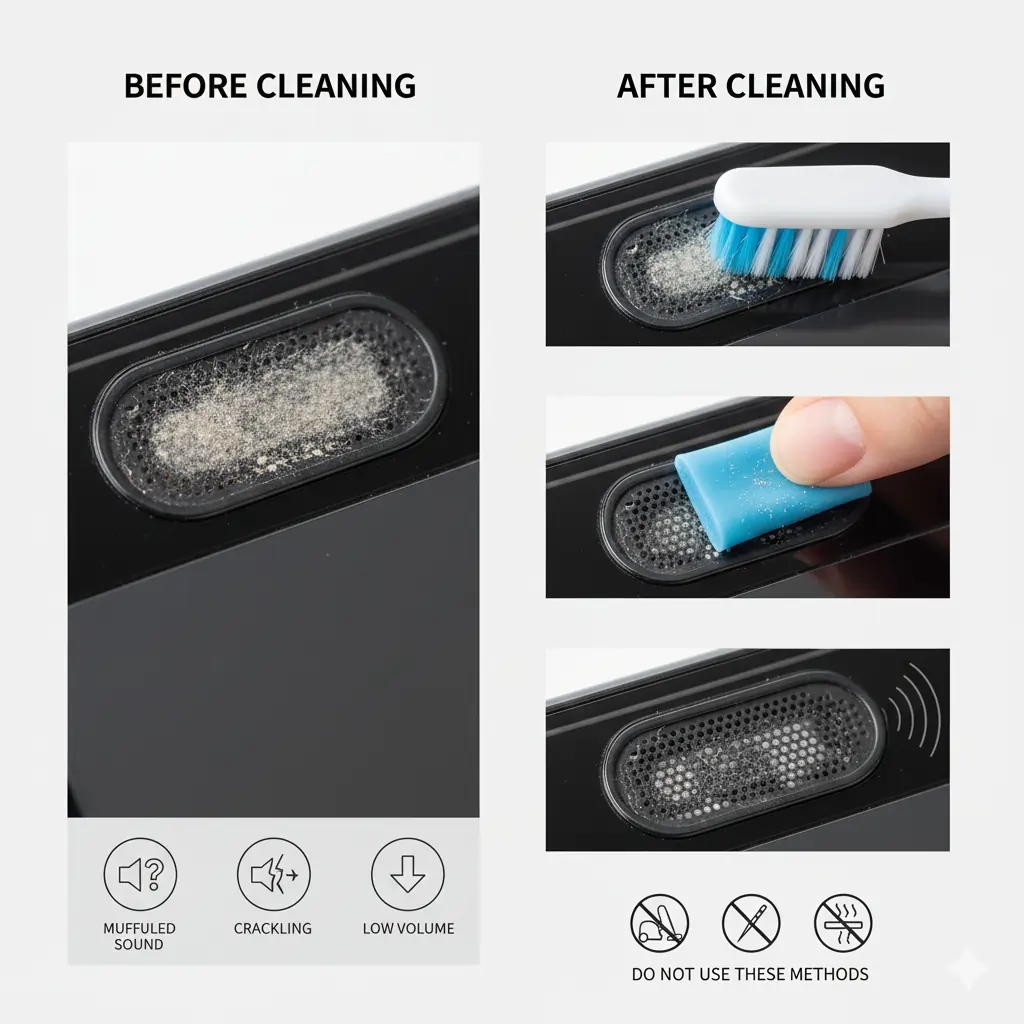
A dirty speaker is the #1 reason behind:
- fuzzy sound
- muffled audio
- reduced loudness
- crackling noise
- weak bass
Tiny particles clog the speaker mesh and block airflow.
How to Clean Phone Speaker Grills:
✔ 1. Use a dry brush
Brush horizontally across the speaker mesh with a soft toothbrush.
✔ 2. Try cleaning putty (Blu Tack / sticky putty)
- Press gently onto the speaker grill.
- Lift it slowly — it pulls out dust without damage.
- Do NOT push too hard.
This putty is used by technicians to clean delicate electronics like camera sensors and earbuds.
✔ 3. Use sound waves for deeper cleaning
If debris is inside the speaker chamber, physical cleaning isn’t enough.
You can safely use controlled sound vibration tools (like Fix My Speaker) to eject dust and trapped particles.
✔ 4. Avoid risky methods
- No vacuum cleaners
- No needles or metal picks
- No blowing hot air
These can damage the speaker’s diaphragm or cause permanent distortion.
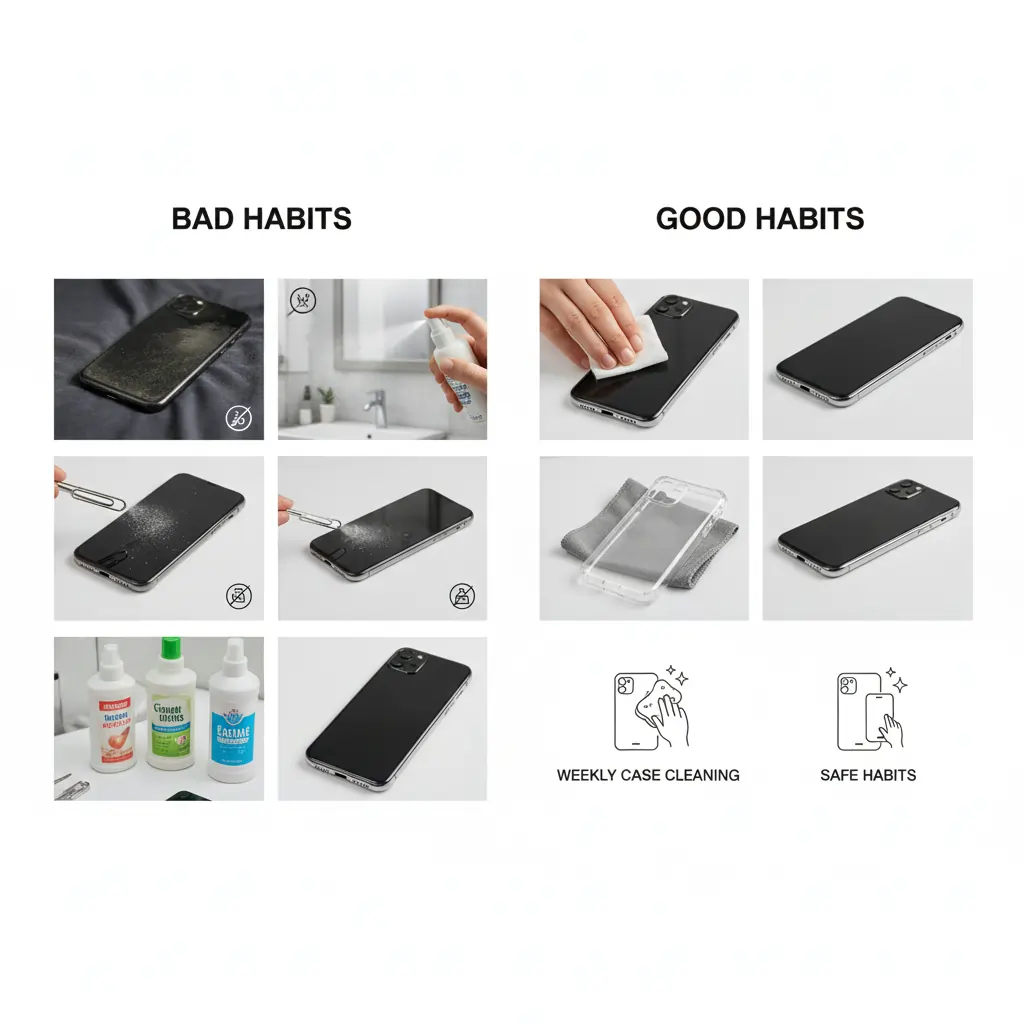
Maintain Regular Cleaning Habits
Dry dust, moisture, skin oils, and bacteria build up every month. Regular cleaning boosts device longevity and performance.
Best Practices for Long-Term Maintenance:
- Wipe your phone every 2–3 days with a lens wipe.
- Clean the case weekly.
- Use a protective case that doesn’t trap sweat.
- Avoid placing phones on dusty fabric and kitchen counters.
- Keep phones away from bathrooms during showers (moisture builds inside the speaker).
Things to Avoid:
- DO NOT use bleach or all-purpose cleaners.
- DO NOT spray liquids directly.
- DO NOT insert metal tools into ports or speakers.
- DO NOT use high heat (dryers, heaters).
- DO NOT use cotton buds inside charging ports (fibers get stuck).
Related Posts
- How to Get Water Out of Your Phone Speaker
- How to Make Spotify Sound Louder
- How to Clean Your AirPods Safely
- For more tips on cleaning your phone safely, check Apple’s official iPhone cleaning guide.