How to Get Water Out of Charging Port Fast
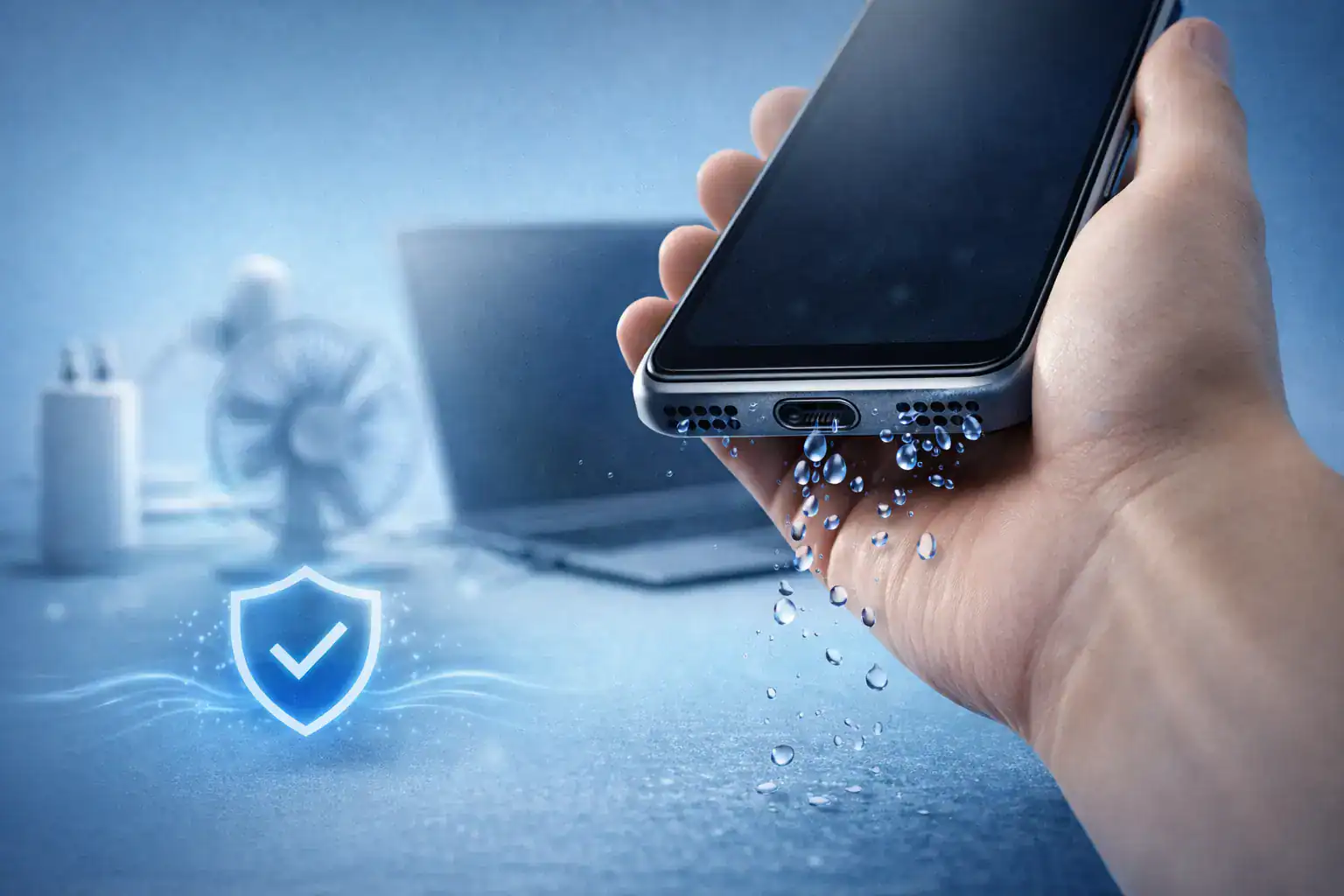
If your phone suddenly stops charging and shows a moisture warning, don’t panic. Knowing How to Get Water Out of Charging Port Fast can prevent long-term damage and save you from expensive repairs. Whether you’re using an iPhone or Android device, acting quickly and correctly is what matters most.
Water inside the charging port can block electrical contact, trigger safety warnings, and even cause corrosion if ignored.
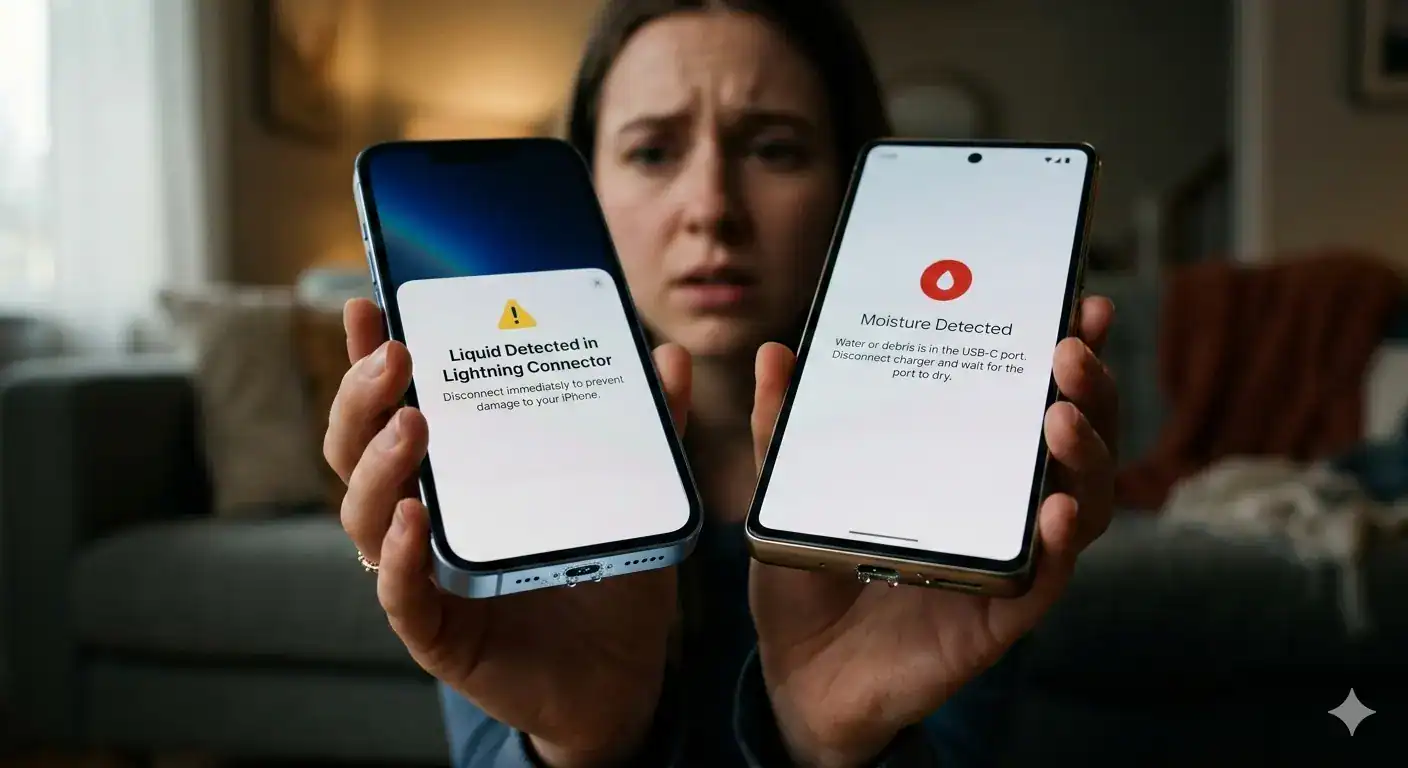
Why Do Phones Stop Charging When Wet?
Modern smartphones include moisture detection sensors. When liquid is detected inside the charging port, the system automatically disables charging to protect internal circuits.
This is a safety feature — not a malfunction.
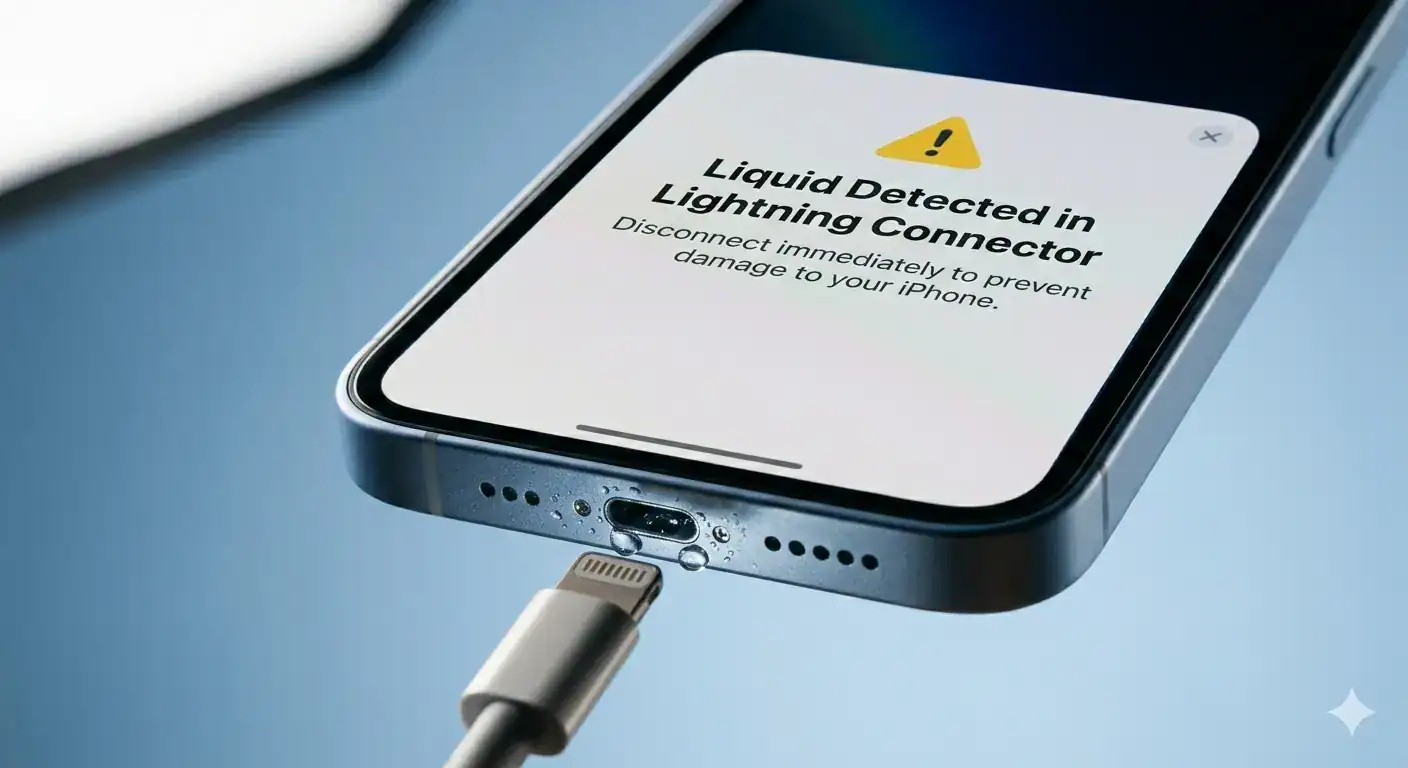
What Does Water in a Charging Port Mean?
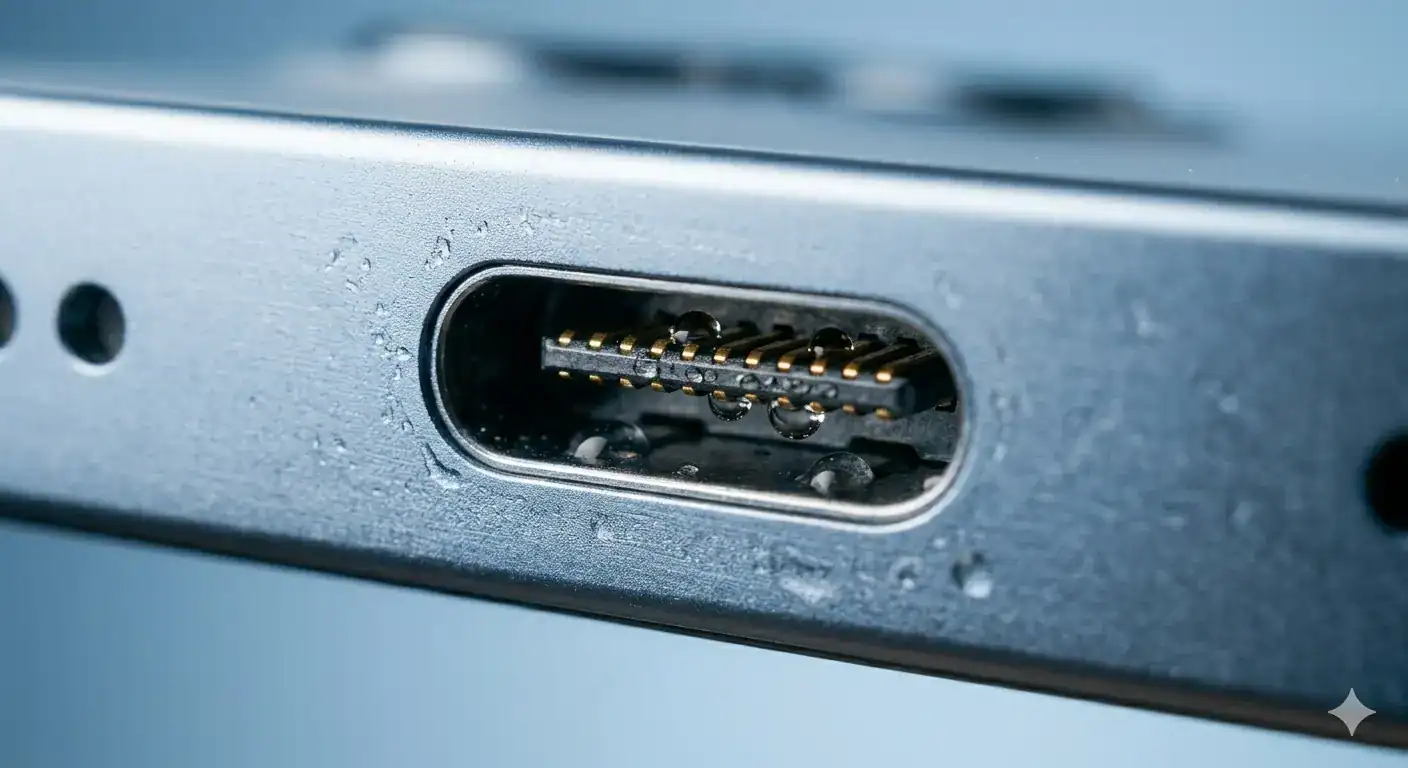
It means liquid has entered the USB-C or Lightning port. Even small droplets can interrupt the connection between charging pins and the cable.
Can I Charge My Phone If Water Is in the Charging Port?
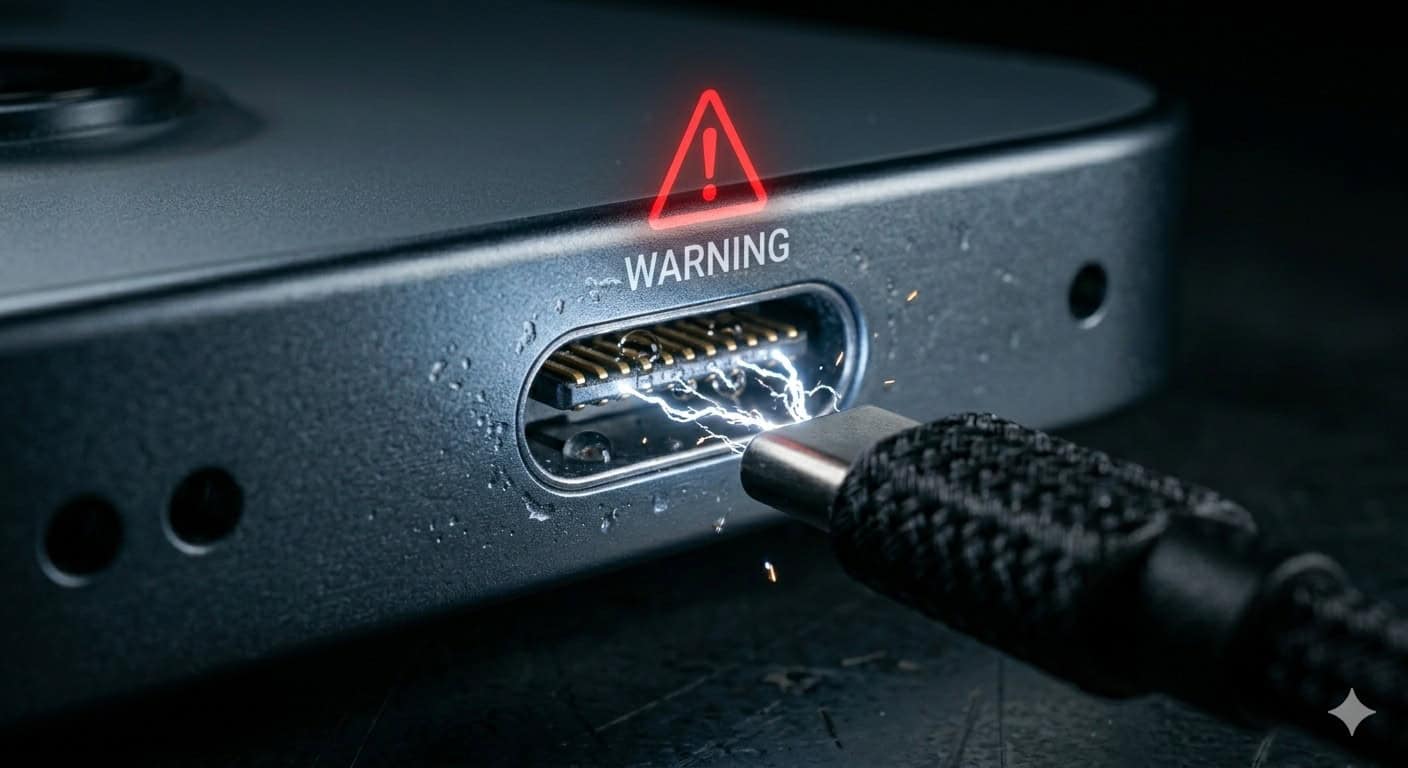
No. Charging a wet phone can:
- Short-circuit internal components
- Damage the battery
- Cause corrosion over time
Always dry the port first before attempting to charge.
What Happens When Water Gets Inside a Charging Port
How Charging Pins Carry Power
The metal pins inside the port transfer electricity from your charger to the battery. If water bridges these pins, it can disrupt voltage flow.
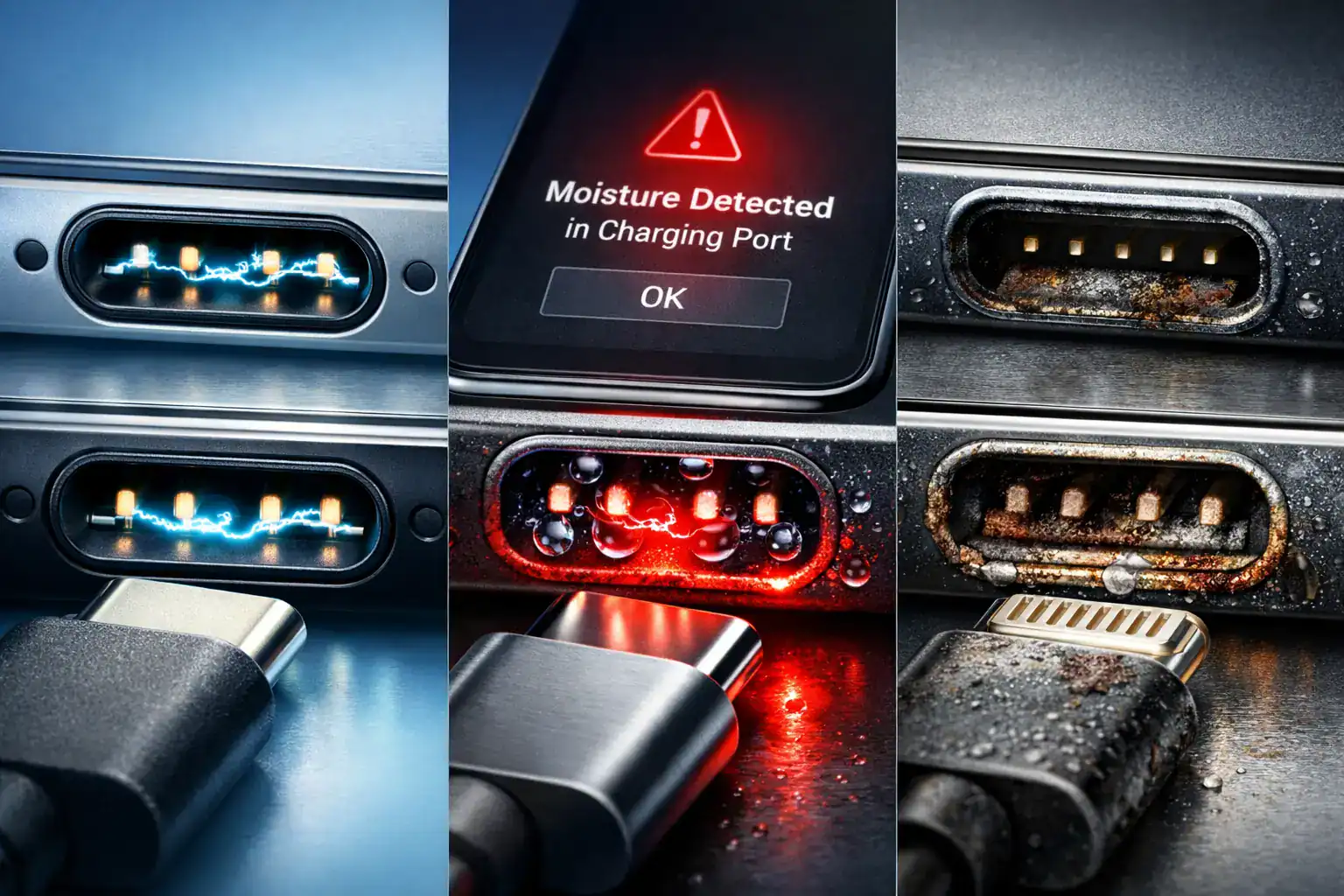
Why Phones Show Moisture or Liquid Warning
Devices detect abnormal conductivity caused by moisture. That’s why you see “Liquid Detected” or “Moisture Detected” alerts.
Why Charging a Wet Phone Causes Corrosion
Water combined with electricity speeds up oxidation. Over time, this damages connectors permanently.
Visit our water ejector tool.
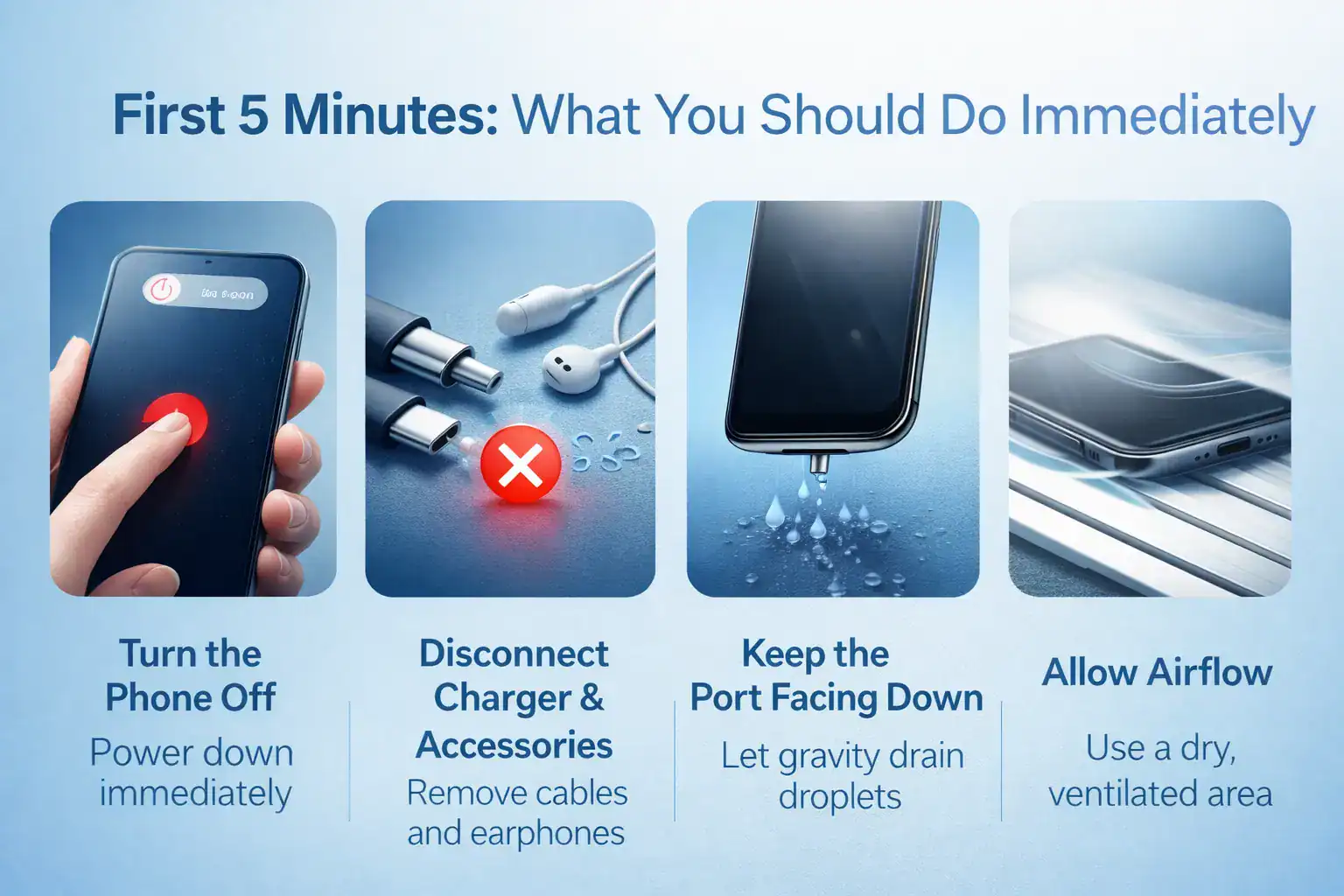
First 5 Minutes: What You Should Do Immediately
If you’re searching How to Get Water Out of Charging Port Fast, start here:
Turn the Phone Off
Power down immediately to prevent electrical damage.
Disconnect Charger & Accessories
Remove charging cables, earphones, or OTG devices.
Keep the Port Facing Down
Gravity helps drain visible droplets.
Allow Airflow
Place the phone in a dry, ventilated area.
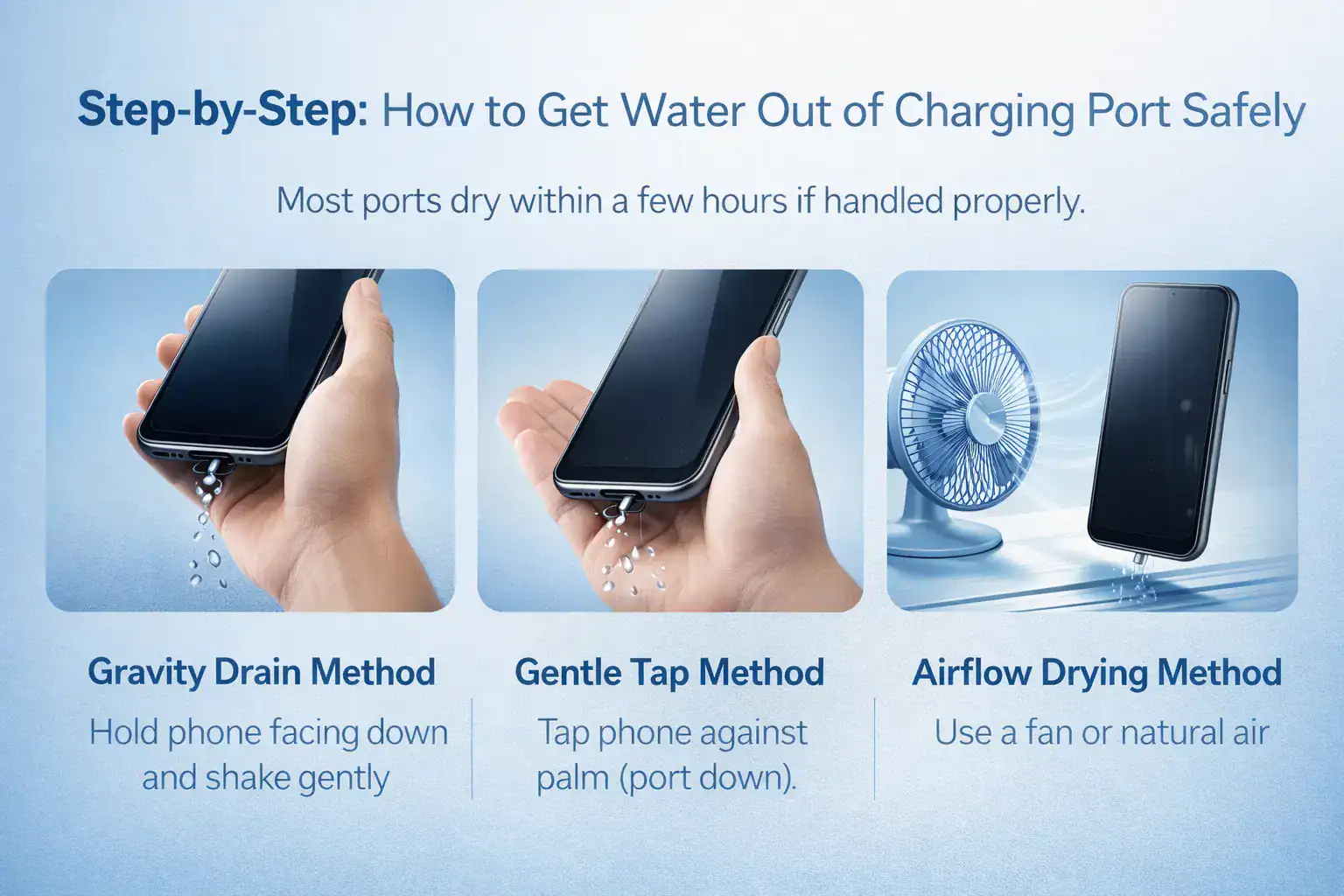
Step-by-Step: How to Get Water Out of Charging Port Safely
Gravity Drain Method
Hold your phone with the port facing downward and gently shake it.
Gentle Tap Method
Lightly tap the phone against your palm (port down). Do not hit hard.
Airflow Drying Method
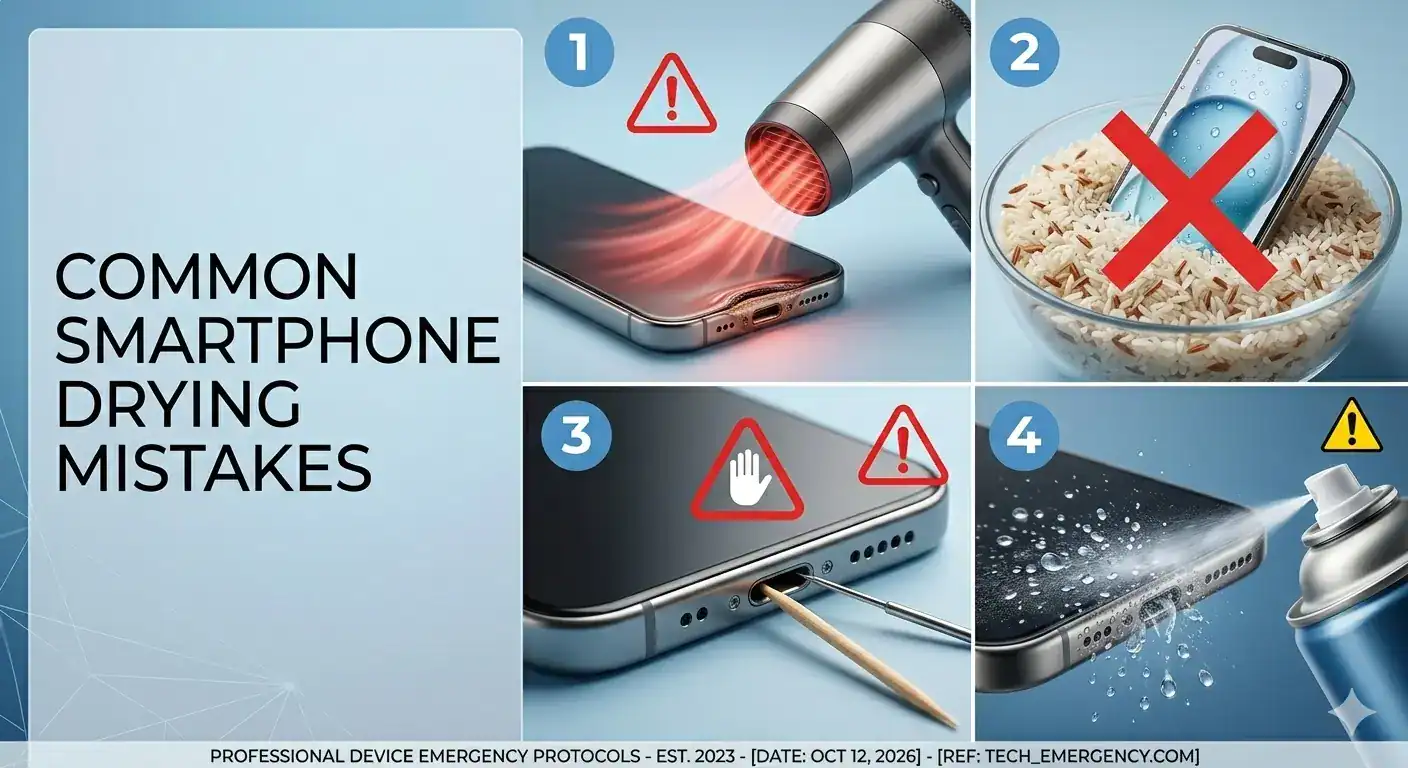
Use a fan or natural air circulation. Avoid heat sources like hair dryers.
Most ports dry within a few hours if handled properly.
Using Sound and Vibration to Push Water Out
Why Water Gets Trapped
Tiny droplets cling to the inside walls due to surface tension.
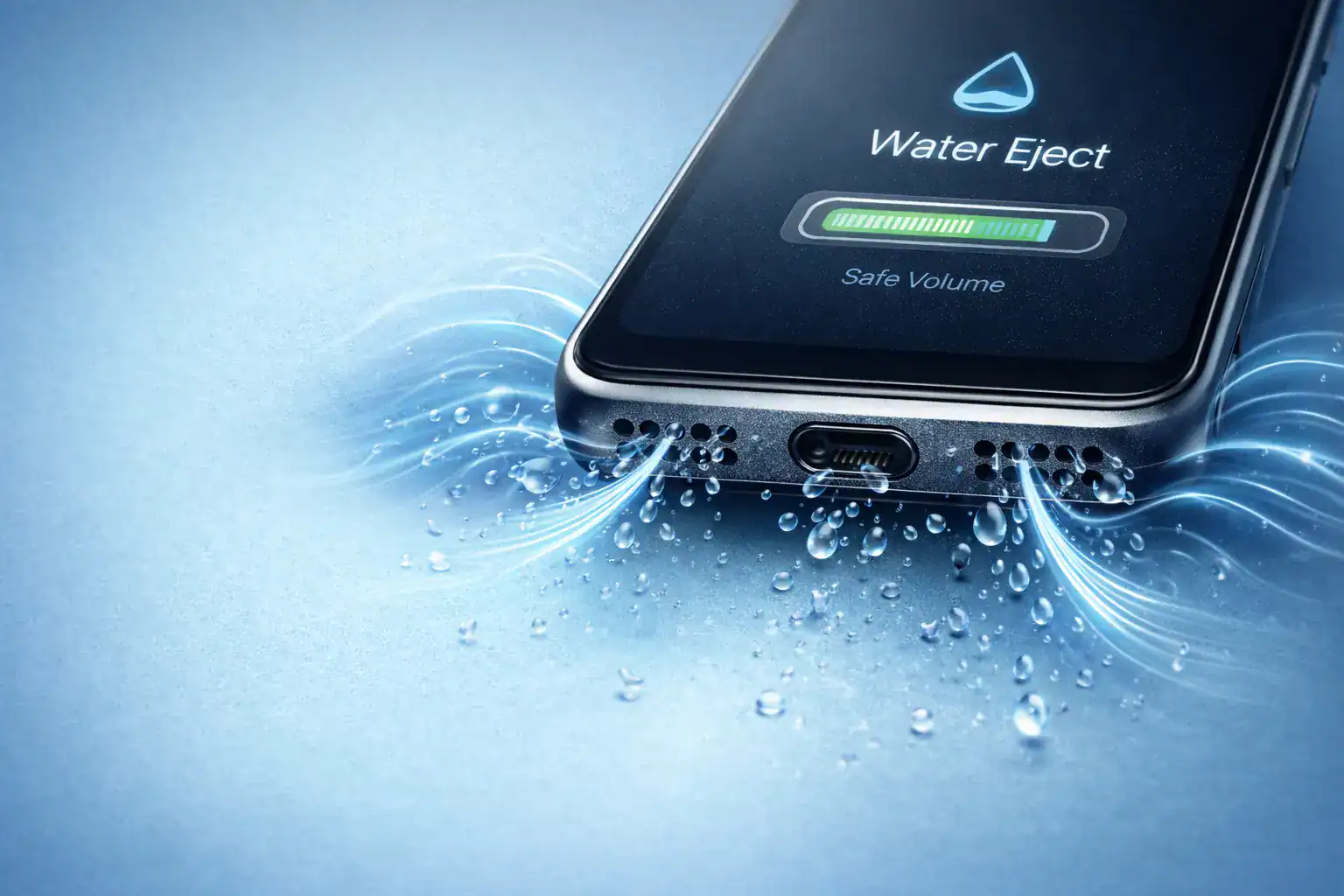
How Water Eject Sound Works
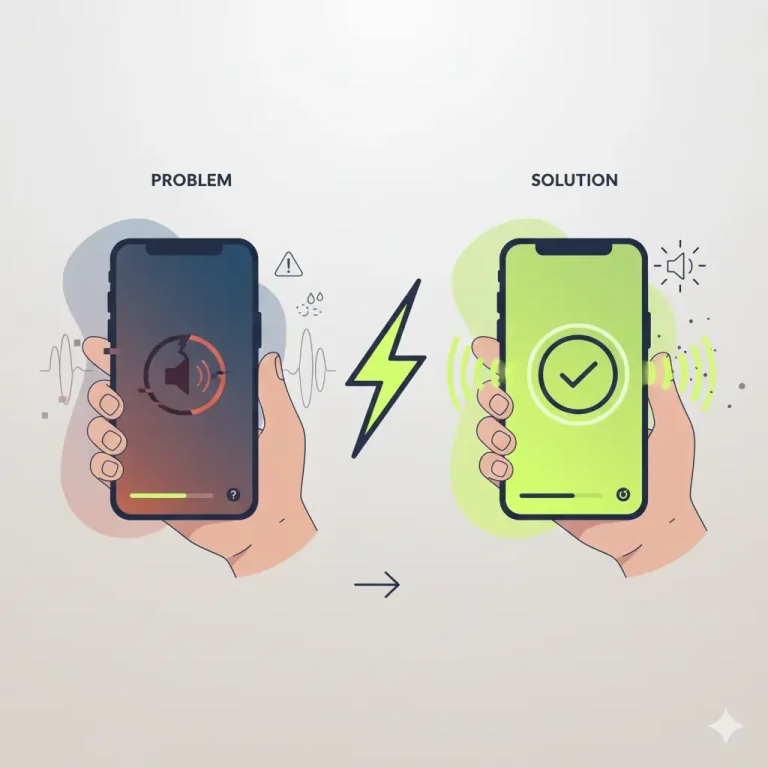
Low-frequency sound waves create vibrations that help dislodge trapped water particles from speaker grills and charging areas.
Safe Use of a Water Eject Tool
Use reputable tools designed for water ejection. Keep volume at recommended levels and do not overuse.
What Not To Do
Why Water Gets Trapped
Tiny droplets cling to the inside walls due to surface tension.
How Water Eject Sound Works
Low-frequency sound waves create vibrations that help dislodge trapped water particles from speaker grills and charging areas.
Safe Use of a Water Eject Tool
Use reputable tools designed for water ejection. Keep volume at recommended levels and do not overuse.
FAQs
Final Thoughts
Understanding How to Get Water Out of Charging Port Fast helps you act confidently in emergencies. The key principles are simple: turn it off, let it dry naturally, avoid heat, and never force objects inside the port.
Quick action protects your battery, charging system, and long-term device health.
Apple officially explains how moisture detection works in their support documentation. You can read more on the official