Laptop Speaker Cleaner
Laptop speakers often collect dust, lint, and tiny debris over time, which can lead to low volume, muffled sound, or crackling audio. A reliable Laptop Speaker Cleaner helps restore clarity, protect hardware, and improve your overall listening experience without opening the device or using risky tools.
Whether you use your laptop for online meetings, movies, music, or gaming, keeping the speakers clean is essential for consistent sound performance.
Laptop Speaker Cleaner
Clean speaker dust & restore clear laptop sound in 60 seconds
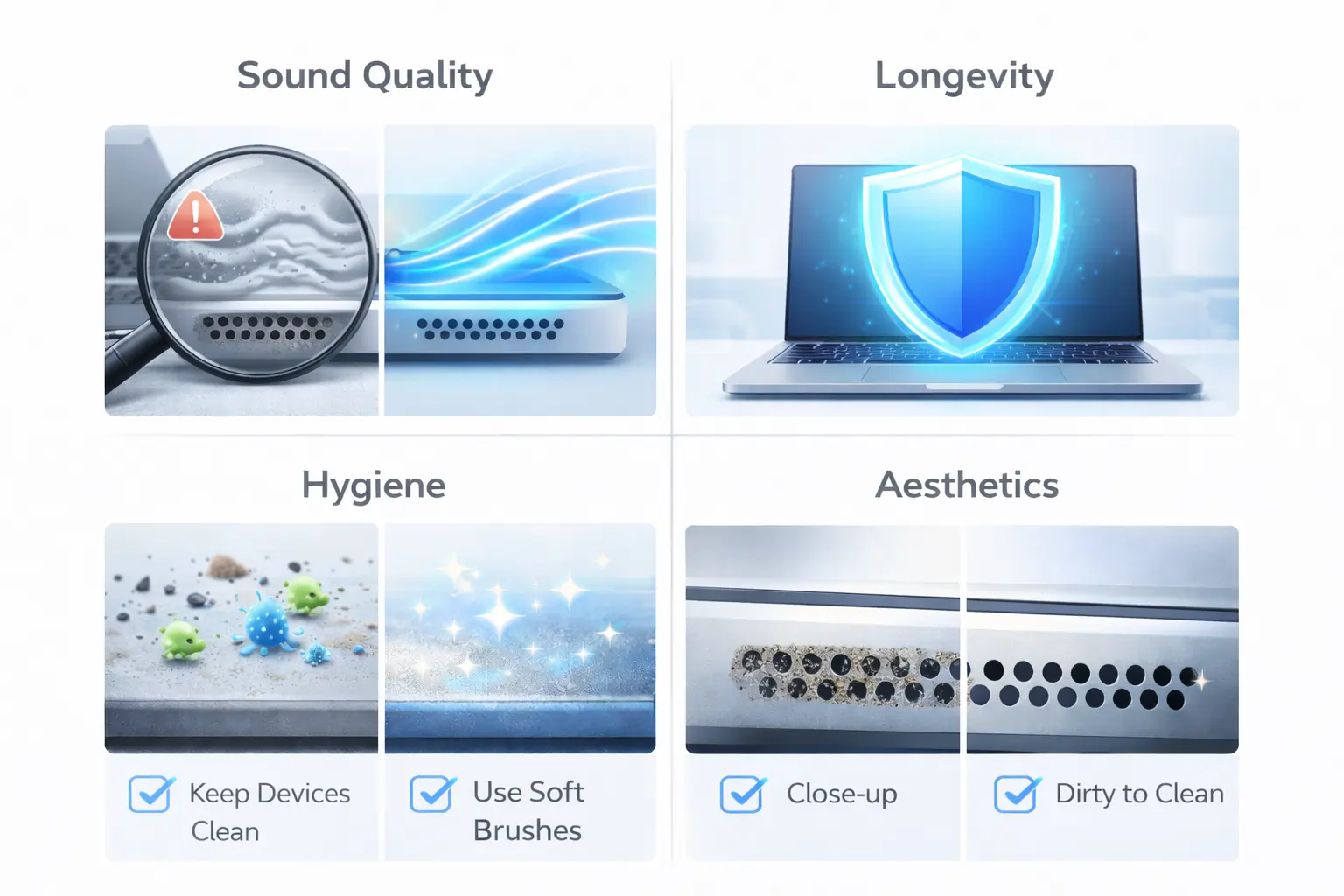
Why Do You Need to Clean Your Laptop Speaker?
Many users ignore speaker maintenance until audio quality drops. Using a Laptop Speakers Cleaner regularly helps prevent these common issues.
Sound Quality
Dust blocks airflow from the speaker grill, causing muffled or distorted audio. Cleaning improves clarity and loudness.
Longevity
Dirt buildup can trap moisture and accelerate internal damage. Regular cleaning helps protect the speaker components.
Hygiene
Laptop speakers often collect bacteria, skin particles, and environmental dust. Keeping them clean supports healthier everyday use.
Aesthetics
Clean speaker grills simply look better and give your device a well-maintained appearance.
How Does Dust Affect Your Laptop Speaker’s Performance?
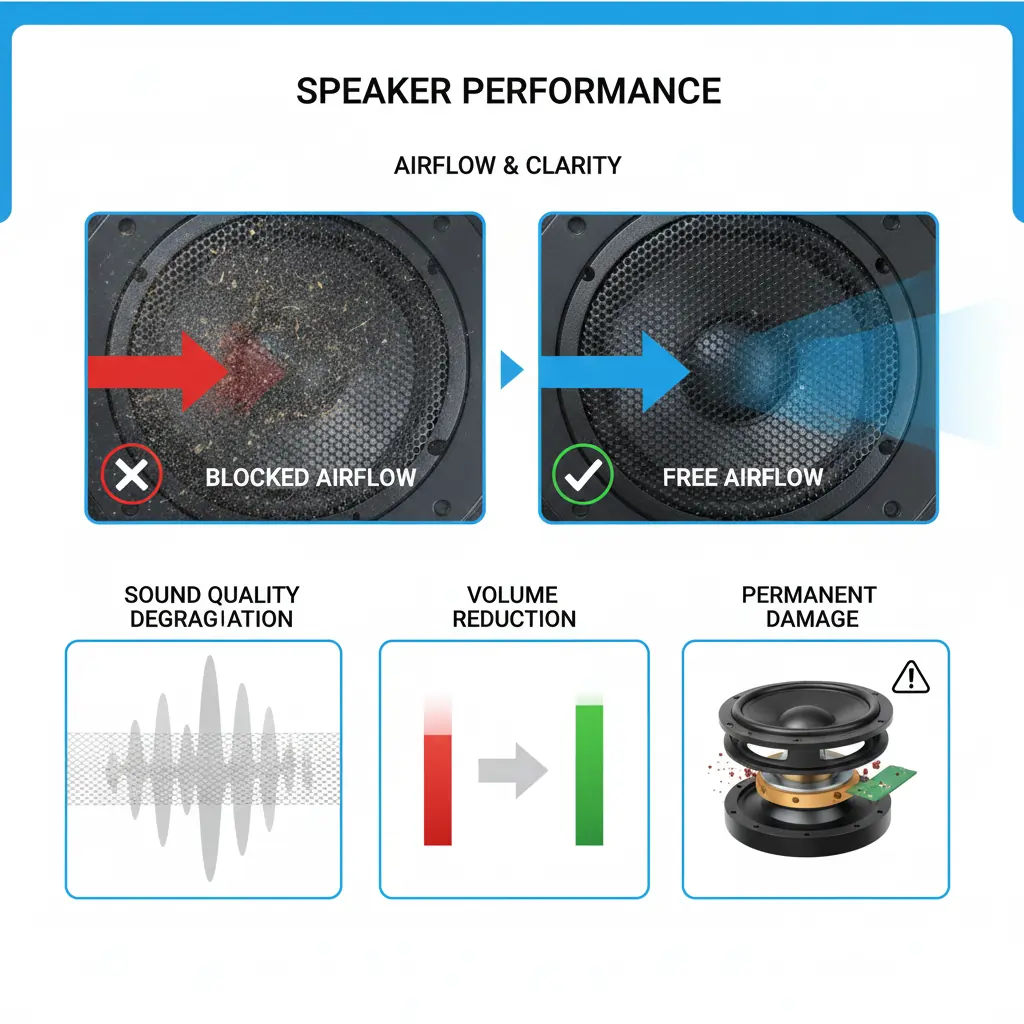
Dust is not just cosmetic — it directly impacts how your speaker functions.
Sound Quality Degradation
Particles clog the grill and dampen vibrations, making sound feel weak or unclear.
Volume Reduction
Users often think their speakers are “damaged” when the real issue is simply blocked airflow.
Permanent Damage
If moisture combines with dust, corrosion can occur over time, leading to costly repairs. This is why preventive cleaning matters.
How to Use Speaker Cleaner to Clean Laptop Speaker
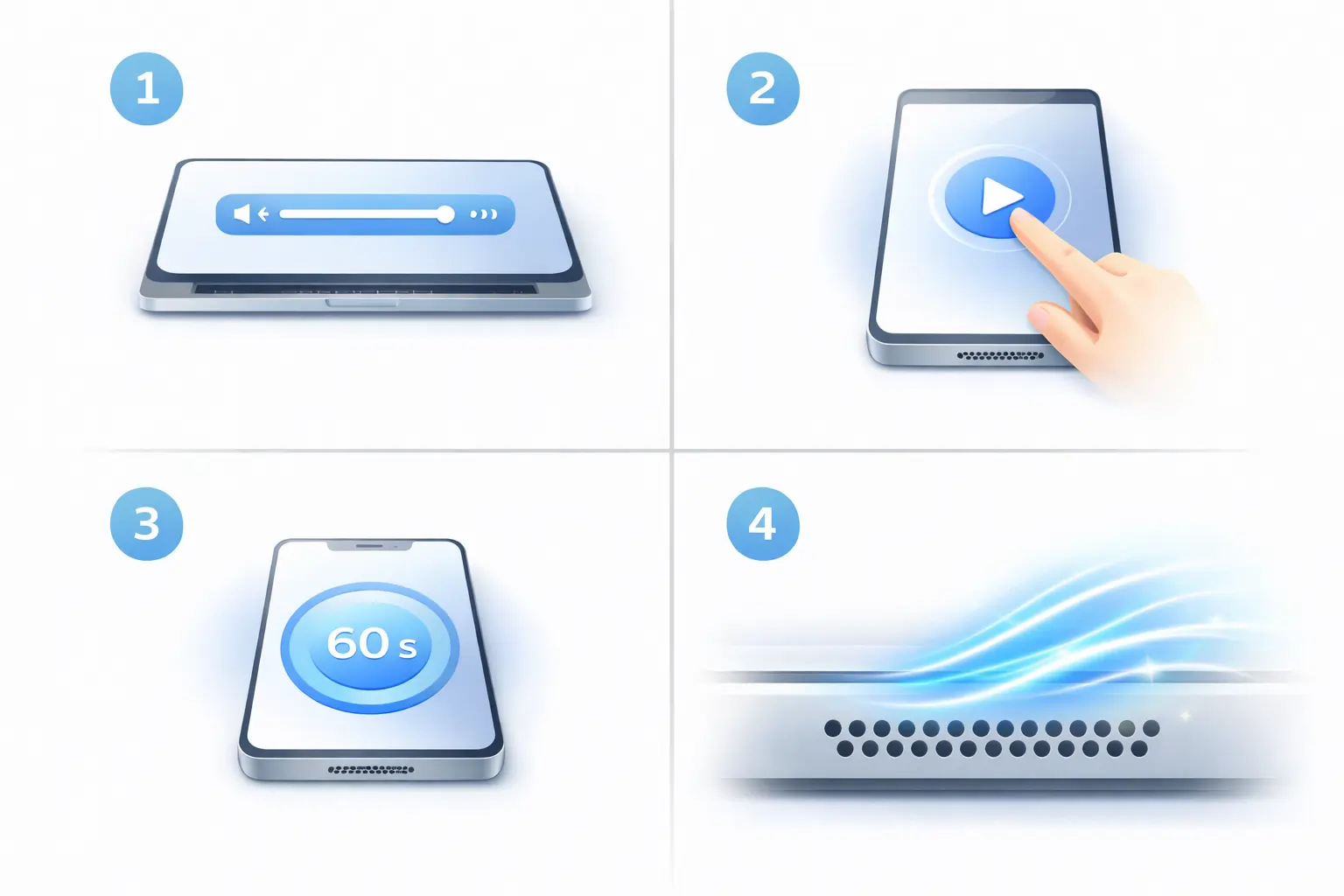
Using a browser-based Laptop Speakers Cleaner is simple and safe:
- Increase your laptop volume to a comfortable level
- Place the laptop on a flat surface
- Play the cleaning sound for 30–60 seconds
- Let the vibration help loosen trapped dust
- Repeat once or twice if sound is still muffled
This method works best for light to moderate dust buildup and is safer than inserting tools into speaker grills.
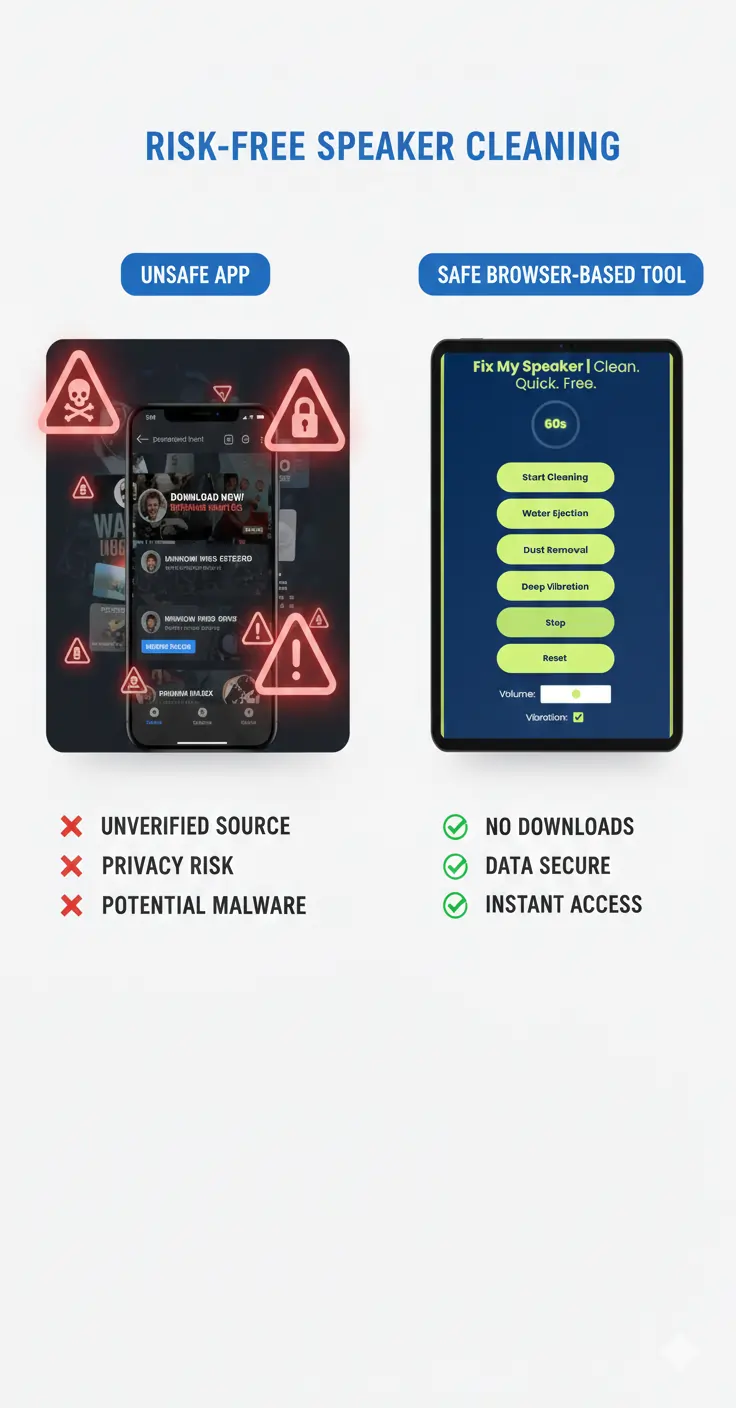
What Sets Us Apart from Other Laptop Speakers Cleaner Tools?
Most tools online either:
- Just play random sounds
- Force app downloads
- Use aggressive frequencies
- Provide no guidance
Our Laptop Speakers Cleaner focuses on:
- Carefully balanced sound frequencies
- Safe vibration patterns
- Browser-based usage (no installation)
- Simple user experience
- Educational content that actually helps users understand their device
This combination builds real trust and real results.
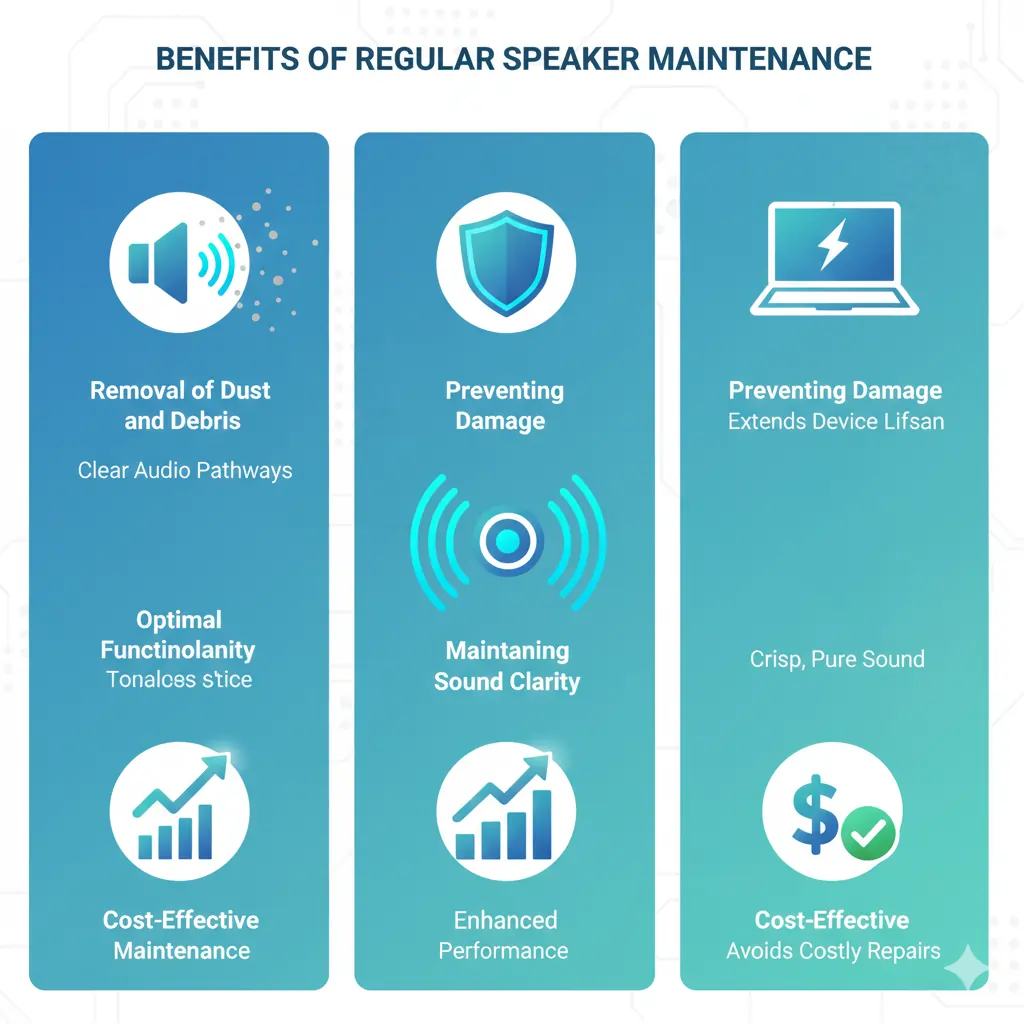
Why Should You Choose Laptop Speakers Cleaner for Improving Sound Quality?
Removal of Dust and Debris
Sound vibration helps loosen tiny particles stuck behind the grill.
Preventing Damage
Cleaning reduces long-term moisture and corrosion risk.
Maintaining Sound Clarity
Clearer audio improves calls, media playback, and work meetings.
Optimal Functionality
Your laptop speakers perform closer to their original quality.
Cost-Effective Maintenance
Regular cleaning can prevent unnecessary technician visits.
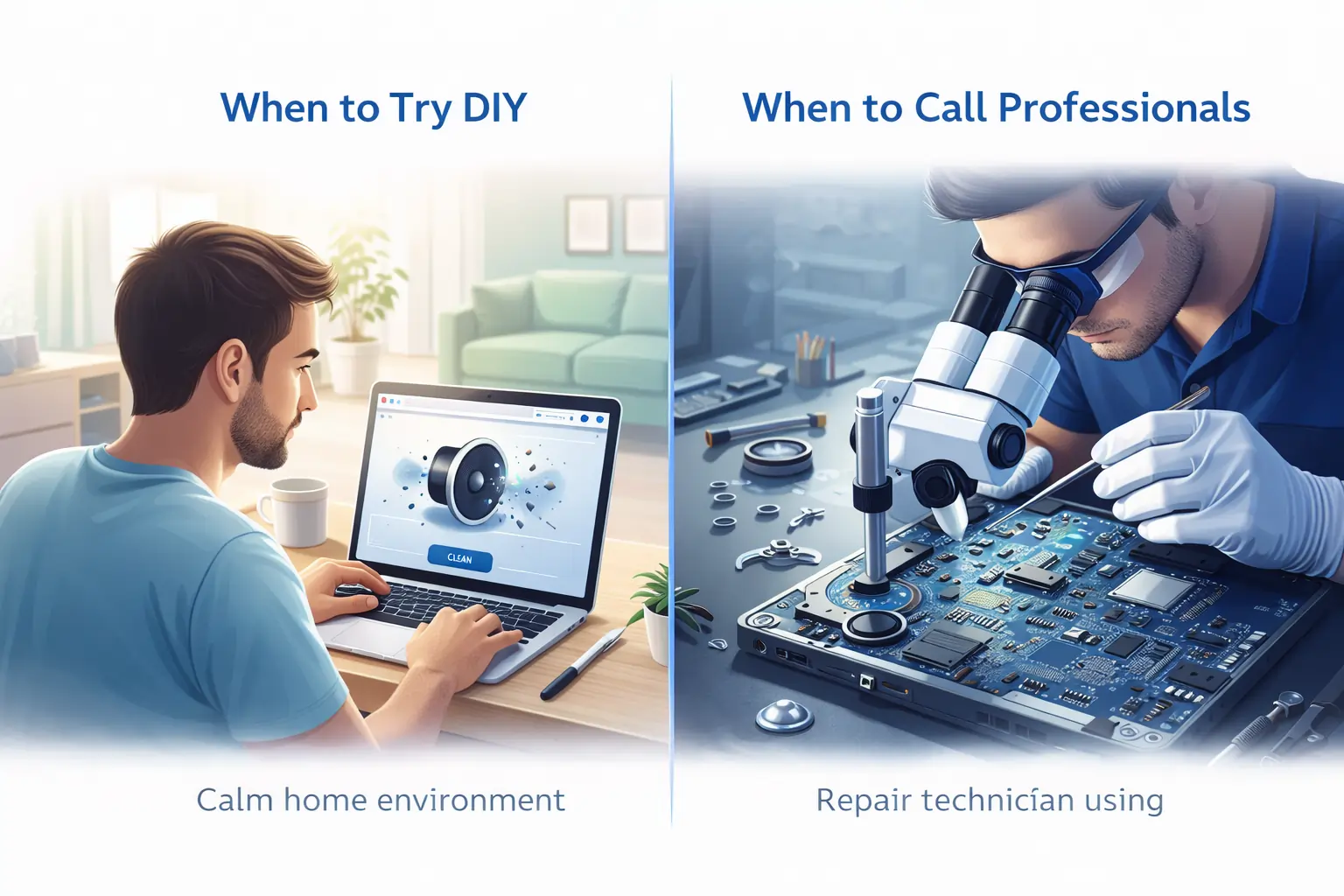
DIY Laptop Speaker Cleaner Repair: When to Try It and When to Call Professionals
When to Try DIY Laptop Speakers Cleaner Repair
You can safely use a Laptop Speaker Cleaner when:
- Sound suddenly feels lower than usual
- Audio is slightly muffled
- No physical damage is visible
- Device has not been dropped or soaked
When to Call Professionals
Seek expert help if:
- Speaker produces crackling noise
- One speaker stops working entirely
- Laptop was exposed to heavy liquid damage
- Audio problems persist after cleaning
A sound-based cleaner is excellent for maintenance, not for hardware failure.
If your laptop audio feels weak or unclear, you can try browser-based cleaning tools available on the Fix My Speaker tools page, designed to safely improve sound without installing risky software. You can also explore more troubleshooting guides and maintenance tips on the Fix My Speaker platform to better understand common speaker and microphone issues. For device-level support, trusted manufacturers provide expert guidance, such as Apple’s official audio and sound troubleshooting documentation and Google’s detailed Android sound support guide. Using reliable tools along with official recommendations gives you a safer and more effective way to restore clear audio.