A Step-by-Step Guide for Troubleshooting Phone Speakers (Fix Any Issue in Minutes)
If your phone speaker suddenly goes silent, sounds fuzzy, or stops working during calls, don’t panic — most speaker problems are completely fixable at home.
From dust buildup to water droplets, software bugs, and volume misconfigurations, even small issues can affect your speaker’s performance.
This guide walks you through easy, safe, and technician-approved steps to diagnose and fix your phone’s speaker — whether the issue is dust, water, low volume, or hardware damage.
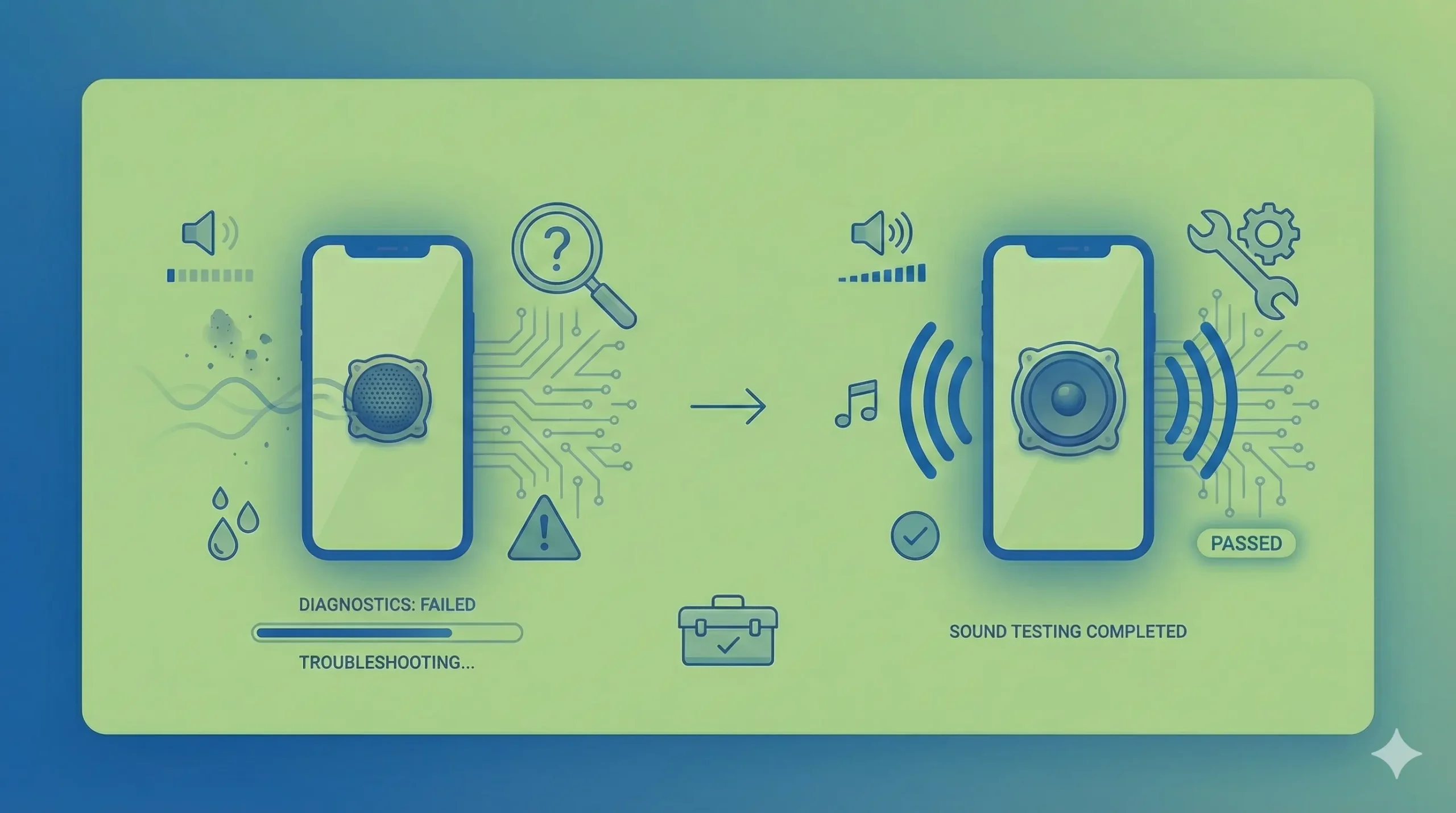
Check the Volume Settings
Many speaker issues come from simple settings like:
- Media volume set too low
- Call volume muted
- Silent/vibration mode turned on
- Bluetooth connected to another device
✔ Quick Fix:
- Press the volume up button.
- Go to Settings → Sound → Volume.
- Check:
- Media volume
- Ring volume
- Call speaker volume
- Disable Bluetooth to avoid audio routing.
Pro Tip:
Some Android phones have a feature called Volume Limit or Hearing Protection. Turn it off to restore full loudness. Step-by-Step Guide for Troubleshooting Phone Speakers
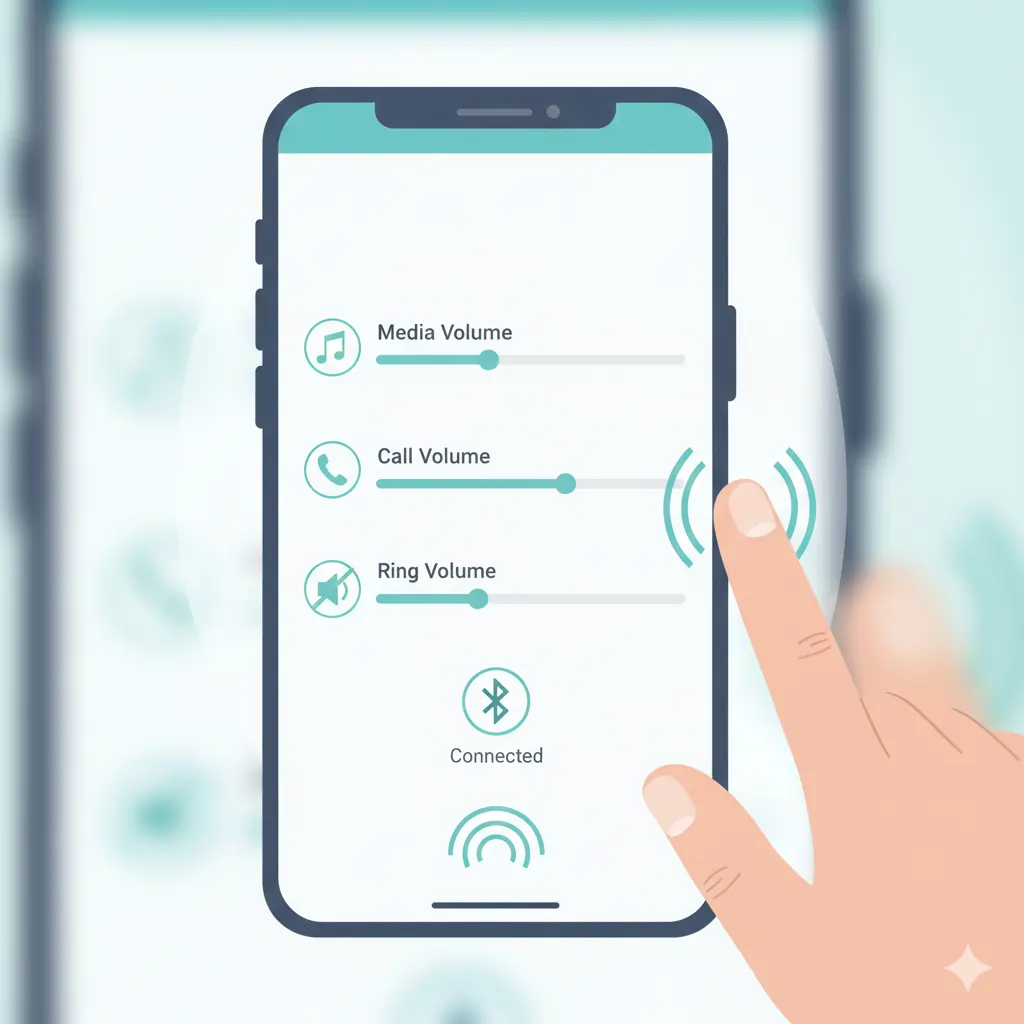
Inspect for Physical Damage
Physical issues cause:
- crackling sound
- distorted bass
- very low volume
- speaker buzzing
Check for:
- dents on the speaker grill
- clogged mesh
- dirt, sand, or pocket lint
- damaged case blocking sound
- swollen battery pushing speaker modules
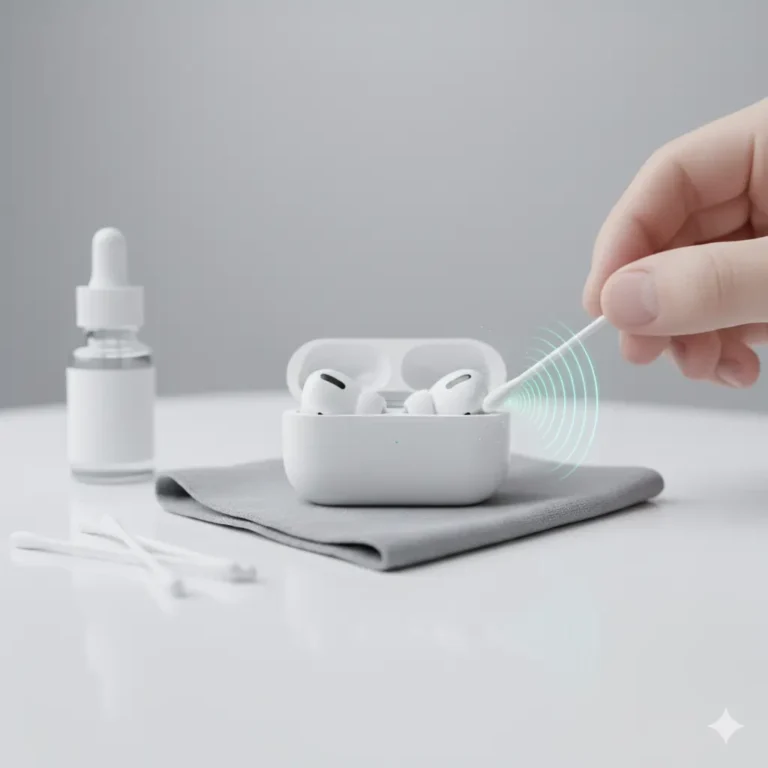
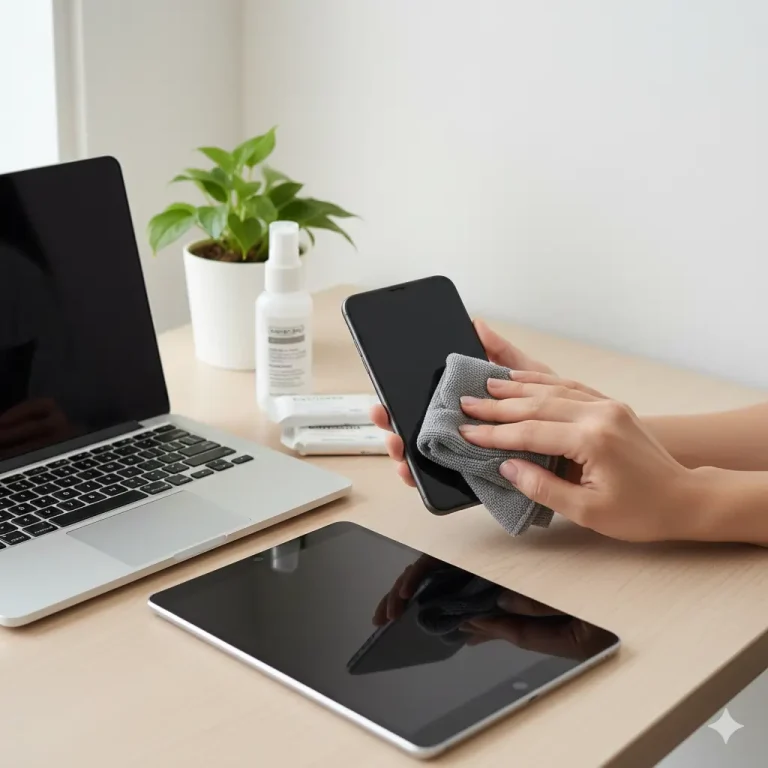
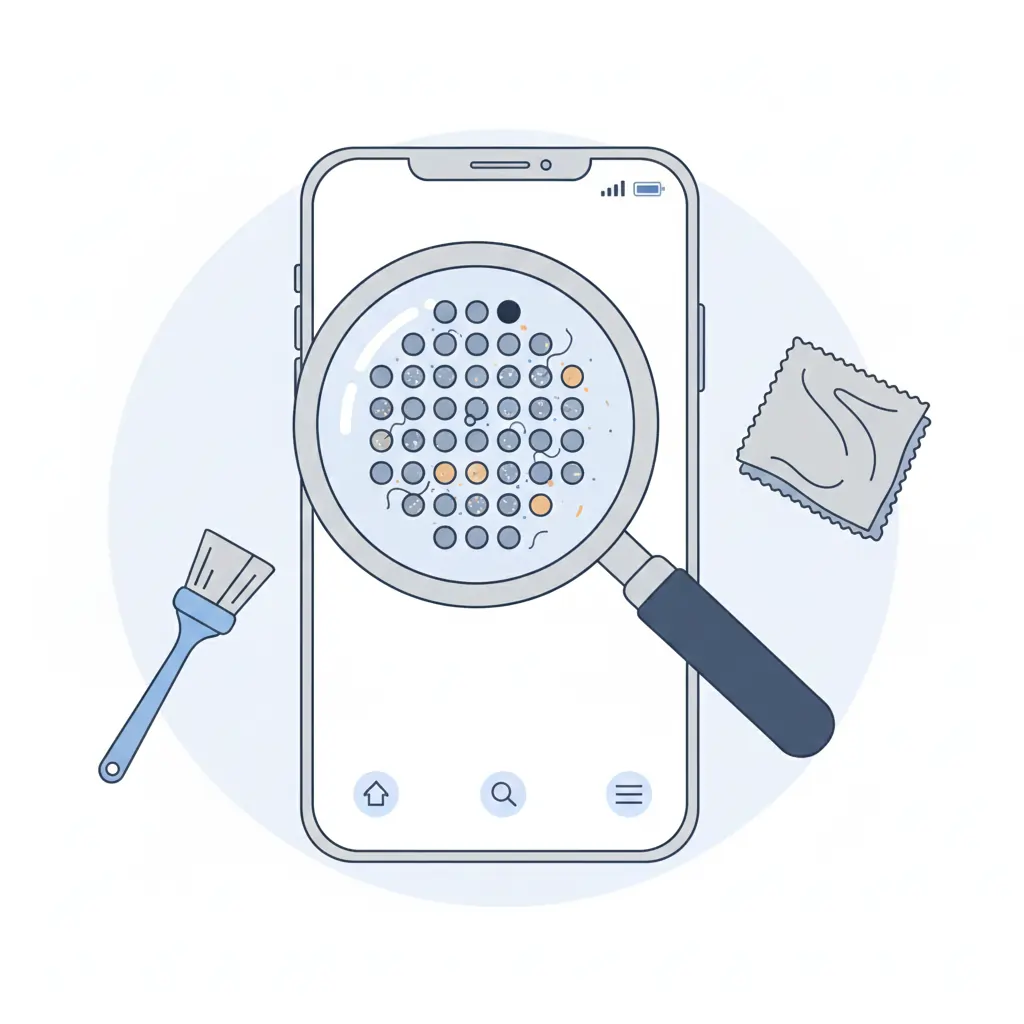
If dust or debris is visible, use:
- a soft brush
- microfiber cloth
- sticky putty (safe cleaning adhesive)
Avoid metal tools — they tear the speaker mesh. Your Step-by-Step Guide for Troubleshooting Phone Speakers
Restart Your Phone
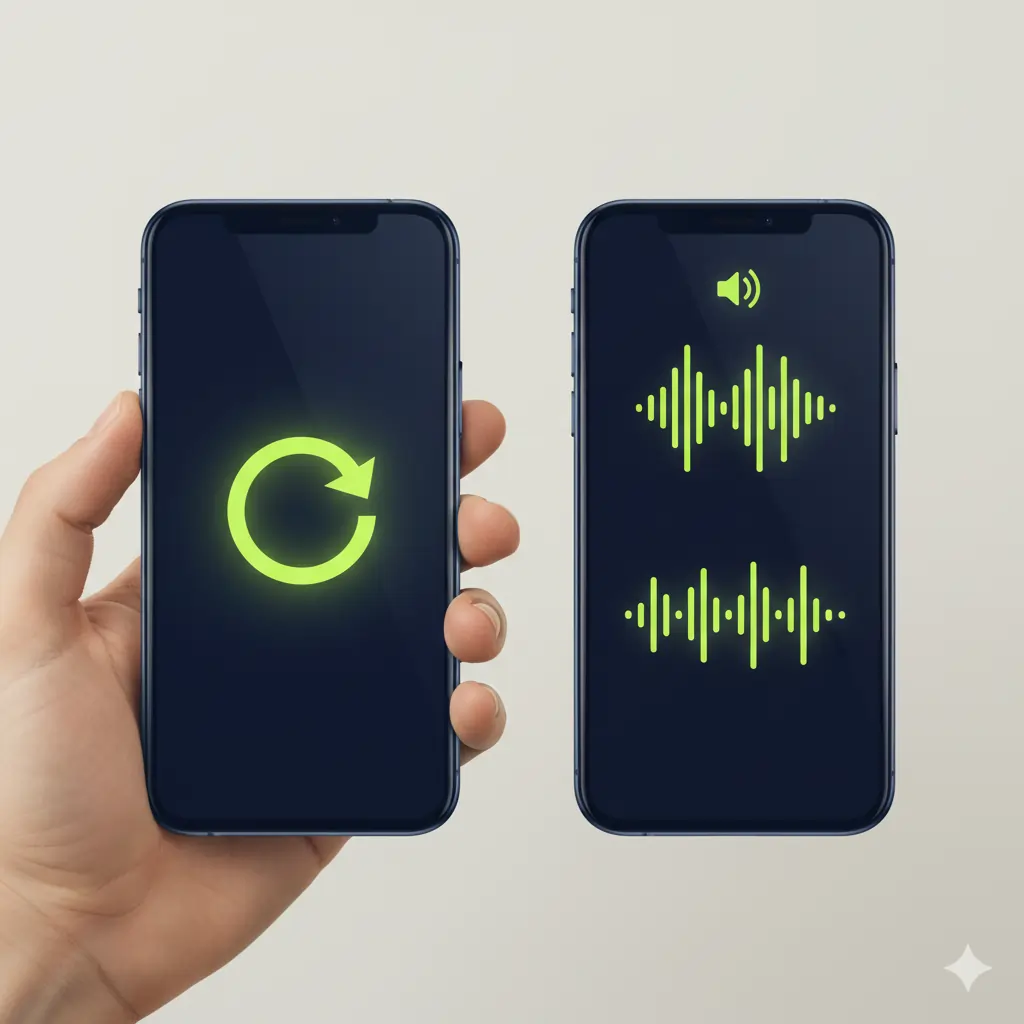
A simple restart can fix:
- audio routing issues
- temporary software bugs
- stuck processes blocking speaker output
Restarting resets your phone’s sound drivers and clears minor glitches instantly with Step-by-Step Guide for Troubleshooting Phone Speakers.
.
Check for Software Issues
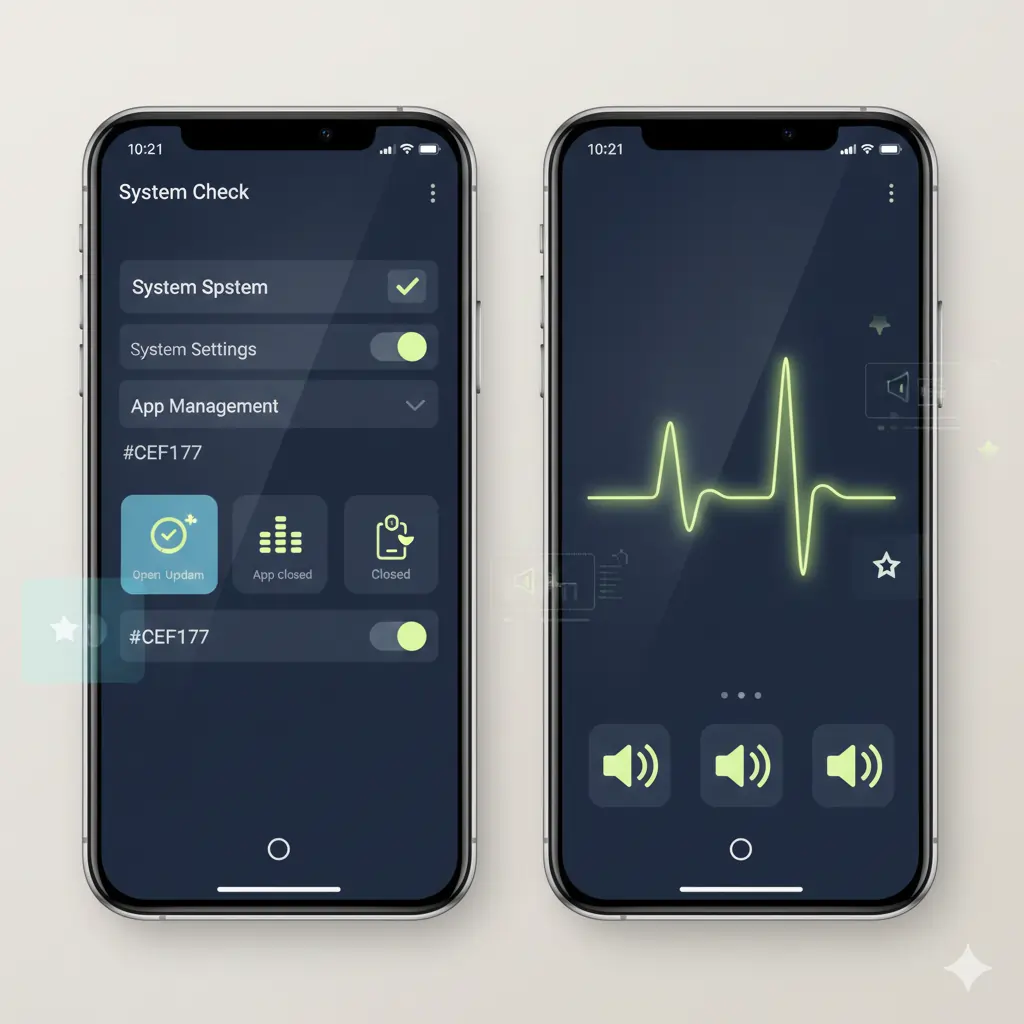
Your speaker problems might come from:
- corrupted apps
- OS bugs
- audio processing glitches
- equalizer conflicts
- noise reduction issues
✔ Fixes to Try:
- Close all apps
- Update your operating system
- Disable Dolby Atmos or sound effects
- Turn off noise cancellation (for calling speaker issues)
If the speaker works in Safe Mode, an installed app is the culprit.
.
Test the Speaker
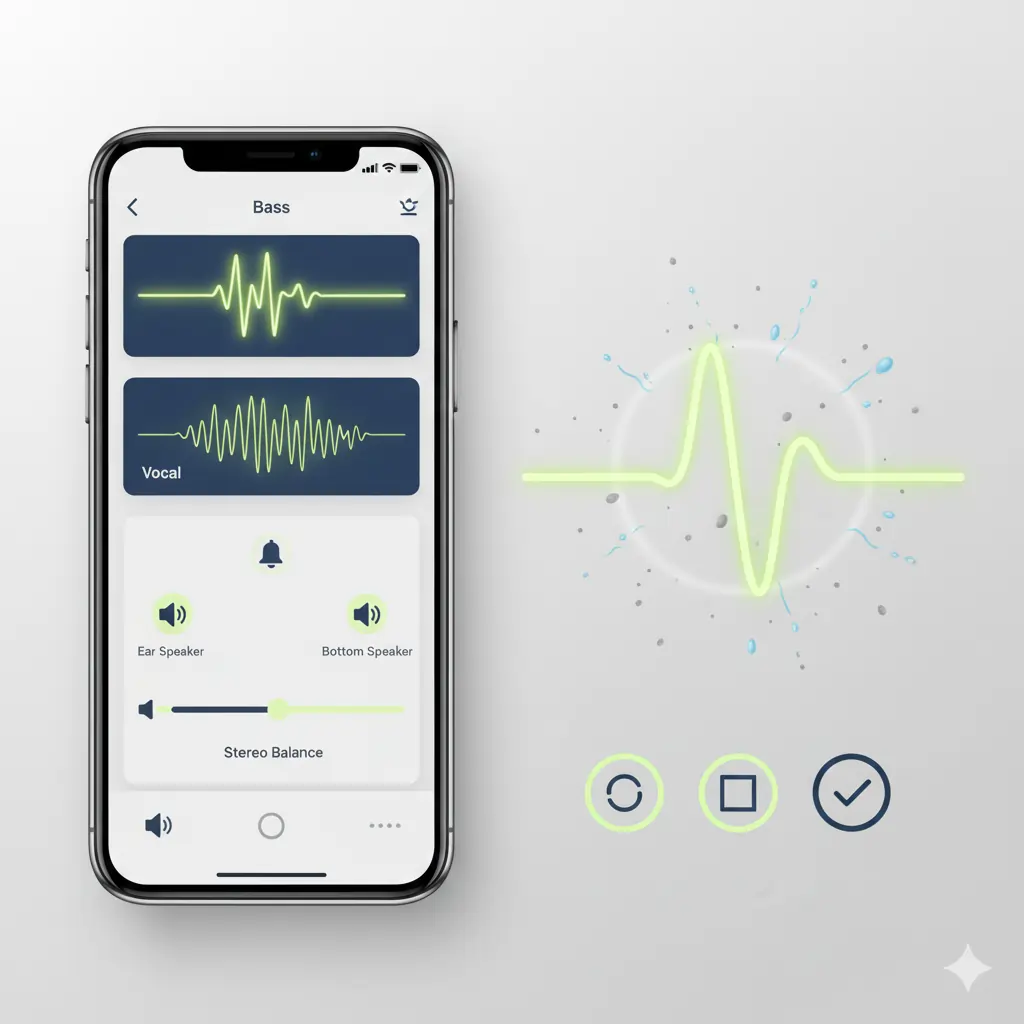
Before assuming hardware failure, run a proper audio test.
🔊 Ways to Test:
- Play different audio types (bass, vocals, ringtone)
- Use stereo balance test
- Try ear speaker vs. bottom speaker separately
- Use online tone generators
If the sound is muffled or vibrating, your speaker may have dust or water inside.
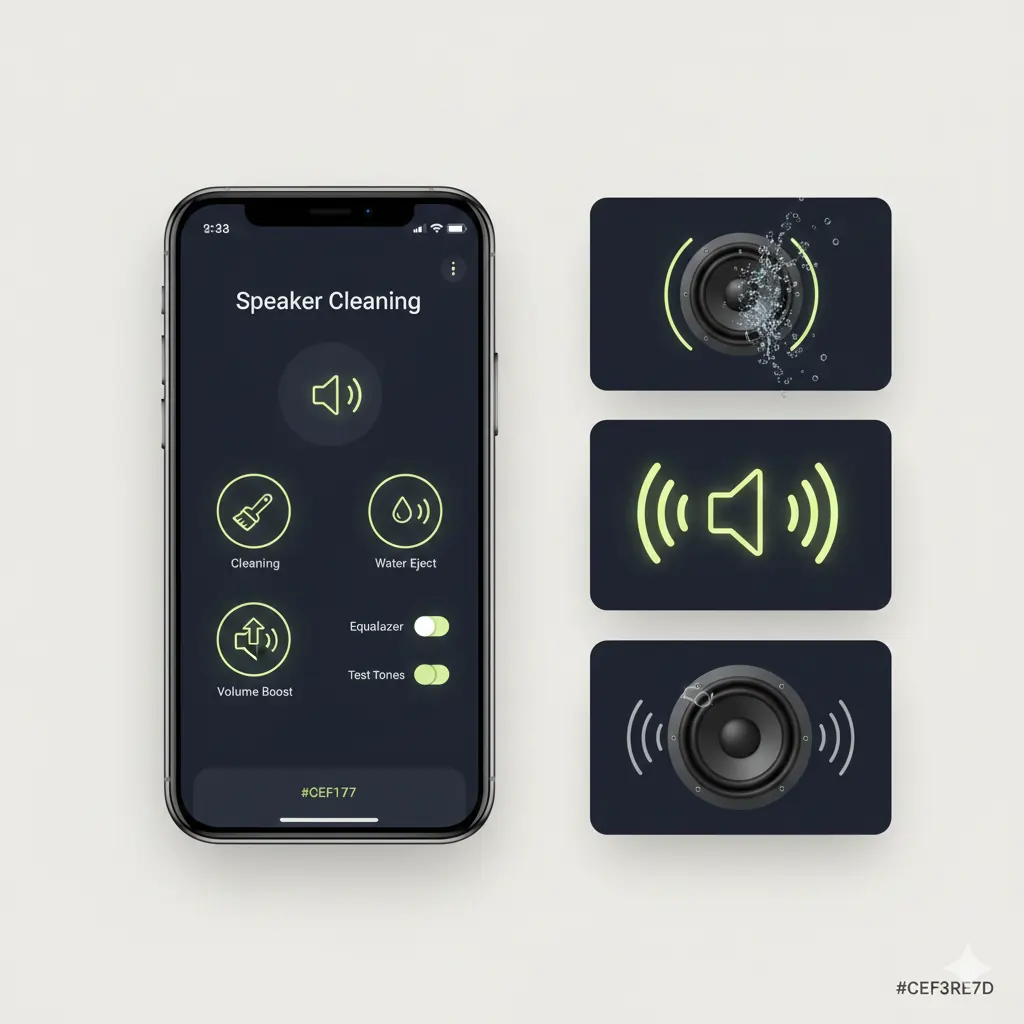
For quick cleaning, use a sound-based tool like Fix My Speaker (sound waves help remove trapped water & dust safely).
.
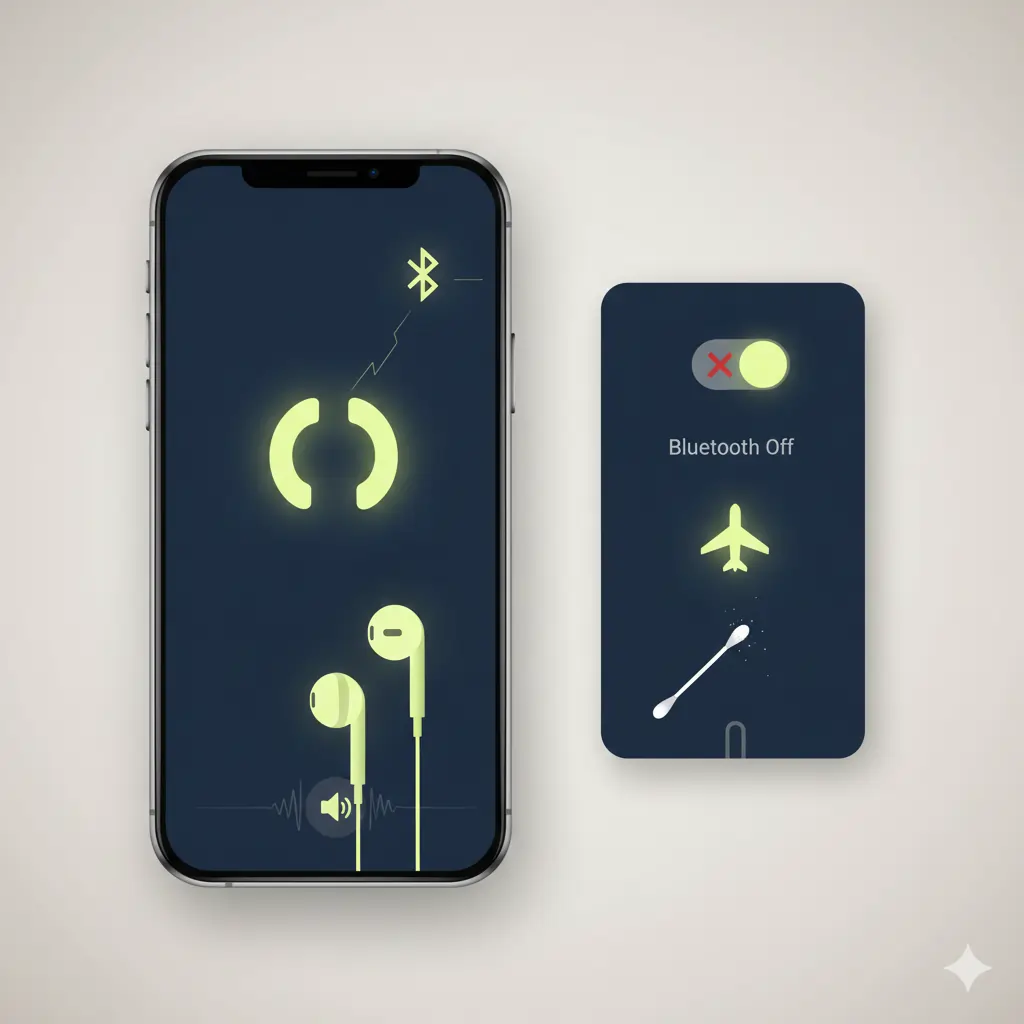
Use Headphones or Bluetooth
If your:
- wired headphones are detected even when unplugged
- Bluetooth stays connected
- audio switches to another device
…your phone will mute the main speaker.
✔ Try This:
- Turn Bluetooth off
- Clean the headphone jack
- Restart the phone
- Toggle Airplane Mode
If the phone still thinks headphones are connected, lint may be blocking the jack.
.
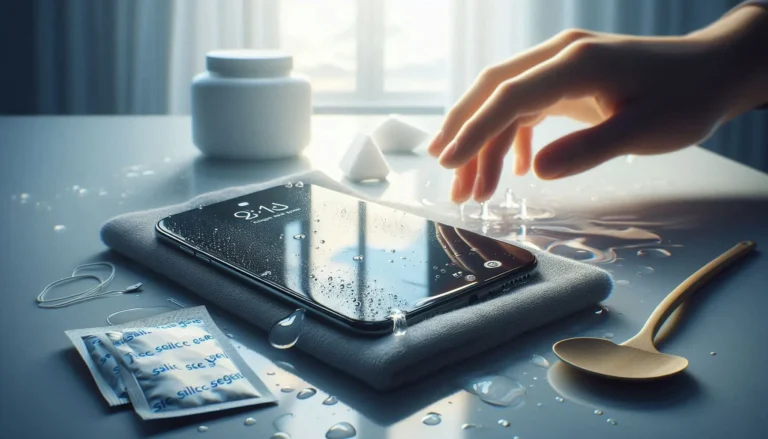
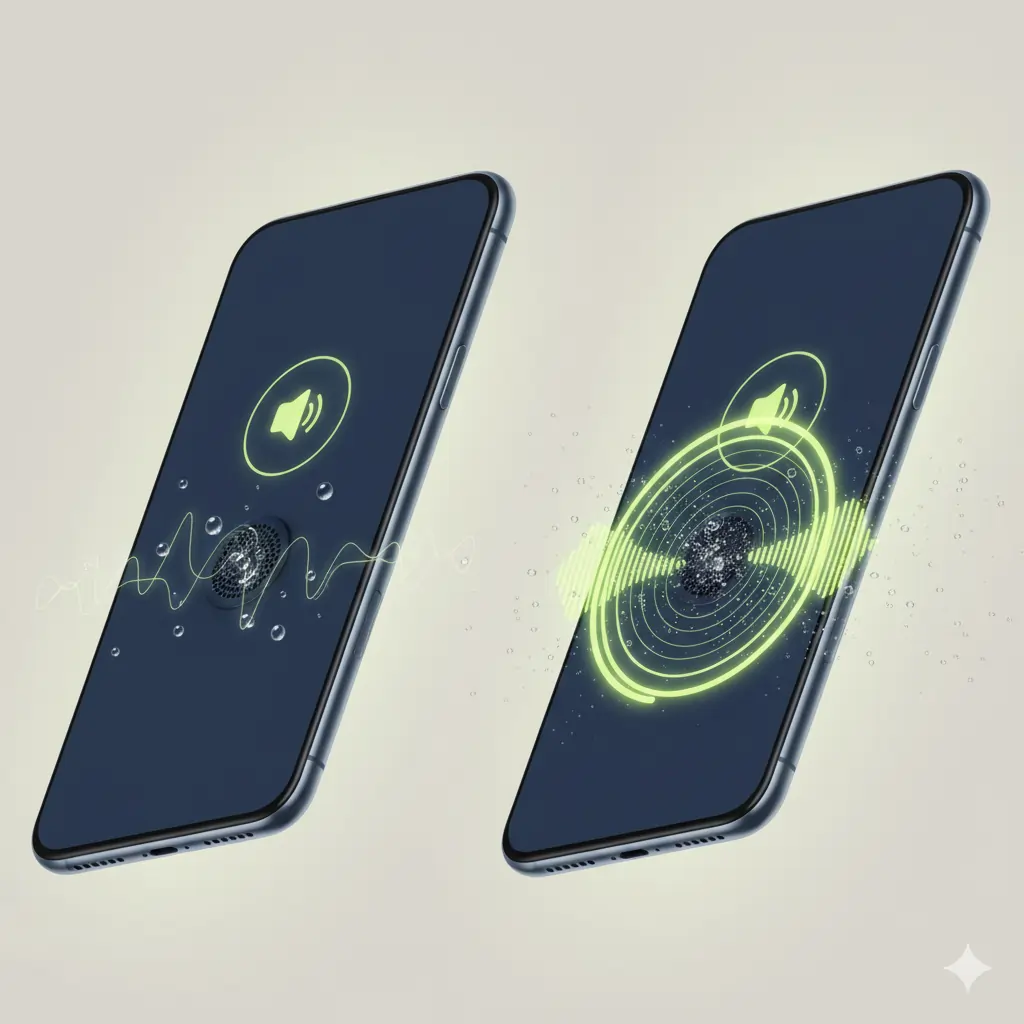
Check for Water Damage
Symptoms of water inside speakers:
- muffled sound
- low volume
- buzzing sound
- distortion
- callback speaker not working
Instead of using:
✘ Hairdryers
✘ Heaters
✘ Rice (ineffective & risky)
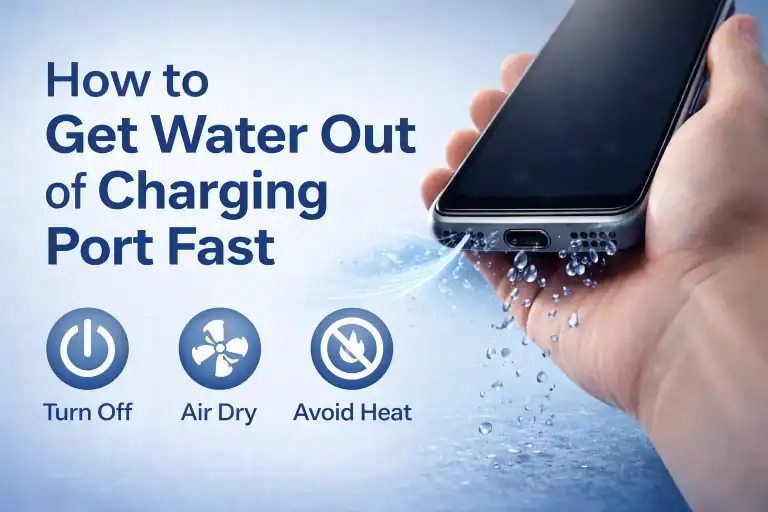
Use sound-frequency water ejection, similar to what Apple uses in the “Water Eject Shortcut.”
Water can sit inside the speaker chamber — vibration helps push it out quickly and safely.
.
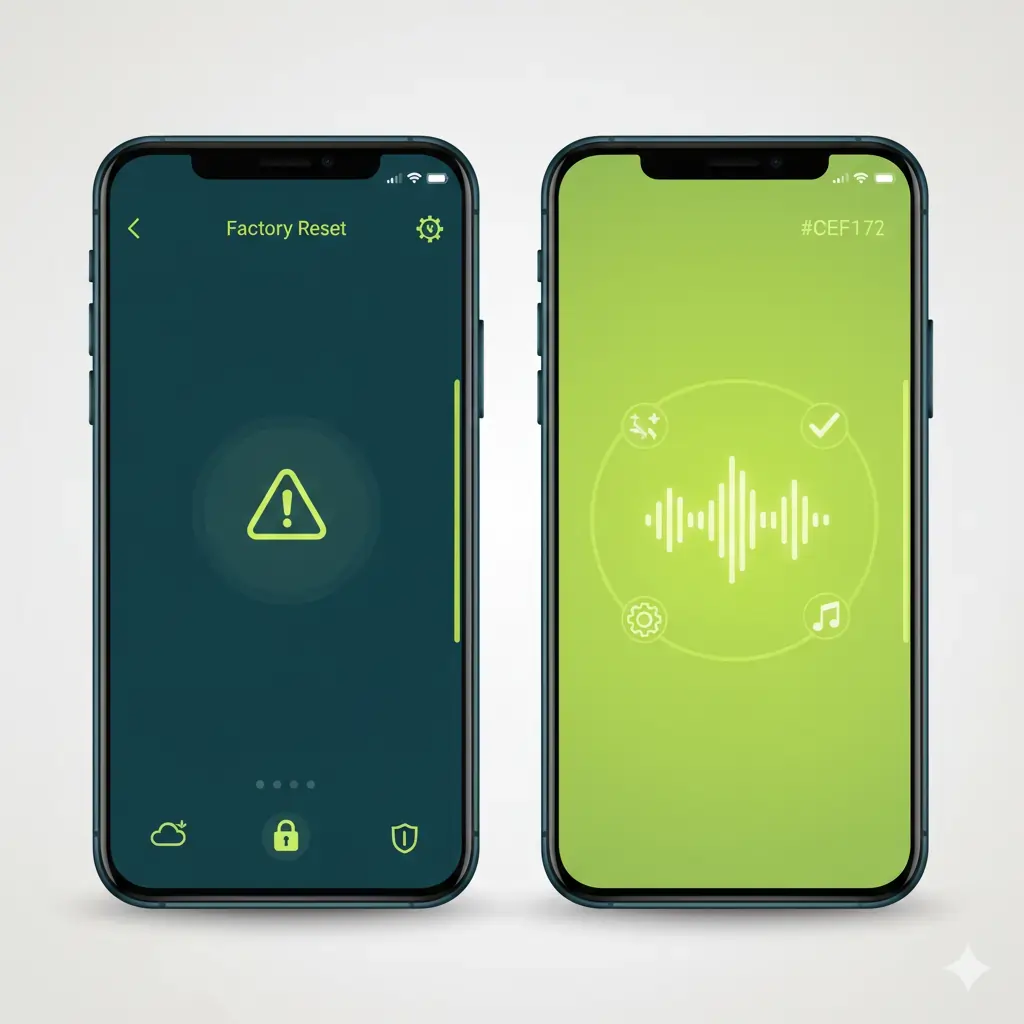
Factory Reset (Last Resort)
If none of the above fixes work, the issue might be deep within:
- corrupted audio drivers
- conflicted system processes
- malware
- broken audio configurations
A factory reset restores your device to fresh software condition.
⚠️ Backup your data before resetting.
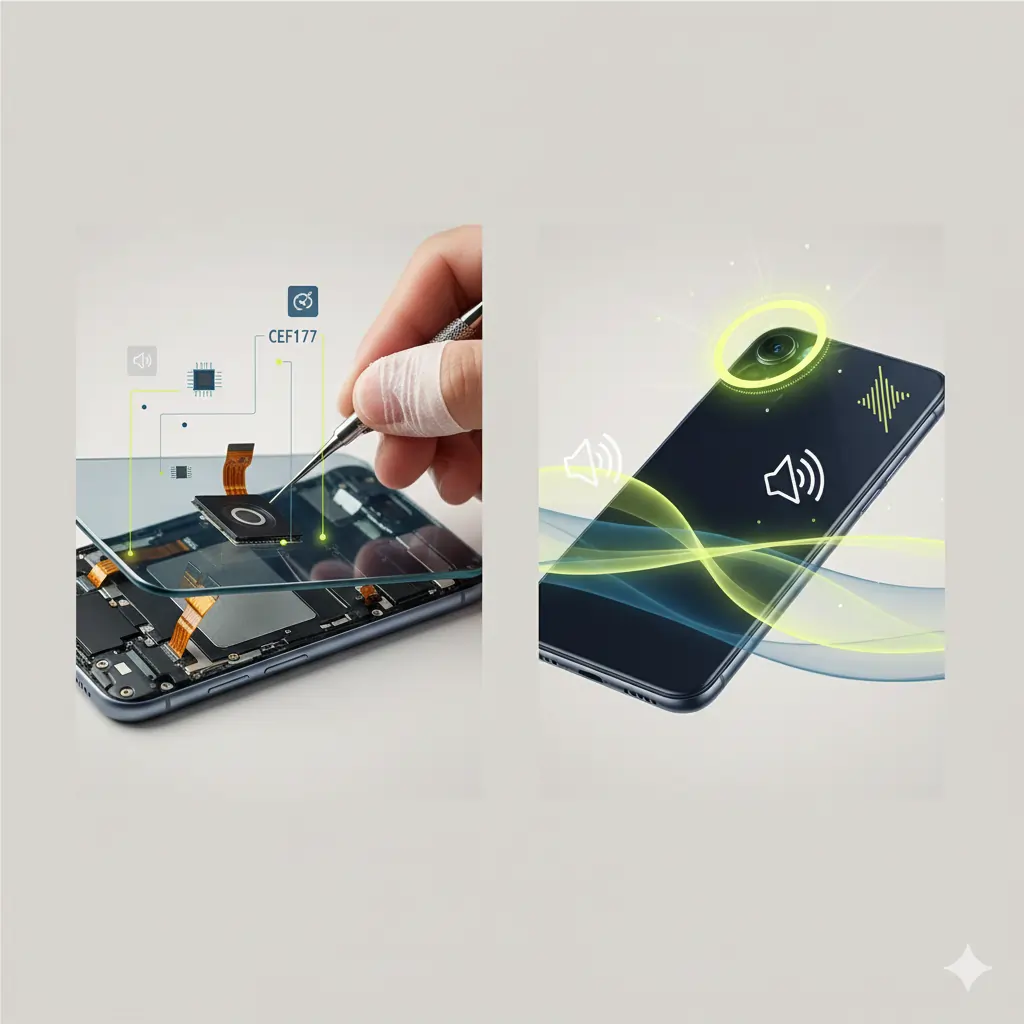
Professional Repair
Seek professional help if:
- the speaker is silent permanently
- internal components are damaged
- the speaker mesh is torn
- motherboard audio IC is faulty
A technician may need to:
- replace the speaker module
- repair the audio IC chip
- reconnect loose flex cables
Good news: most speaker replacements are affordable and quick.
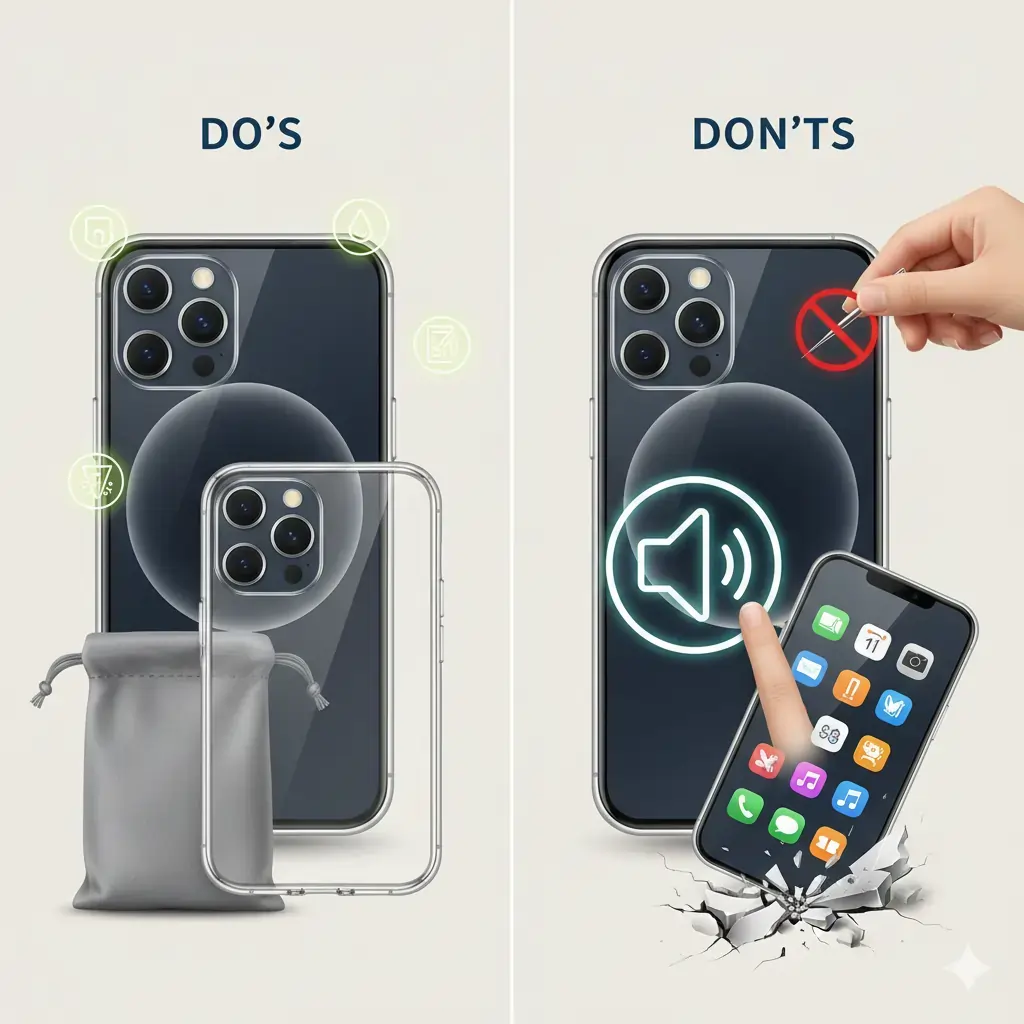
Preventive Measures
Protect your phone speaker long-term:
✔ Do This:
- Clean speaker grills weekly
- Avoid using the phone in bathrooms (moisture trap)
- Use cases that don’t block speaker vents
- Keep the phone away from water and dust-heavy environments
- Use a soft pouch in pockets to avoid lint buildup
✘ Avoid:
- Needle cleaning
- High-volume listening for long periods
- Dropping the device
- Blocking speaker vents with fingers (puts pressure on diaphragm)
Related Posts
- How to Clean Your Phone Speaker
- How to Get Water Out of Your Phone
- How to Increase Your Speaker Volume
If your phone speaker still isn’t working after trying all the basic fixes, it’s a good idea to check the manufacturer’s official troubleshooting guide. For detailed instructions on water ejection, audio issues, and safe repair steps, visit Apple Support for expert guidance.